How to set up a WhatsApp Business AI agent: a practical guide for 2026
Choose the right setup, connect your business data, plan for WhatsApp fees, and test the agent before customers depend on it.


TL;DR
A useful WhatsApp AI agent should finish a customer task, such as finding availability, booking a service, sending a payment link, or handing the conversation to the right person. Start with one job and build around it.
- Choose Meta Business Agent for a simple, native setup if your business is eligible and its current features cover the job.
- Choose a managed platform such as Visito’s WhatsApp AI agent when the conversation needs live data, bookings, payments, follow-up, several channels, or a shared team inbox.
- Build directly on Cloud API when your developers need a custom workflow and can own webhooks, hosting, security, templates, and monitoring.
- Before launch, prepare your Meta business assets, one reliable source of business information, a human handoff owner, and at least 25 realistic test conversations.
- Budget for Meta’s message charges and any software or integration fees. Our WhatsApp Business API pricing guide tracks the details.
What should a WhatsApp AI agent actually do?
Picture a customer asking at 9:42 PM whether Saturday’s reformer class still has space. A quick reply helps. A useful reply gives the live time, price, and availability, then lets the customer reserve the spot.
That same pattern works for a hotel room, a tour, a restaurant table, a product order, or a service appointment. The agent understands the request, checks the right system, takes the approved action, and keeps the conversation moving.
This is the difference between an FAQ bot and an agent connected to the business. The FAQ bot repeats what is already on your website. A connected WhatsApp AI agent can check current information, collect the details it needs, send a secure payment link, confirm the result, and pass an unusual case to your team with the conversation intact.
WhatsApp reaches more than 3 billion people across over 180 countries. That reach matters because customers already use the channel. The setup still has to earn their trust with accurate answers and a clear next step.
What changed for WhatsApp AI agents in 2026?
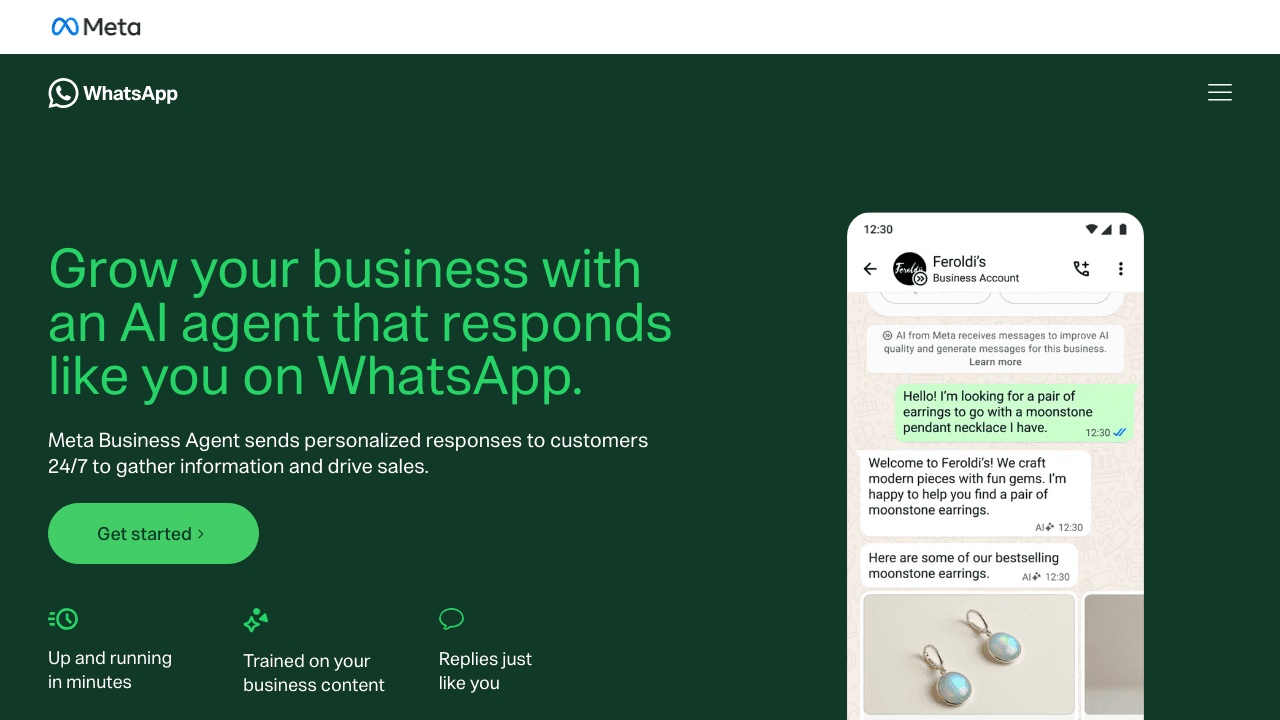
Businesses now have three credible setup routes: Meta’s own agent in the WhatsApp Business app, a managed platform that runs on WhatsApp Business Platform, or a custom build on Cloud API.
Meta Business Agent is the newest route. Meta says eligible businesses in selected markets can set it up inside the WhatsApp Business app, teach it from past chats and business content, test its replies, and define when a person should take over.
The WhatsApp Business Platform remains the foundation for managed platforms and direct integrations. It gives businesses a way to connect WhatsApp with booking software, CRMs, payment flows, catalogs, and team inboxes.
- Meta Business Agent works inside Meta’s own tools and currently depends on account and market eligibility.
- Managed platforms handle most of the API plumbing while the business sets its information, rules, integrations, and handoff process.
- Cloud API gives a development team the most control and the most operational responsibility.
- WhatsApp’s 24-hour customer service window, template rules, consent requirements, and message pricing still apply to Platform-based setups.
Which WhatsApp AI agent setup should you choose?
Choose the lightest setup that can complete the customer’s request and still give your team control. The longest feature list rarely tells you which product will work inside your business.
Ask this during every demo: can the agent complete the task in our system, or will it only tell the customer what to do next? Product access and policy links in this section were checked on September 15, 2026.
| Setup | Best for | What you will own |
|---|---|---|
| Meta Business Agent | Eligible businesses that mainly need answers, recommendations, lead details, and simple sales or support conversations inside Meta’s tools | Business content, instructions, testing, audience controls, and human handoff |
| Managed platform such as Visito | Teams that need live availability, bookings, payments, cancellations, follow-up, several channels, or a shared inbox | Business rules, approved content, connected systems, staff workflow, and performance review |
| Direct Cloud API build | Businesses with developers, unusual workflows, or data requirements that existing platforms cannot cover | Access tokens, webhooks, hosting, security, templates, integrations, monitoring, and maintenance |
When does Visito make more sense?
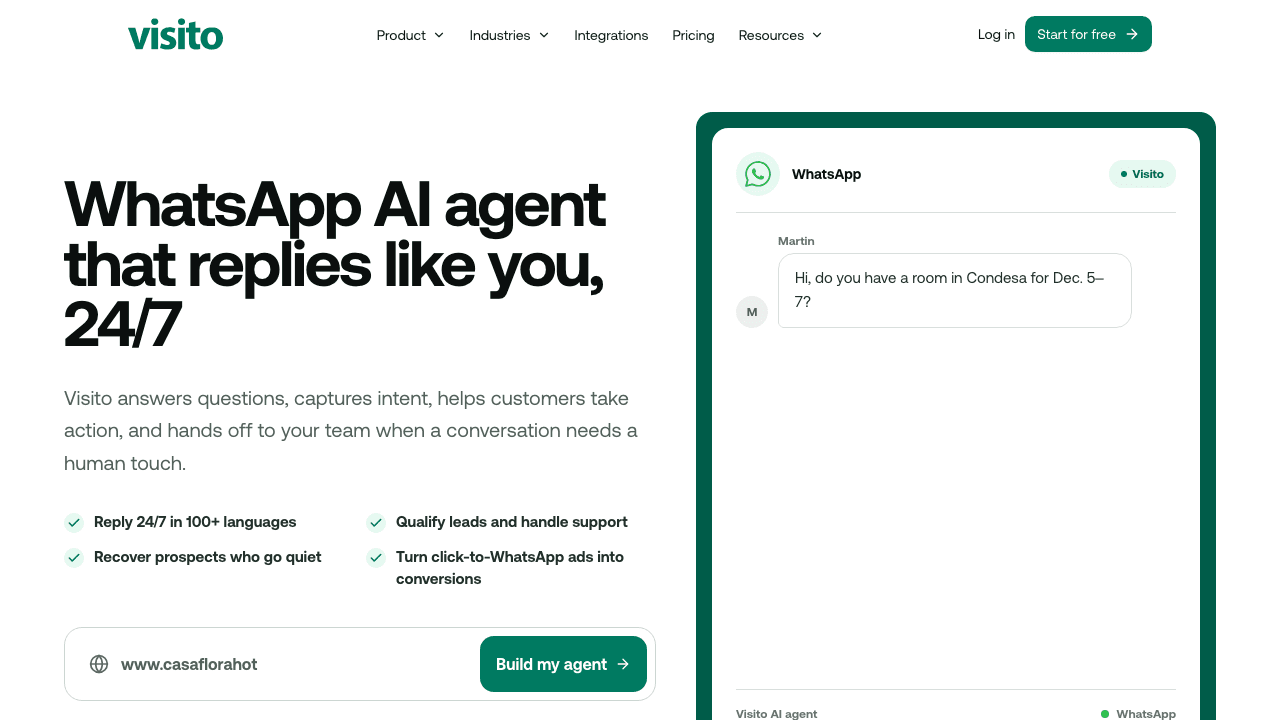
Visito makes sense when a reply depends on information that changes during the day, or when the customer expects the business to do something inside the chat.
A hotel, for example, can connect Cloudbeds so the agent can use live availability, rates, booking status, and policies. An ecommerce team can connect Shopify so the agent has product, order, and customer context. Other businesses can connect supported booking, payment, or customer systems through Visito integrations.
The same agent can work across WhatsApp, Instagram, Messenger, and website chat, while staff handle exceptions from one inbox. That is useful when customers move between channels or several people share responsibility for conversations.
Meta Business Agent may cover a business that mainly needs answers, lead capture, and recommendations inside Meta’s tools. Visito earns its place when live systems, completed actions, automatic follow-up, or team operations are part of the job. You can review Visito pricing or start free with the questions customers already ask.
What do you need before you start?
A reliable launch needs more than a WhatsApp number. You need an owner for the project, a source of truth for the agent, and a person who will handle exceptions.
For a Platform setup, the standard Meta assets are a business portfolio, WhatsApp Business Account, and business phone number. A direct Cloud API build also needs access tokens, a webhook endpoint, the right permissions, phone-number registration, and two-step verification. A managed platform normally guides or handles those technical steps during onboarding.
- A Meta business portfolio owned by your business
- A WhatsApp Business Account, usually shortened to WABA
- A business phone number you can verify by SMS or voice
- One approved source for prices, hours, policies, services, and common questions
- Access to any booking, scheduling, CRM, inventory, or payment system the agent must use
- A named person or team for human handoff
How do you set up a WhatsApp Business AI agent?
A reliable setup follows seven steps. Begin with a customer request you already receive, then build the shortest working path from the first message to the finished task.
1. What should the agent finish?
Write one observable outcome. “Answer WhatsApp messages” leaves too much open. “Help a customer find an available class and reserve it” gives the agent a finish line.
List the five to 10 requests that create the most work or lost revenue. A studio might start with class availability, trial bookings, cancellations, membership questions, and payments. A hotel might choose room availability, rates, policies, reservation changes, and add-ons.
2. Which setup route fits that job?
Use Meta Business Agent when its current access and features cover a simple job. Choose a managed platform when the agent needs live business systems or shared team operations. Build on Cloud API when your developers need controls that an existing platform cannot provide.
3. How will customers start the right conversation?
Connect or create the Meta assets required by your route, verify the phone number, and complete the business profile. Add clear entry points on the pages where customers hesitate, such as product pages, booking pages, price lists, and confirmation emails.
A WhatsApp deep link can open the correct business chat and prepare a message with context. “Is there space in the 6 PM class?” is far more useful than a blank chat opened from a generic contact button.
Before moving an active number, understand the migration or WhatsApp Business coexistence path. Confirm what will happen to the app, chat history, linked devices, and staff access.
4. Where does the correct answer live?
Upload approved policies and common answers. Connect live systems for information that changes, such as rates, availability, inventory, order status, or customer records.
Give each fact one owner. If today’s class price appears in two spreadsheets, the agent has no reliable way to know which one is right.
5. When should a person take over?
Define what the agent may answer, what it may change, and which topics go straight to staff. Complaints, payment disputes, medical details, legal questions, and requests outside policy often need a person.
WhatsApp requires a prompt and clear escalation path when a business uses automation. Test the transfer itself: who gets notified, how fast they respond, and whether they receive the full conversation.
6. Which permissions and templates do you need?
Get opt-in permission before your business starts a later conversation. Honor opt-out requests wherever the customer makes them.
Prepare approved templates for reminders, booking updates, authentication, and marketing messages that may be sent outside the 24-hour window. Keep the message faithful to its approved category. A booking reminder should stay a booking reminder.
7. How will you know the agent works?
Use at least 25 anonymized conversations from real customers. Include misspellings, changed dates, two questions in one message, cancellations, complaints, unavailable inventory, and system outages.
Check whether the agent finds the right answer, uses current data, completes the action, and hands off with context. Then watch the first 100 live conversations closely. Track resolution without staff correction, conversion to the desired action, response time, failed handoffs, opt-outs, and cost per completed task.
How much does a WhatsApp AI agent cost?
There are two bills to consider: Meta’s WhatsApp charges and the fee for the software or team running the agent. Setup, integrations, payment processing, extra channels, and staff seats may add to the total.
Meta prices Platform messages by message type and the market linked to the customer’s phone number. Through September 30, 2026, ordinary service replies inside the 24-hour window remain free. From October 1, each business phone number receives 1,000 free service messages per month, then Meta charges per delivered reply. Utility templates sent inside the 24-hour window also become chargeable.
Meta Business Agent follows a separate token model. Meta currently lists a global price of $2 per million tokens. Third-party products set their own subscription or usage fees, and Platform message fees can still apply.
Use our WhatsApp Business API pricing guide for the current categories, country rates, free windows, and worked examples. Ask any provider for a complete monthly estimate at your normal volume and your busiest volume.
How should the agent sound on WhatsApp?
Write for a small screen and a person who wants to get something done. A good message is short, specific, and easy to answer.
Skip the long welcome menu. If someone asks, “Is there space in the 6 PM reformer class?”, return the live result and offer the booking step. Buttons help when the options are clear. Free-form replies help when the customer needs to explain.
The agent should say when it cannot confirm something. “I can’t make that change, so I’m passing this to the team” gives the customer a clear outcome and protects trust.
Which WhatsApp AI agent mistakes cost the most?
The expensive failures usually come from unclear ownership, stale information, and weak handoff. The language model is only one part of the system.
- Stopping at FAQ answers when the customer still needs to book, pay, change, or cancel something
- Connecting duplicate or outdated sources instead of naming one owner for each fact
- Launching without a staffed handoff path and response-time expectation
- Sending business-initiated messages without clear opt-in and opt-out handling
- Collecting full card numbers or other sensitive identifiers in chat instead of using a secure page
- Testing only the happy path and discovering cancellations, complaints, or system outages after launch
Frequently asked questions
Can I create a WhatsApp AI agent without coding?
Yes. Meta Business Agent and managed platforms can handle the technical setup. You still need to define the job, approve the information, connect the right systems, and test the result.
Do I need a WhatsApp Business Solution Provider?
Cloud API is available for direct builds, so a provider is not required for every setup. A managed provider is useful when your team does not want to run access tokens, webhooks, hosting, security, templates, integrations, and monitoring.
Can I keep my current WhatsApp Business number?
Often, yes. The available migration and coexistence options depend on your number, account, provider, and market. Confirm what will happen to the app, chat history, linked devices, and staff access before registration.
How long does setup take?
A basic no-code agent can be configured quickly once the required accounts are ready. Production readiness takes longer because the team must verify business information, connect systems, define policies, test exceptions, and prepare templates.
Can a WhatsApp agent book, take payments, or cancel?
Yes, when the agent is connected to the system that owns the booking and to a secure payment flow. WhatsApp carries the conversation. The integration checks availability, writes or changes the reservation, and returns the confirmation.
What happens after the 24-hour customer service window?
Outside 24 hours from the customer’s last message, a Platform-based business must use an approved template to contact them. The category and the customer’s phone-number market determine Meta’s charge.
Is a WhatsApp Business AI agent secure?
Security depends on the full setup. Limit data access, protect Meta credentials, keep clear retention rules, publish a privacy policy, and route payments to a secure checkout. WhatsApp’s Business Messaging Policy says businesses should avoid asking customers to share full card numbers, bank account numbers, or other sensitive identifiers in chat.
What should you do next?
Pick one customer request that ends in a visible result. Then test whether the setup you are considering can complete that result with your current systems and a clear human handoff.
Visito connects WhatsApp, Instagram, Messenger, and website chat with supported business systems. Depending on your setup, the agent can check live information, help customers book, send payment links, follow up, handle cancellations, and move complex conversations to your team.
Start free and test the agent with the messages your customers already send.