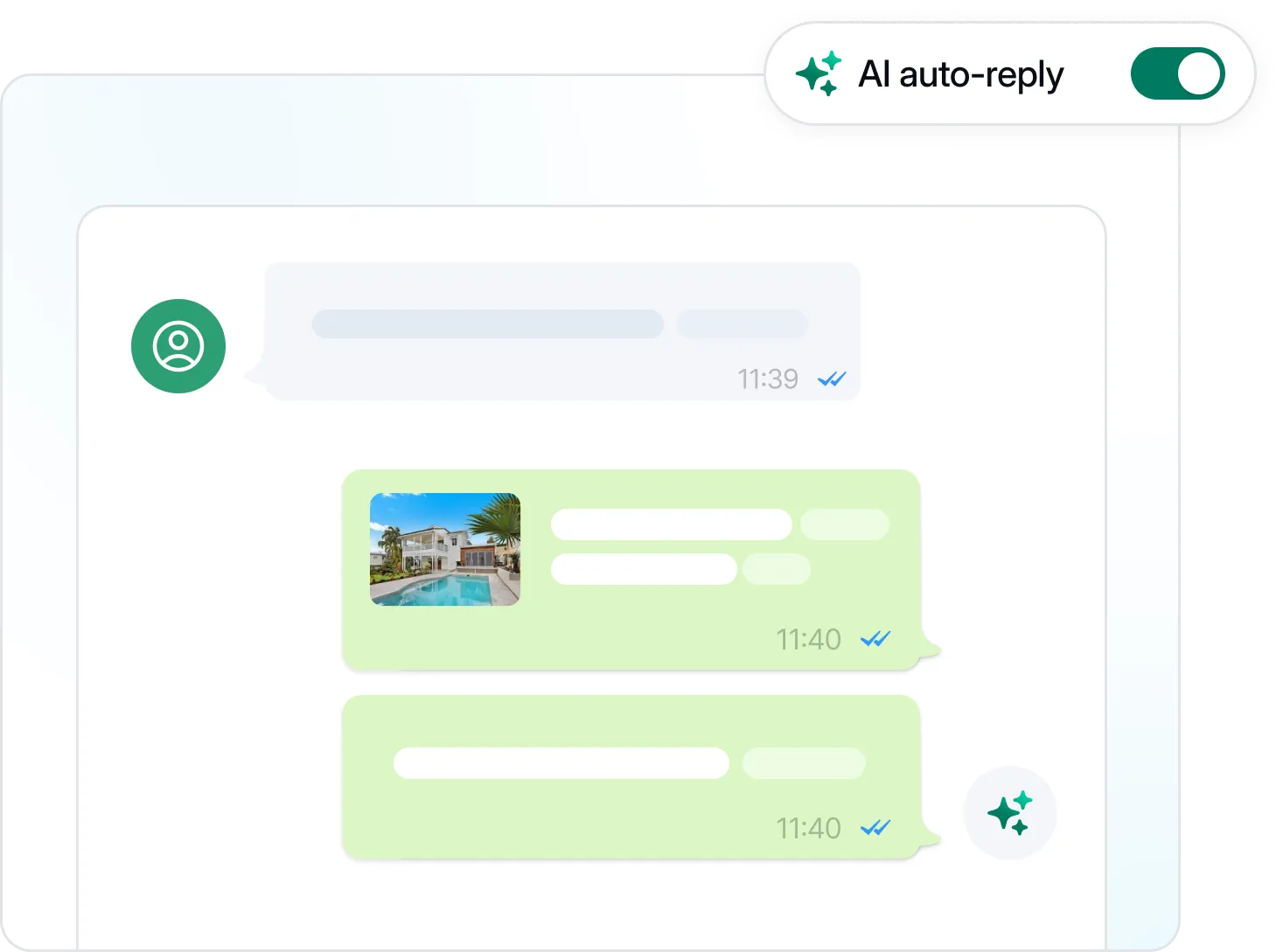
Low latency responses
Visito replies to customers instantly, handles multiple conversations at once, and does not go offline.
Visito answers questions, captures intent, helps customers take action, and hands off to your team when a conversation needs a human touch.
Martin
Hi, do you have a room in Condesa for Dec. 5–7?
Visito
Yes. I found a Deluxe Suite with a balcony for those dates at $189 per night.
I can hold it for two guests and send the secure payment link here.
Next step ready
Booking option prepared
Live availability, rate, and payment path stay inside the conversation.
Your WhatsApp AI agent reads incoming messages, understands what customers want, and replies automatically. Visito can fetch live context from supported systems, recommend the right next step, send payment links, and route complex requests directly to your team. It handles text, voice notes, and images across 100+ languages.
Businesses use it to stop losing opportunities to slow replies, recover customers who go quiet, and convert message volume into support, sales, and marketing outcomes.
Visito also recovers abandoned conversations. If a customer asks a question, requests a quote, and then goes quiet, it can follow up automatically with a personalized message and the right next step.
98%
WhatsApp messages have a 98% open rate, far higher than email.
80%+
Visito's AI agent can handle most routine customer questions without human handoff.
3x
Faster follow-up helps high-intent conversations move toward purchase, booking, or handoff.
No custom prompts to write, and no Meta infrastructure to manage. Just ready to go from day one.
Visito replies to customers instantly, handles multiple conversations at once, and does not go offline.
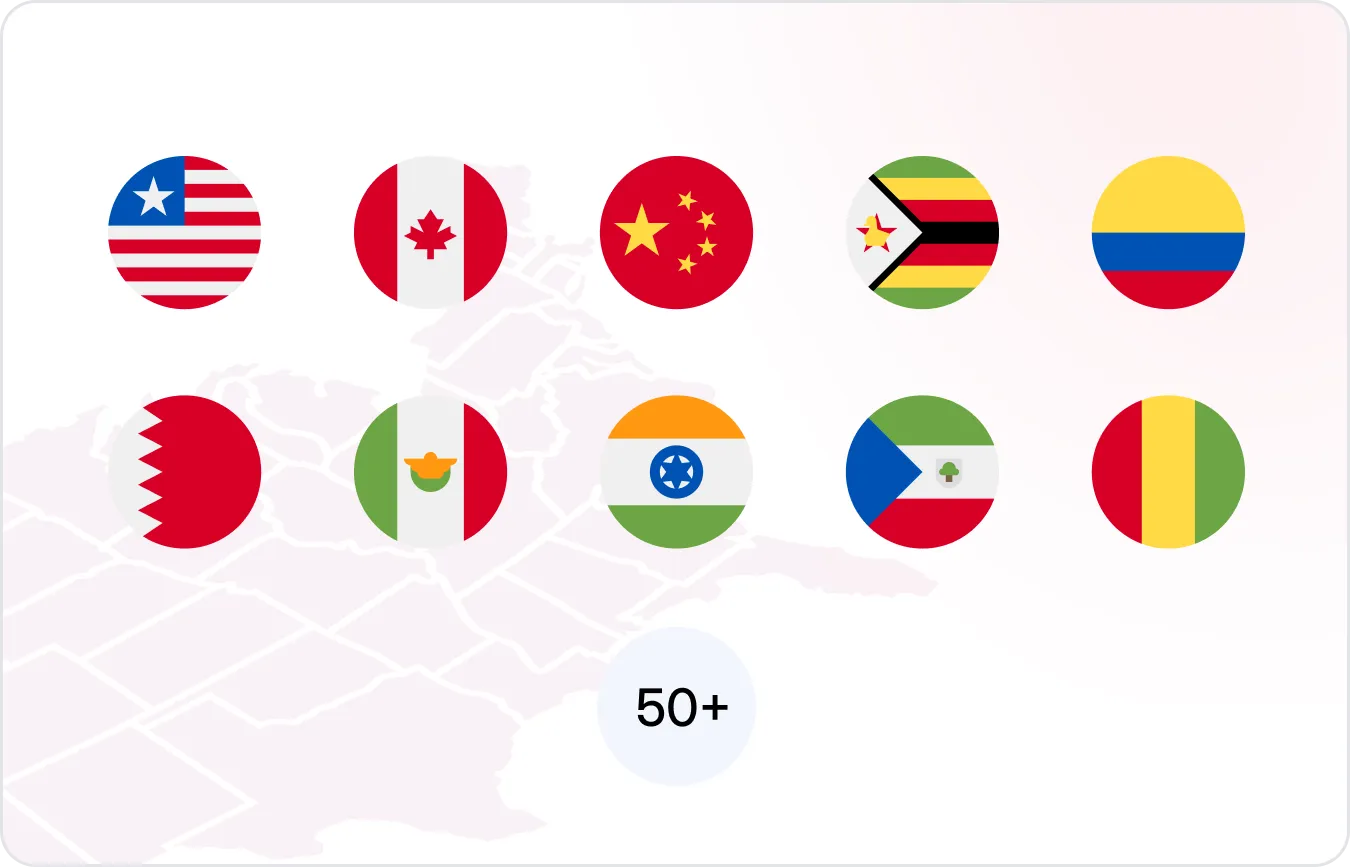
Detects the customer's language automatically and responds natively in 100+ languages.
Visito connects to supported systems to fetch pricing, availability, inventory, or customer context, then helps customers take the next step in the same chat.
Handle images, videos, and PDFs, and respond with interactive buttons, lists, and media.
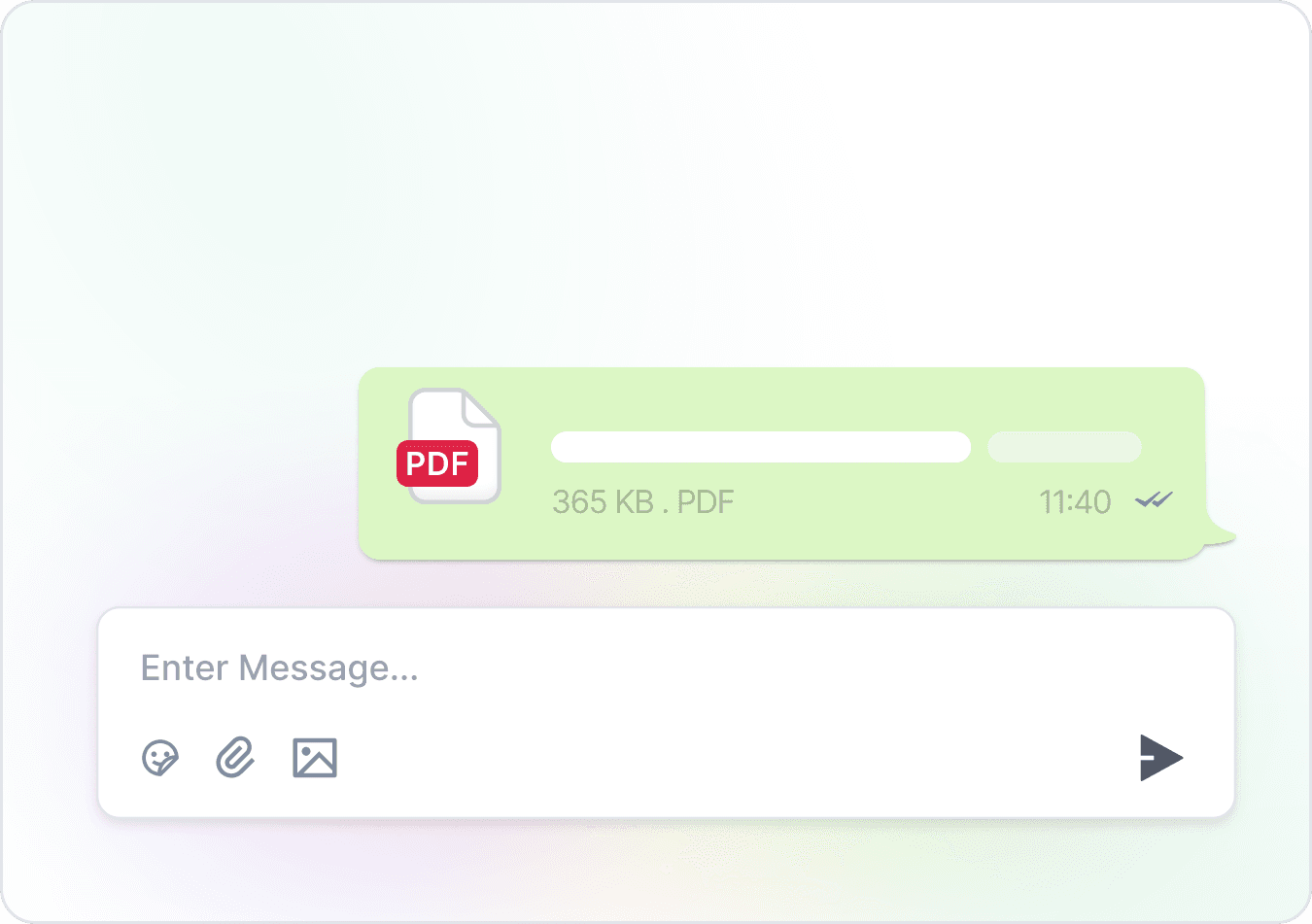
Send automated messages throughout the customer journey, triggered by real events, not just schedules.
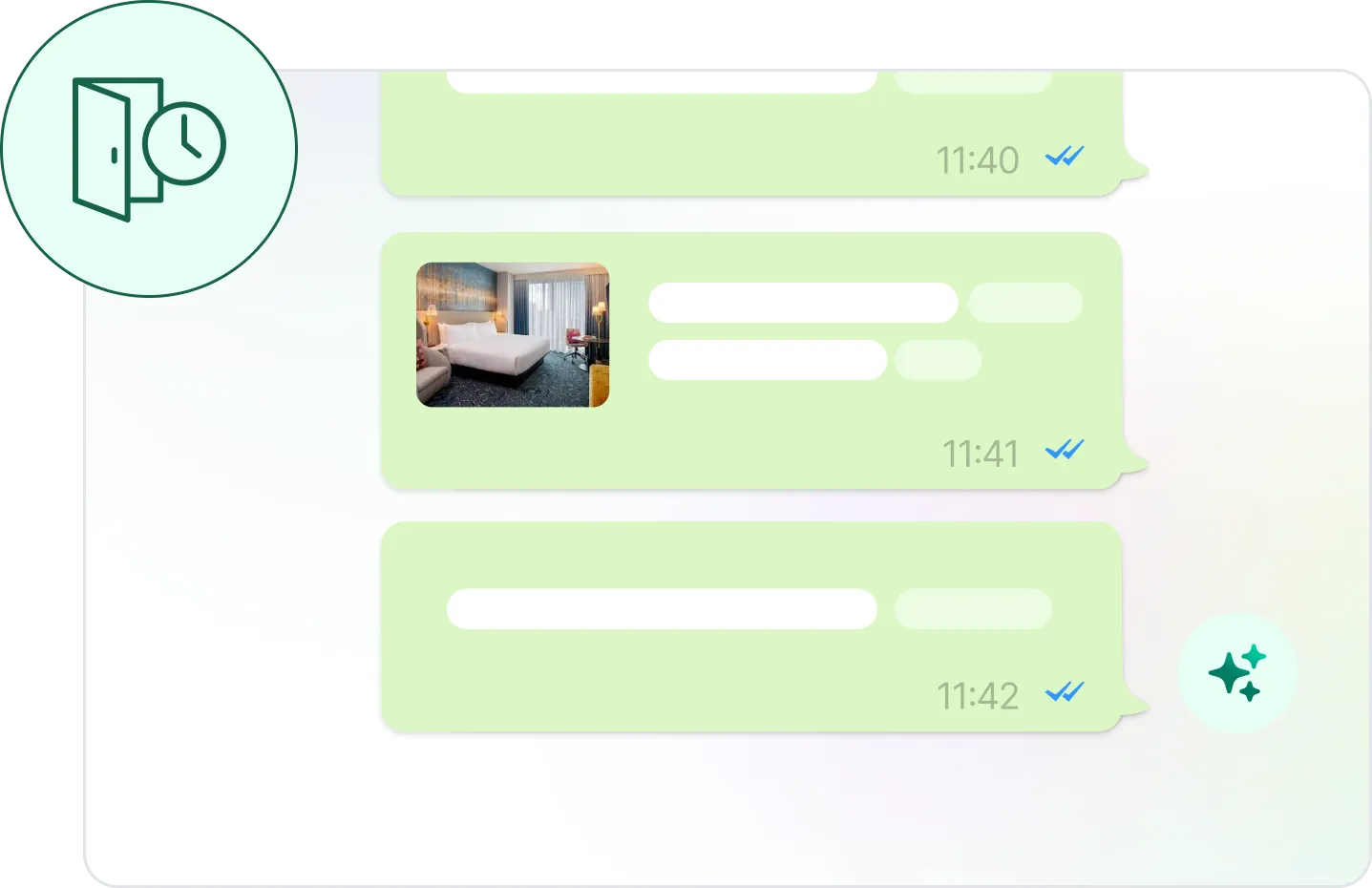
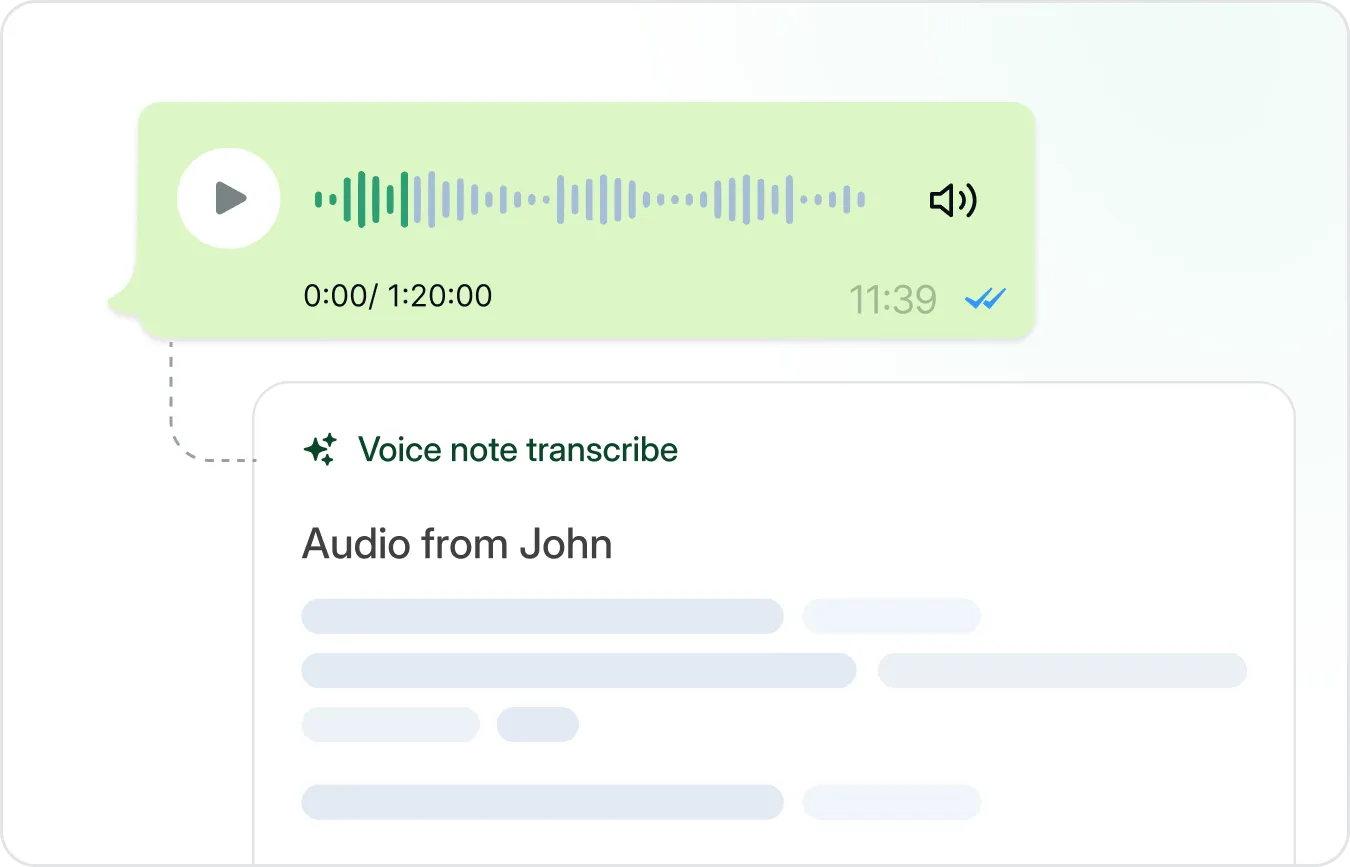
Customers send a voice note; Visito transcribes it, understands it, and replies.
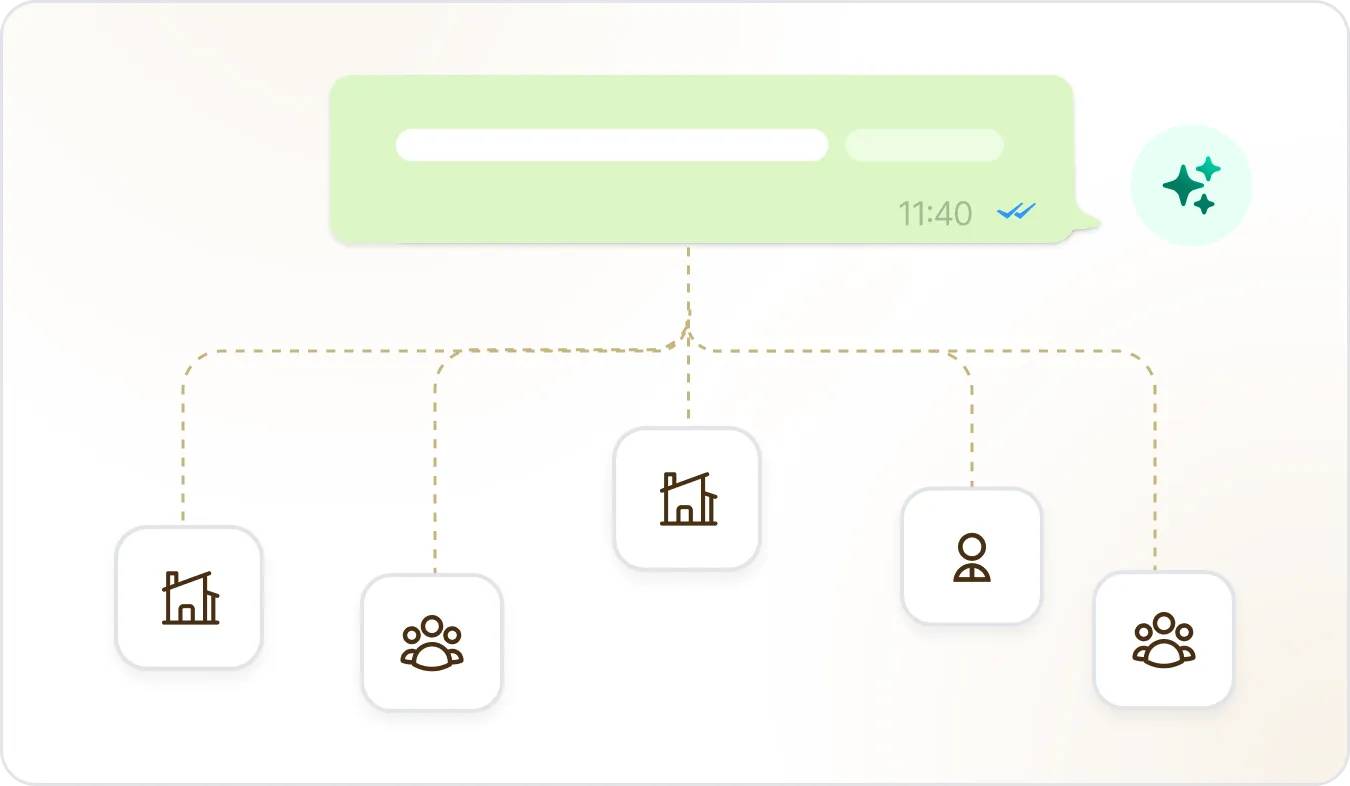
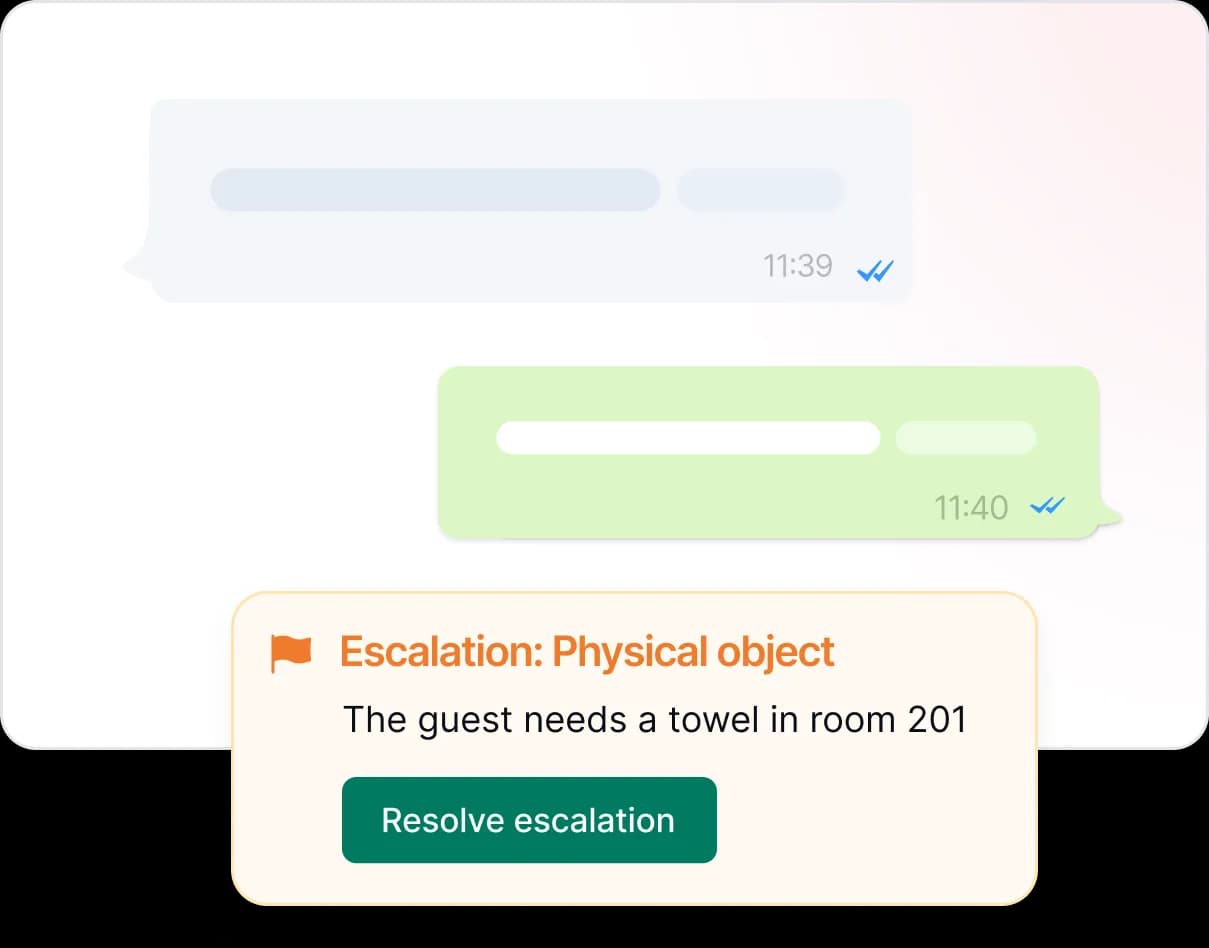
When a customer needs more help, Visito passes the conversation to your team with full context already attached.
Use a native integration or connect any system with an API so your agent can look up information and take action during a conversation.
Many teams choose the WhatsApp Business API for its deeper integration and higher messaging limits. But if you want the fastest possible setup without changing anything, WhatsApp's coexistence function gets you live in minutes.
| Connection method | What it is | Best for |
|---|---|---|
| WhatsApp Business API | A direct connection where Visito manages your number through Meta's Business API. Deeper integration, higher messaging limits, full automation. | Businesses that want maximum control and scale. Works with a brand-new number or your existing one. |
| WhatsApp Business App coexistence | Keep your existing WhatsApp Business App number active on your phone and run the AI agent in parallel through Visito. | Businesses that want a low-friction setup without migrating anything. |
The preferred setup for teams that want deeper integration, higher limits, and full automation. Works with a new number or your existing one.
To connect your existing number to the Business API, it first needs to be unlinked from the WhatsApp app. Rather than deleting it, which wipes your chat history, go to Settings → Change number and move your account to a secondary number. Your full conversation history moves with it, your original number is freed up for Visito, and customers keep reaching you on the same number they already know.
Your WhatsApp Business App keeps running on your phone exactly as it does today. Visito runs alongside it. Nothing to migrate, nothing to reconfigure.
Visito's REST API lets you send WhatsApp template messages directly without coding. Businesses and agencies use it for outbound campaigns, reminders, review requests, lead follow-ups, and one-off broadcasts.
Generate an API key, point your preferred AI coding tool at the Visito API docs and your customer list, and describe the campaign you want in plain English. It handles the rest.
Generate your API key
Open your Visito dashboard, create a key, and copy it somewhere safe. The key authenticates every call you make.
Hand your stack to an AI tool
Paste the API key, the Visito API docs, and your customer list into Claude Code, Codex, or any AI coding assistant. Describe the campaign you want in plain English.
Send the campaign
The AI assistant generates the script that authenticates against the Visito API and sends your templated WhatsApp messages. Review the dry run, then ship it.
Connect your WhatsApp Business number
The agent learns from your knowledge base
Set rules for when to hand off to your team
Automated follow-ups and alerts go live
Manage everything from one shared inbox
A WhatsApp chatbot follows fixed scripts and decision trees. A WhatsApp AI agent uses large language models to understand free-form messages, voice notes, and media, then takes actions like checking availability, recommending options, sending payment links, or updating connected systems through API calls.
Yes. Visito is an official Meta Business Partner. Your AI agent runs on the WhatsApp Business API with a verified business number, green checkmark eligibility, and full template messaging support.
Visito connects with supported commerce, hospitality, fitness, messaging, website, and payment tools, including Google Sheets, Shopify, Stripe, ABC GloFox, Cloudbeds, WordPress, WhatsApp, Instagram, Messenger, and WebChat. You can also connect any system with an API using Connect a system in Visito.
Yes. The agent can send a secure payment link inside the conversation and keep payment context connected to the customer thread.
100+, including English, Spanish, Portuguese, French, German, Italian, Mandarin, Japanese, Arabic, and Hindi. Detection is automatic.
Most businesses can start testing Visito quickly after connecting their WhatsApp Business number, knowledge sources, and supported tools.
Visito has a free website chat plan with 100 monthly credits, and WhatsApp is included from the Starter plan at $9/month. Pricing scales with message volume across three tiers. See full pricing.
No. Visito is built for businesses that manage support, sales, bookings, or leads through messaging. Hotels remain an important use case, but Visito also works for many customer-facing teams.
Yes, with either method. Coexistence is the fastest way and keeps your number active on the WhatsApp Business App while Visito runs in parallel. If you want the tighter Business API integration on the same number, you can use WhatsApp's "Change number" feature to move your existing chat history to a secondary number, then connect the freed-up original number to Visito through the API. Either way, customers keep reaching you at the number they already know.
No. Visito handles the API access through Meta as an official Business Partner. You either bring an existing WhatsApp Business App number (coexistence) or provision a new dedicated number, and Visito takes care of the rest.
Yes. Visito ships a REST API for sending WhatsApp template messages. Generate an API key from your dashboard, follow the authentication guide, and call the messaging endpoint. Many customers point Claude Code or Codex at the docs along with a customer list and have the AI write the campaign for them.
WhatsApp AI platform
Connect your number, add your business context, and Visito goes live in a few minutes.