Top 8 WhatsApp AI agents for customer service in 2026
Compare eight WhatsApp AI agents for customer service in 2026. See what each tool handles, where it falls short, how pricing works, and which one fits your business.


TLDR
- Start with Visito if WhatsApp should lead to an order, payment, appointment, reservation, quote, qualified lead, or answer from live business data.
- Intercom Fin is easiest to justify for an existing Intercom support team. Bird now makes more sense as communications infrastructure for developers. respond.io is strongest at sorting and routing a large volume of inbound leads.
- Voiceflow and Botpress give builders more control. Kommunicate keeps automation close to live support. Wati Astra suits teams already running campaigns and inbox work inside Wati.
- Whatever you buy, model the full cost: platform plan, WhatsApp message fees, AI usage, active contacts, seats, setup, integrations, and the repair work your team still has to do.
What should you know before comparing these tools?
These eight products do not solve the same problem. Some are ready-made customer service agents. Others are shared inboxes, campaign tools, or builders that need a technical team. They appear in the same buying conversation, so we have compared them on the work they can carry from start to finish.
Say a customer writes at 10:47 PM. They want to find a product, move an appointment, check an order, get a quote, or speak to someone. The useful question is not whether the AI can reply. It is how far the tool can move that request before a person has to step in.
We checked the product and pricing details on September 15, 2026. Use the prices as a guide, then ask each vendor for the complete bill: software, Meta fees, AI usage, contacts, seats, setup, integrations, and minimum terms.
Which WhatsApp AI agent fits which job?
Start with the job. A support desk, a lead-routing system, a custom agent builder, and a tool that can complete customer actions may all use WhatsApp, but they are different purchases.
| Platform | Best for | What it can actually do | Main catch | Pricing model |
|---|---|---|---|---|
| Visito | Local businesses and ecommerce teams that want messages to become actions | Answer across WhatsApp, Instagram, Messenger, and web chat; use supported live data; send payment links; support orders, appointments, reservations, and lead workflows | Best when the business has real operational data or workflows for the agent to use | Starts free, with paid plans from $99/month |
| Intercom Fin | Support teams already using Intercom | Answer from approved content, run Procedures, qualify, route, hand off, and use connectors for outside data | Outcome pricing can rise as automation works, and WhatsApp is part of a broader Intercom stack | Seat plan plus Fin outcomes and channel usage |
| Bird | Developers adding WhatsApp to an existing agent or application | Provide APIs and infrastructure for email, SMS, WhatsApp, voice, verification, and other communication channels | It is infrastructure, not a ready-made customer service agent | Usage-based pricing by product, destination, and volume |
| respond.io | B2C teams with high inbound lead volume | AI Agents, shared inbox, broadcasts, workflows, lifecycle stages, routing, CRM integrations, and reports | Best value appears when lead volume and routing complexity justify the contact-based plan | Growth starts at $159/month billed yearly, plus contacts and WhatsApp fees |
| Voiceflow | Teams designing custom agent logic | Build flows, tools, functions, knowledge, tests, transcripts, evaluations, and deployments across channels | Someone must own design, integrations, testing, and maintenance | Business pricing by request, with usage-based billing |
| Kommunicate | Support teams automating repeated questions | AI chat, live chat, WhatsApp and other channels, routing, APIs and webhooks on higher plans | More support desk than sales or booking engine | Starter $40/month, Professional $200/month, Enterprise custom |
| Wati Astra | WhatsApp-first sales, support, and campaign teams | Lead qualification, FAQ agents, web and WhatsApp channels, Wati inbox transfer, credits, and campaign stack | Astra and Wati costs have to be modeled together | Astra free tier, Pro $99/month, Business $399/month |
| Botpress | Technical teams building a custom agent | Visual builder, knowledge base, APIs, workflows, WhatsApp integration, human handoff on paid plans, and custom logic | Power comes with build and maintenance responsibility | Pay-as-you-go $0 plus AI spend, Plus from $79/month billed yearly |
How did we evaluate the platforms?
We focused on five things that matter once real customers start writing: completed actions, current business data, clean human takeover, setup work, and the full monthly cost.
A polished answer counted for less than a finished request. We also looked for the awkward parts vendors tend to skip, such as who maintains the agent, what happens when an integration fails, and whether the team receives enough context when it takes over.
We also checked whether the product fits WhatsApp specifically. WhatsApp has its own rules: templates, service windows, message categories, opt-ins, quality limits, and Meta delivery fees. Our WhatsApp Business API pricing guide explains those mechanics in more detail.
1. Visito: do you need WhatsApp to finish the job?
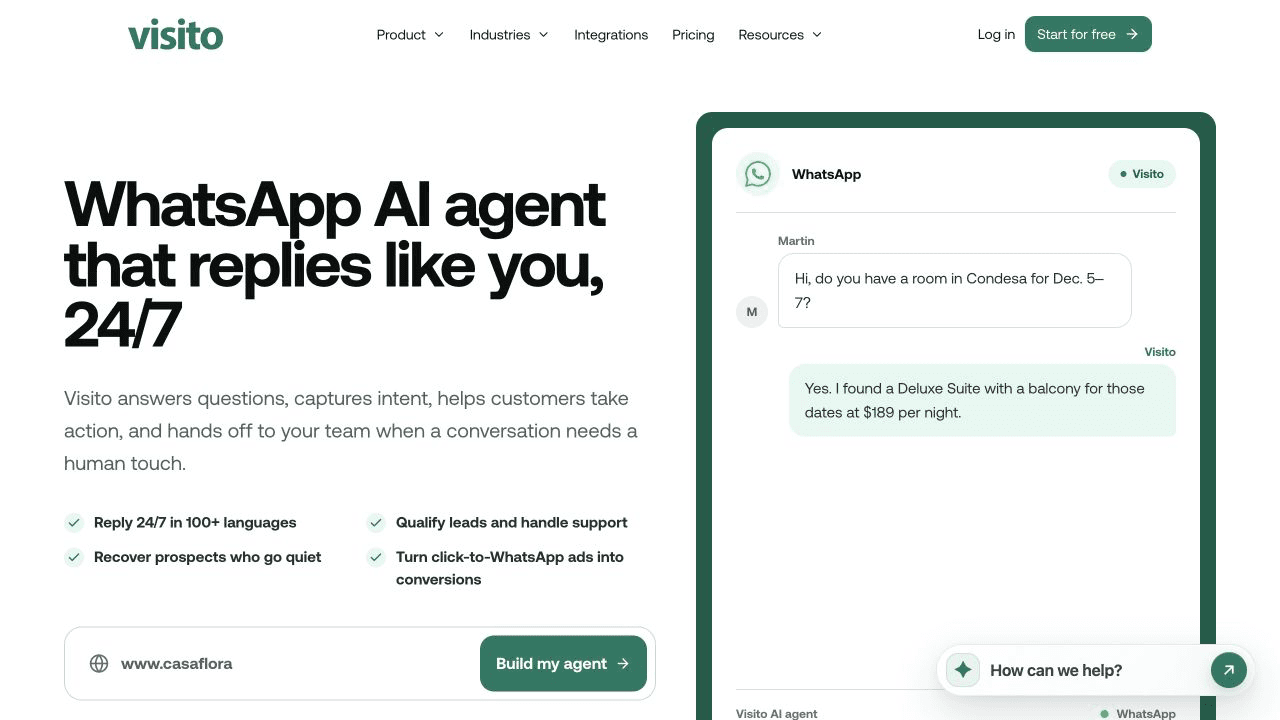
Visito makes the most sense when a WhatsApp message contains intent, not just a question. The customer wants to find the right product, check an order, reserve a class, request a quote, move an appointment, or pay.
The useful part is what happens after the answer. Many tools explain the next step and leave the customer to complete it elsewhere. Visito can use connected business data and keep the request moving inside the conversation.
An ecommerce store can connect Shopify so the agent can use product, variant, order, and customer context. A fitness studio can connect ABC Glofox to answer class questions and help customers reserve a spot. A clinic, salon, home-service company, or retailer can qualify demand, collect the details the team needs, and move the conversation toward the next step.
The same agent can keep the thread together across WhatsApp, Instagram, Messenger, and website chat. Browse the integration library to check which live systems fit your workflow.
Pick Visito if you want WhatsApp to produce a recorded outcome. It becomes more useful as you connect the systems behind the conversation. For a static FAQ with no live data or actions, a simpler tool may be enough.
2. Intercom Fin: does your support team already use Intercom?
If Intercom already runs your support operation, Fin is the obvious place to test first. Your help center, inbox, customer history, reporting, and human team are already there. Adding WhatsApp does not create another workspace for people to monitor.
Fin answers from approved content, follows Procedures, qualifies customers, hands conversations to the team, and can retrieve outside information through data connectors. That continuity is its strongest argument.
Pricing needs a careful spreadsheet. Intercom charges for its platform and seats, Fin outcomes were listed at $0.99 each when checked, and WhatsApp usage sits on top. An existing Intercom team may find that reasonable. A small business starting from scratch for one WhatsApp number probably will not.
3. Bird: are you building the agent yourself?
Bird is the odd one in this list. Its current site presents Bird as communications infrastructure that an AI agent or application can use to send and receive messages across email, SMS, WhatsApp, and voice. It is closer to a channel layer than a finished customer service agent.
That can be exactly right for a developer building an agent in-house. Bird supplies the WhatsApp API, SDKs, documentation, authentication, and delivery infrastructure. Your team supplies the agent, its knowledge, the customer workflow, and the interface staff use when they take over.
The pricing follows the infrastructure model, with usage varying by product, destination, and volume. It is a poor shortcut for a small business that wants something ready this week. It is a credible option for a technical team that already has the agent and needs reliable communication rails.
4. respond.io: do inbound leads need routing?
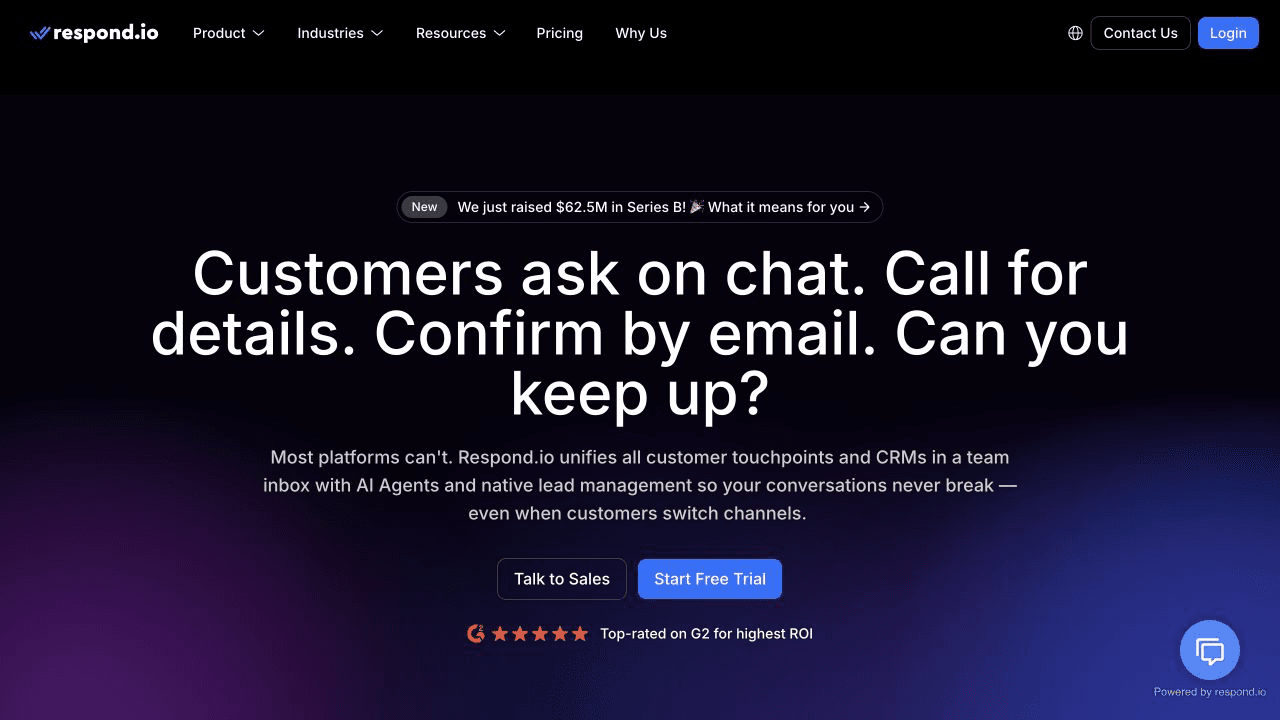
respond.io earns its place when campaigns send more WhatsApp leads than the sales team can sort by hand. Its job is to work out who the person is, what they want, where they are in the funnel, and who should own the next reply.
The product combines a shared inbox, broadcasts, workflows, lifecycle stages, reports, CRM connections, and AI Agents. Those agents can answer common questions and take platform actions such as assigning, routing, and closing conversations.
Growth was listed at $159 per month on annual billing, with AI Agents, 1,000 monthly active contacts, and some AI credits included. WhatsApp fees are separate. Forecast a busy campaign month before choosing a plan, because active contacts drive the bill.
For a B2C team buying click-to-message ads, that structure is useful. For a five-person local business with a modest inbox, it may be more process than the volume deserves.
5. Voiceflow: do you want to design the agent yourself?
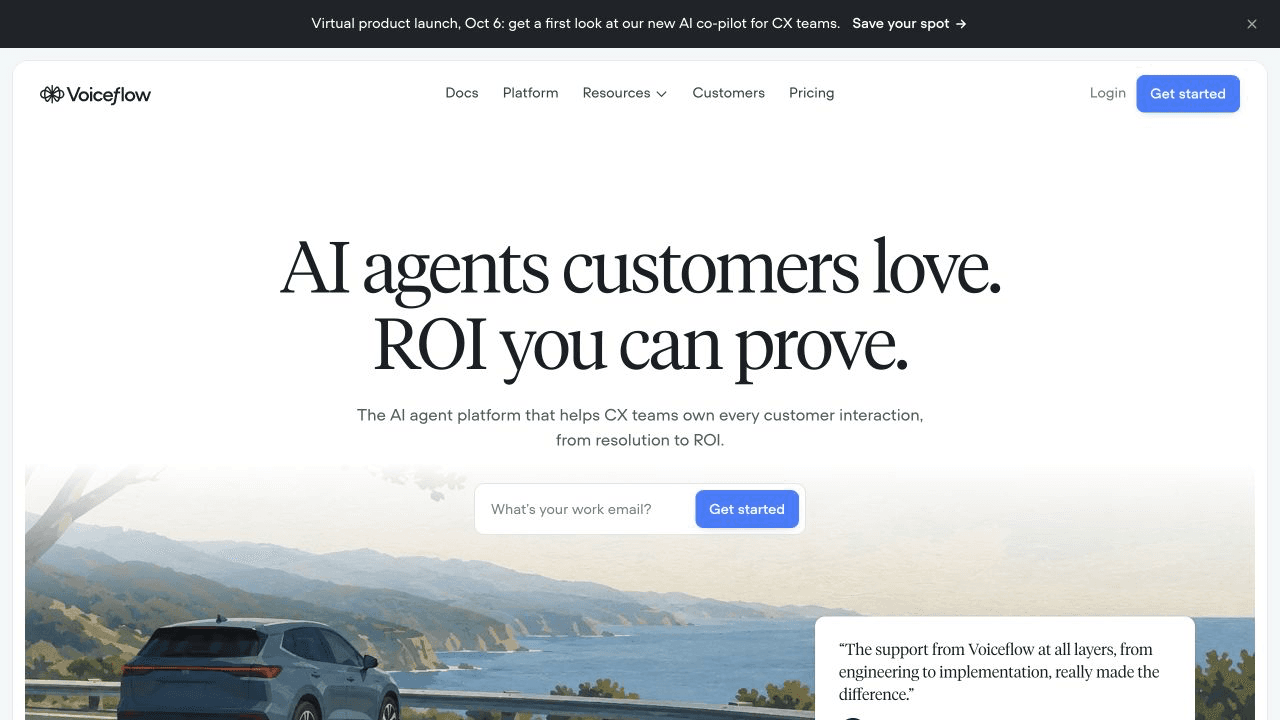
Voiceflow gives a product or CX team room to design the conversation rather than accept a packaged workflow. You can define paths, knowledge, functions, API calls, tests, evaluations, and the behavior that reaches production.
The bill is only part of the commitment. Someone still has to review transcripts, test awkward customer messages, repair broken integrations, and decide what the agent should do when the happy path ends.
Business pricing is available on request and usage is billed separately. Voiceflow belongs on the shortlist when a named person or agency will own the build after launch. Without that owner, its flexibility becomes unfinished work.
6. Kommunicate: should automation stay close to live chat?
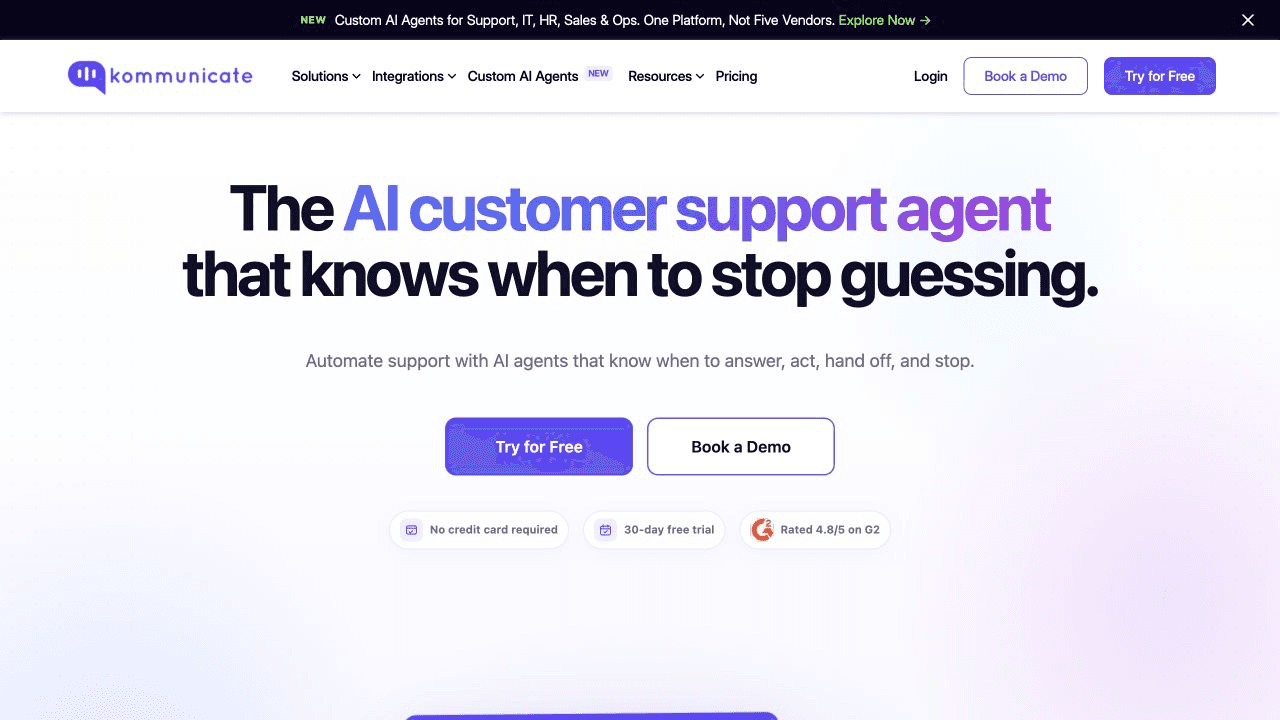
Kommunicate fits the classic support case: repeated questions, a website or help center to learn from, WhatsApp as one support channel, and a human team nearby when the answer is uncertain.
It covers AI chat, live chat, WhatsApp, mobile apps, Telegram, Instagram, routing, and email automation. Higher plans add APIs and webhooks. The handoff to a person stays close, which matters when the team wants automation without losing sight of the queue.
Starter was listed at $40 per month for one AI agent, one team member, and 250 conversations. Professional was $200 per month with more capacity and integration access.
Kommunicate is easier to justify for support than for revenue work. If you need the agent to update an order, take payment, or change a reservation in another system, make the vendor show that exact action before you commit.
7. Wati Astra: do campaigns and AI need one WhatsApp stack?
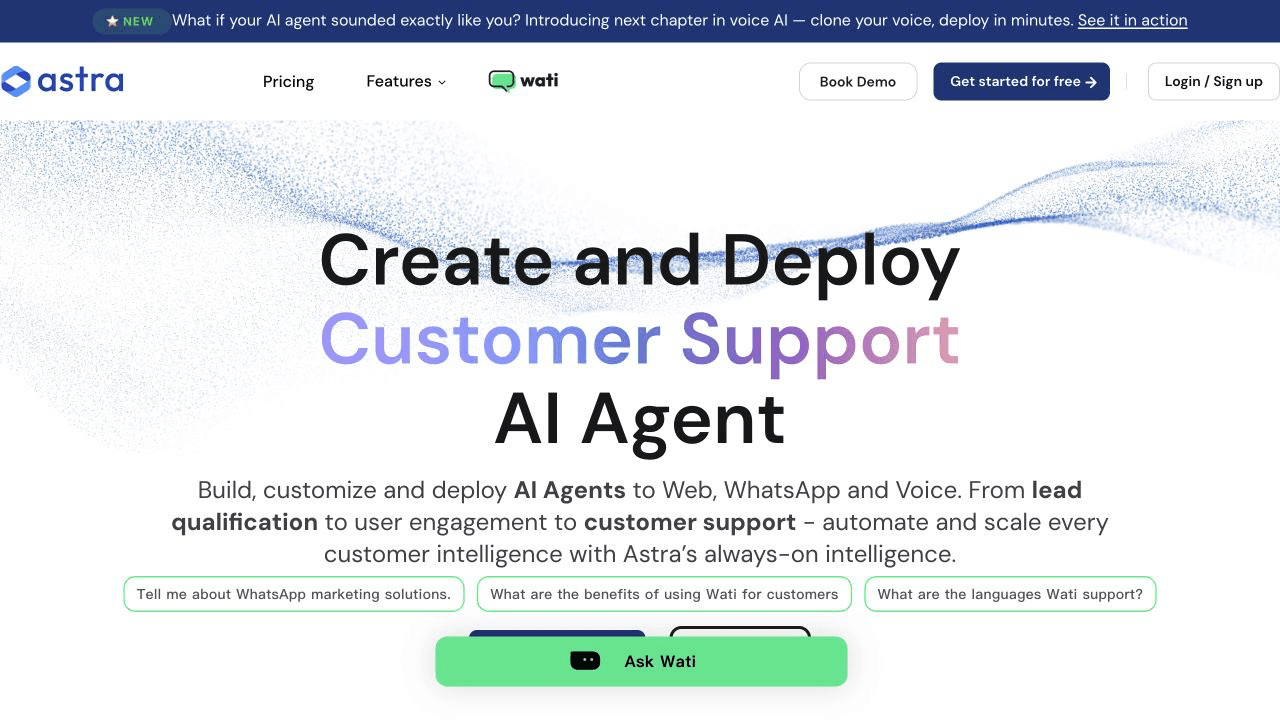
Wati is a WhatsApp-first platform; Astra is the AI-agent layer that sits on top. The combination is aimed at teams already running campaigns, broadcasts, inbox assignment, contact management, and lead capture in Wati.
Astra can run lead qualification and FAQ agents on web and WhatsApp, transfer conversations to the Wati team inbox, and sync summaries or leads through supported integrations. The Pro plan was listed at $99/month with up to three AI agents, four team members, 5,000 monthly credits, and WhatsApp plus web channels.
Read the credit rules before comparing that price. Wati says a simple text response or action uses one credit, a rich response or advanced action uses three, and voice consumes credits by the minute. The Business plan raises the limits and adds more advanced actions.
Astra is attractive if you want Wati to remain the center of the WhatsApp operation. If the agent mainly needs to use live data and complete orders, appointments, or payments, compare the full workflow rather than the campaign features.
8. Botpress: does your technical team want full control?
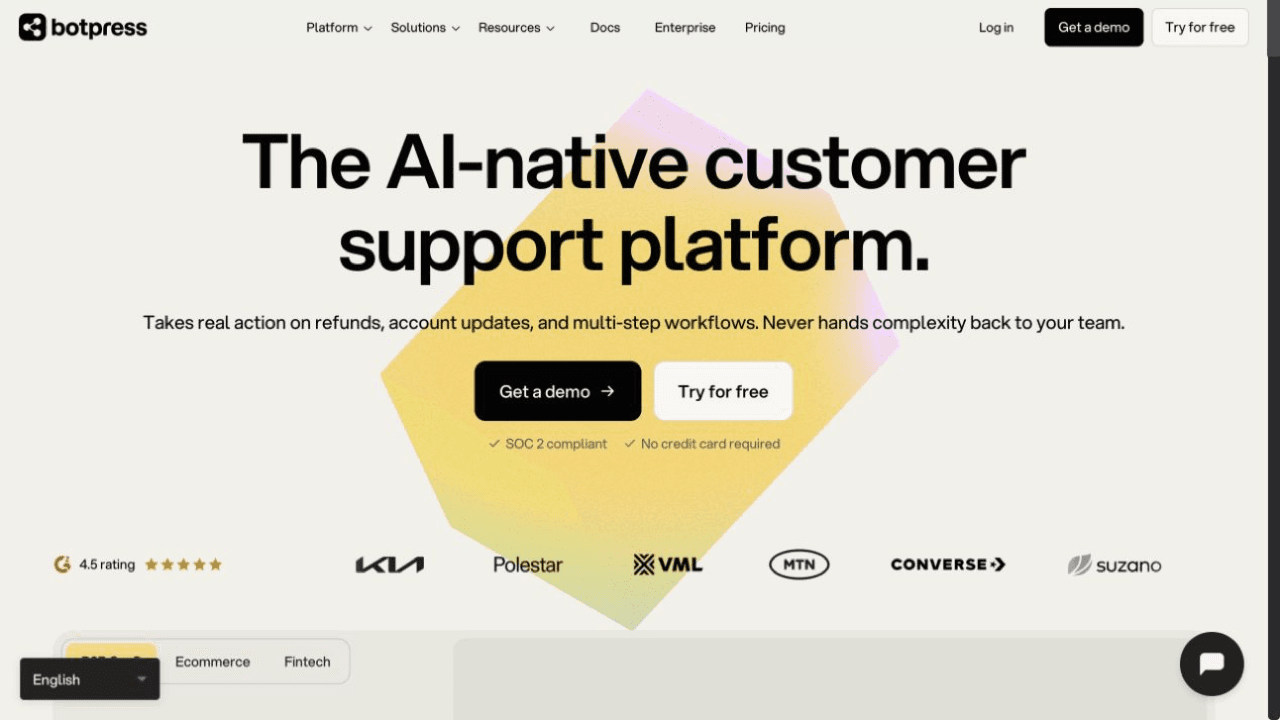
Botpress is the builder option for teams that find packaged tools too restrictive. It provides a visual studio, knowledge base, workflows, APIs, custom logic, integrations, and WhatsApp support.
You can mix visual flows with code, connect outside systems, handle rich media, and add human handoff on paid plans. Botpress has also been adding helpdesk features, so the staff side of the conversation can live closer to the agent.
Pricing starts with pay-as-you-go at $0 plus AI spend. Plus was listed from $79/month billed yearly and adds human handoff, conversation insights, watermark removal, and higher included limits. Larger team and managed options cost more.
The plan price is rarely the deciding cost. The developer or agency maintaining the agent will matter more. Choose Botpress because your process needs custom behavior and you have someone ready to own it.
What will WhatsApp cost beyond the platform?
The platform price is never the whole WhatsApp bill. Meta charges by message category and recipient market on the WhatsApp Business Platform. The categories include marketing, utility, authentication, and service messages.
As of September 15, 2026, ordinary service replies are still free inside the 24-hour customer service window through September 30. From October 1, Meta is moving service replies to per-message billing after the monthly free allowance. Utility templates sent inside the customer service window also become chargeable. Meta explains the current framework in its WhatsApp pricing documentation.
Ask every vendor to separate its software fees from Meta's charges. Then check whether outcomes, AI credits, contacts, users, add-ons, implementation, connectors, and WhatsApp delivery are billed separately.
- Run one normal-month forecast and one busy-month forecast.
- Separate inbound customer messages, service replies, templates, and campaign sends.
- Count the number of business phone numbers because allowances and billing can depend on the number.
- Include the human repair work created when an agent answers but does not finish the task.
How to choose the right WhatsApp AI agent?
Start with the failure you are trying to remove. If customers ask about availability and then vanish before a person replies, choose a tool that can check live data and move the order, appointment, or reservation forward. If leads arrive faster than sales can qualify them, choose routing and lifecycle control. If support history is scattered across five channels, choose the communication layer.
Do not buy the longest feature list. Buy the shortest path from message to useful result.
My recommendation is Visito when the customer should complete an order, payment, appointment, reservation, quote, or other action backed by live data. Fin is the natural first test for an Intercom support team. respond.io suits campaign-driven lead volume. Voiceflow and Botpress make sense only when somebody will own the build.
FAQ
What is a WhatsApp AI agent?
A WhatsApp AI agent reads a customer message, understands the request, finds the right information, replies, and can sometimes trigger an approved action in another system. A basic chatbot usually follows fixed menus. An agent can handle more open-ended language and use tools.
What is the best WhatsApp AI agent for customer service?
For a business that wants WhatsApp to lead to orders, payments, appointments, reservations, quotes, or live-data answers, start with Visito. For an Intercom support team, start with Fin. For high-volume lead routing, look at respond.io. For custom builds, compare Voiceflow and Botpress.
Can a WhatsApp AI agent take payments?
Some can. Visito can send secure payment links inside the conversation and keep the payment context tied to the customer thread. Other tools may need custom workflows, third-party payment links, or developer work.
Can I keep my existing WhatsApp Business app?
Sometimes. WhatsApp Business coexistence can let a business keep using the app while connecting a provider, depending on account, number, market, and provider setup. Visito explains the setup in its WhatsApp Business app coexistence guide.
Can Visito work for ecommerce and local businesses?
Yes. Ecommerce teams can connect product and order data. Local businesses can use schedules, availability, pricing, lead details, payment links, and other supported systems. The useful test is whether the agent can access the information behind the conversation and move the customer toward a purchase, appointment, reservation, quote, or human handoff.
Ready to make WhatsApp a working channel?
The best tool leaves fewer conversations unfinished. Customers get the answer or action they came for, and your team takes over when judgment is needed.
Visito connects WhatsApp, Instagram, Messenger, and website chat to the business information and workflows behind the conversation. Start with your website, build your agent, and connect the systems that make the answers useful.
Start free with Visito and test what your WhatsApp conversations can become.