
9 Best Intercom Alternatives in 2026
Compare nine Intercom alternatives for customer messaging, AI support, ecommerce, and shared inboxes, with current pricing and practical tradeoffs.


Intercom brings an AI agent, a help center, and a support inbox into one platform. Replacing it starts with a fairly specific question: which part of your customer service needs to work better?
A software company handling account issues has different needs from a hotel answering availability questions on WhatsApp. An online store may spend most of its time on delivery updates and returns. Buying the same replacement for all of them would overlook what their teams do every day.
This guide compares nine Intercom alternatives for 2026, including their strongest use cases, pricing, and the limitations to check before switching.
The best Intercom alternatives at a glance
Visito is our pick for businesses handling customer conversations across WhatsApp, Instagram, Messenger, and website chat. Zendesk deserves a closer look for a larger support department, while Gorgias is especially relevant to ecommerce teams.
Prices below are in USD and were checked on September 11, 2026. They show the named plan and billing term. Usage charges, optional products, and taxes can change the total; the plans include different features.
| Platform | Best fit | Pricing reference | What to check |
|---|---|---|---|
| Visito | AI customer conversations on messaging channels | $49/month, monthly billing | Credits and plan access to connected actions |
| Zendesk | Larger support operations | Suite Team: $55/agent/month, annual billing | Support-only plans have a narrower scope |
| Freshdesk | Email support and ticket management | Growth: $19/agent/month, annual billing | Omni and extra AI sessions affect the total |
| Help Scout | Support teams that want a familiar inbox | Standard: $25/user/month, annual billing | AI Answers costs extra |
| Crisp | Small teams buying a shared workspace | Mini: $45/workspace/month | AI and channel access depend on the tier |
| Tidio | Website chat and automated replies | Starter: $24.17/month, annual billing | Separate allowances for human chat, AI, and flows |
| Gorgias | Ecommerce support and shopping assistance | Starter with AI: $40/month, monthly billing | Ticket and automated-interaction limits |
| Front | Customer requests involving several colleagues | Starter: $25/seat/month, annual billing | Starter supports one channel type |
| HubSpot Service Hub | Support connected with sales and CRM data | Professional starts at $100/seat/month | Free and Starter have a smaller feature set |
How we chose these alternatives
We reviewed public product pages, plan details, and integration information. Our recommendations weigh the channels a team needs, how work reaches a person, what the AI can do with connected data, and how the bill grows with usage. This is an editorial comparison based on published information, rather than a hands-on performance benchmark.
Visito publishes this guide and is included in the comparison. The order starts with the businesses we serve, then covers other common reasons teams look beyond Intercom.
Why do teams look for an Intercom alternative?
Cost is often the first reason. Intercom charges for teammate seats and usage, including Fin outcomes and messaging channels. A team estimating its bill needs both its staffing plan and expected customer volume.
The next issue is fit. If most customers write through WhatsApp, test the whole conversation there, including attachments and the transfer to a person. If your team spends the day in email, pay more attention to assignments and follow-up ownership.
Connected data can also decide the shortlist. A guest asking about a room for Friday needs current availability. A shopper asking to change a delivery address needs a permitted action in the order system. During a trial, ask each provider to demonstrate the exact request your staff currently handles.
1. Visito: best for AI customer conversations across messaging channels
Visito suits businesses where a customer message can lead to a sale, a booking, or a request for help. Its agents answer using your business information and can use supported integrations to bring current context into the conversation. See the detailed Visito and Intercom comparison for a closer look at how the two platforms differ.
You can connect WhatsApp AI, Instagram AI, and Messenger AI, alongside website chat. The team can take over when a conversation needs a person. This is useful when customers ask questions after hours or write in different languages.
For a hotel, the useful test is a guest asking for dates, room options, and a booking path. Visito’s Cloudbeds integration supports that kind of guest conversation. Cloudbeds also describes the connection in its marketplace listing.
Key features
Business knowledge, multilingual replies, shared conversations, human handoff, and automatic follow-ups. The integration catalog shows which systems Visito supports; available actions depend on the connection and plan.
Pricing
Starter begins at $49/month with monthly billing, including 1,000 monthly credits and five users. The free plan covers website chat with 100 monthly credits. Pro starts at $399/month with monthly billing and adds capabilities including commerce and payments. Credits cover automated replies, connected actions, and follow-ups.
What works well
Visito is a strong fit when you want an AI agent to handle customer questions on the messaging channels your business already uses. Hotels can also evaluate its hotel chatbot and booking connections against actual guest requests.
What to check
Test the integration and plan required for each action before choosing. A support rollout can begin with answers and handoffs; a booking or payment workflow needs the appropriate connected system and permissions.
2. Zendesk: best for larger support operations
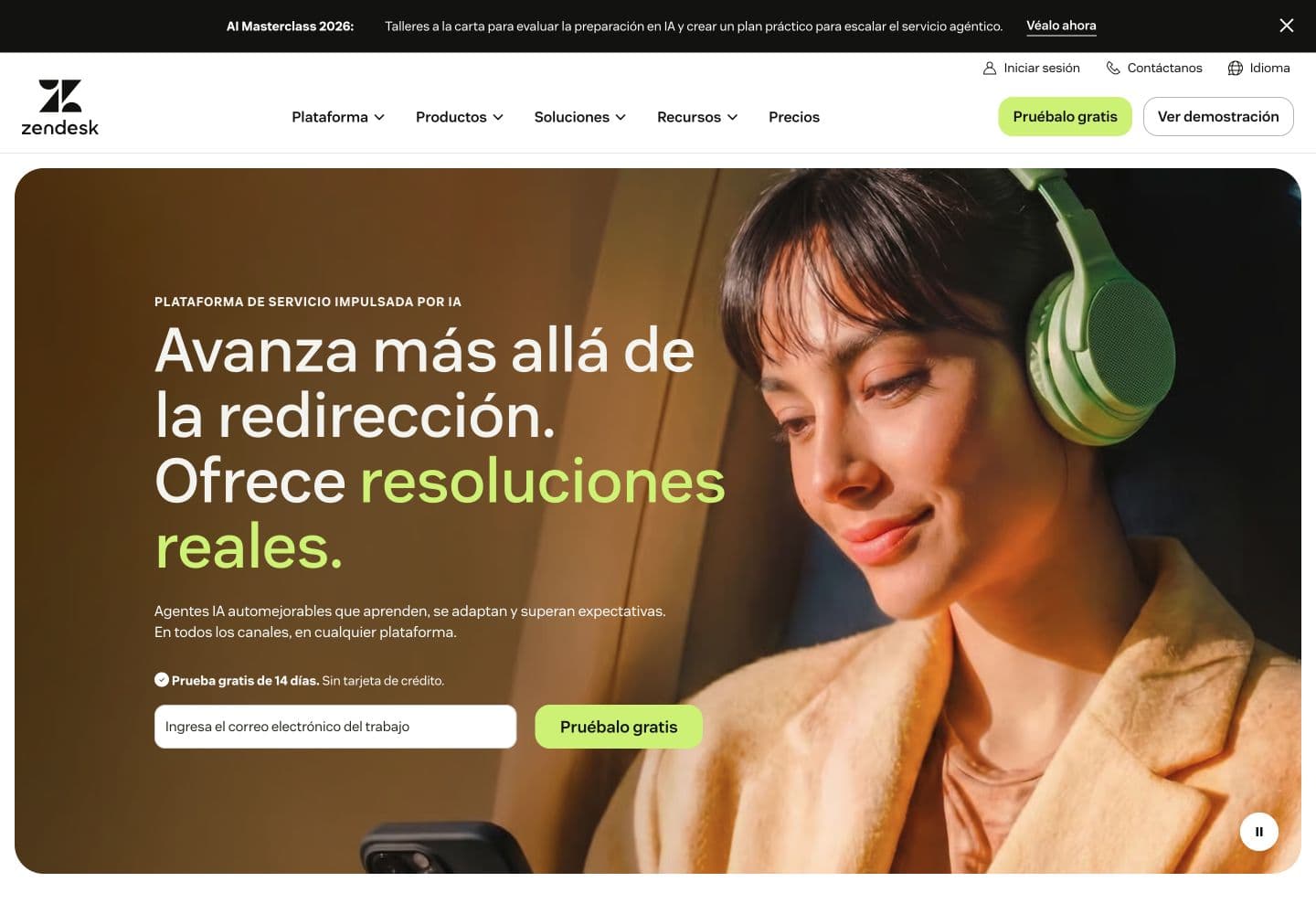
Zendesk is worth shortlisting when support spans several teams and channels. Its ticketing system provides a place to manage ownership, while routing and reporting help supervisors see where requests are building up.
Key features
Ticket management, a knowledge base, messaging, voice, and AI agents. Higher tiers add capabilities such as routing by agent skills and more administrative controls.
Pricing
Support Team starts at $19 per agent/month, billed annually. Suite Team starts at $55 per agent/month on annual billing and adds messaging, live chat, and telephony. Optional products and usage can increase the bill.
What works well
The breadth of the suite makes it a useful candidate for a department that needs to coordinate support across different queues. Include the people who manage those queues in the evaluation.
What to check
Use the Suite price when comparing a multichannel replacement for Intercom. Build a trial around your routing rules and reporting needs, since those requirements determine the tier you need.
3. Freshdesk: best for email support and ticket management
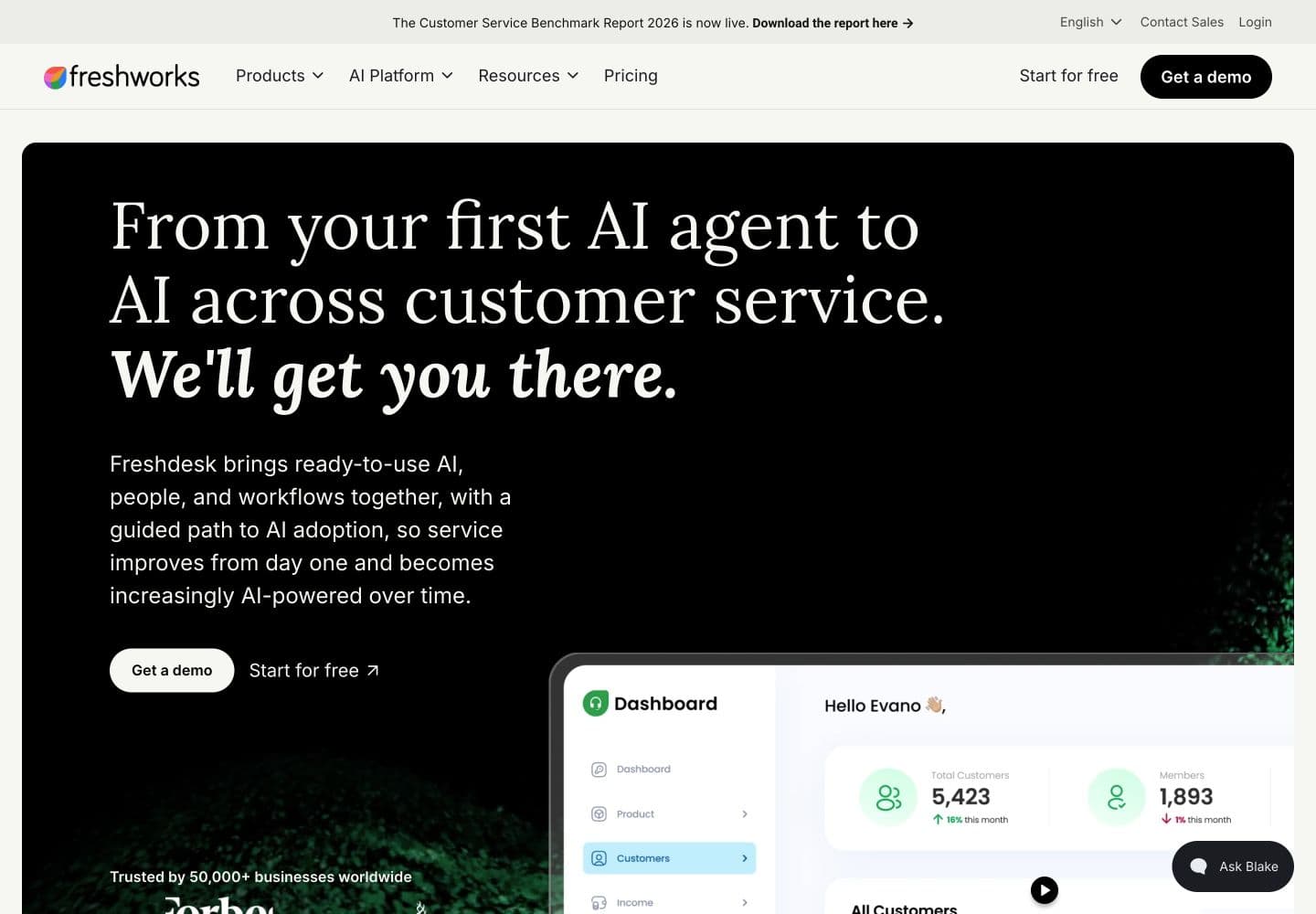
Freshdesk gives teams a structured way to handle incoming requests, assign work, and maintain a customer knowledge base. It belongs on the shortlist when the immediate problem is an email queue with unclear ownership.
Key features
A shared inbox, ticketing, customer portal, reporting, and Freddy AI. Freshworks also offers Freshdesk Omni for teams evaluating a broader set of service channels.
Pricing
Growth starts at $19 per agent/month, billed annually. Freddy AI includes a one-time allowance of 500 sessions per account on eligible paid plans; additional sessions are sold separately.
What works well
The entry plan gives a small support team a practical starting point for organizing requests. A business already using other Freshworks products should include those connections in its trial.
What to check
Confirm whether the proposal is for Freshdesk or Freshdesk Omni and which channels it includes. Estimate recurring AI usage after the introductory sessions run out.
4. Help Scout: best for teams that want a familiar support inbox
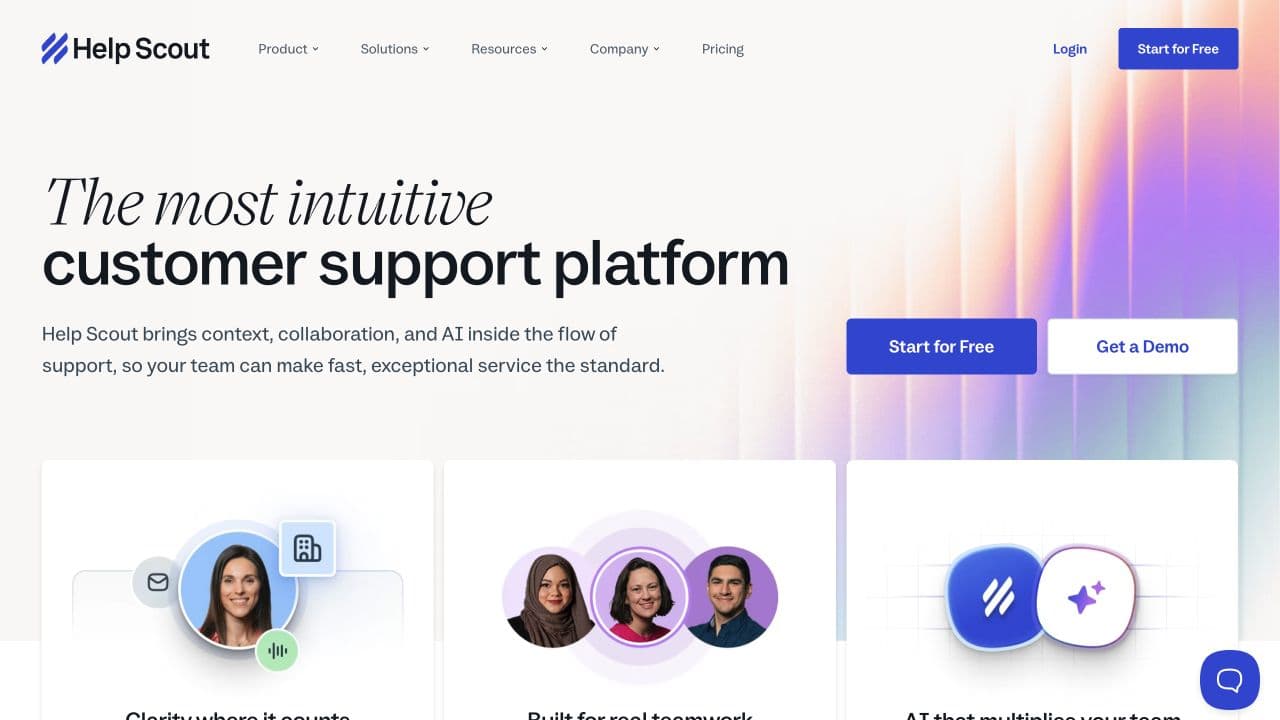
Help Scout centers the work around a shared inbox. Colleagues can collaborate on replies, organize conversations, and publish help articles customers can use on their own.
Key features
Shared inboxes, knowledge bases, workflows, and AI assistance. Its current Standard plan also lists live chat, SMS, WhatsApp, Instagram, and Messenger, so include your actual channel mix in the evaluation.
Pricing
Standard costs $25 per user/month with annual billing or $30 with monthly billing. AI Answers is an add-on priced at $0.75 per resolution. A free plan is available for basic use.
What works well
Consider it when the team wants to keep conversations easy to follow while adding automation. The inbox format is particularly relevant if email is still a large part of your support workload.
What to check
Routing and workflow capabilities vary by plan. Test the handoff from AI Answers and price the expected resolutions alongside the users who need access.
5. Crisp: best for small teams buying a shared workspace
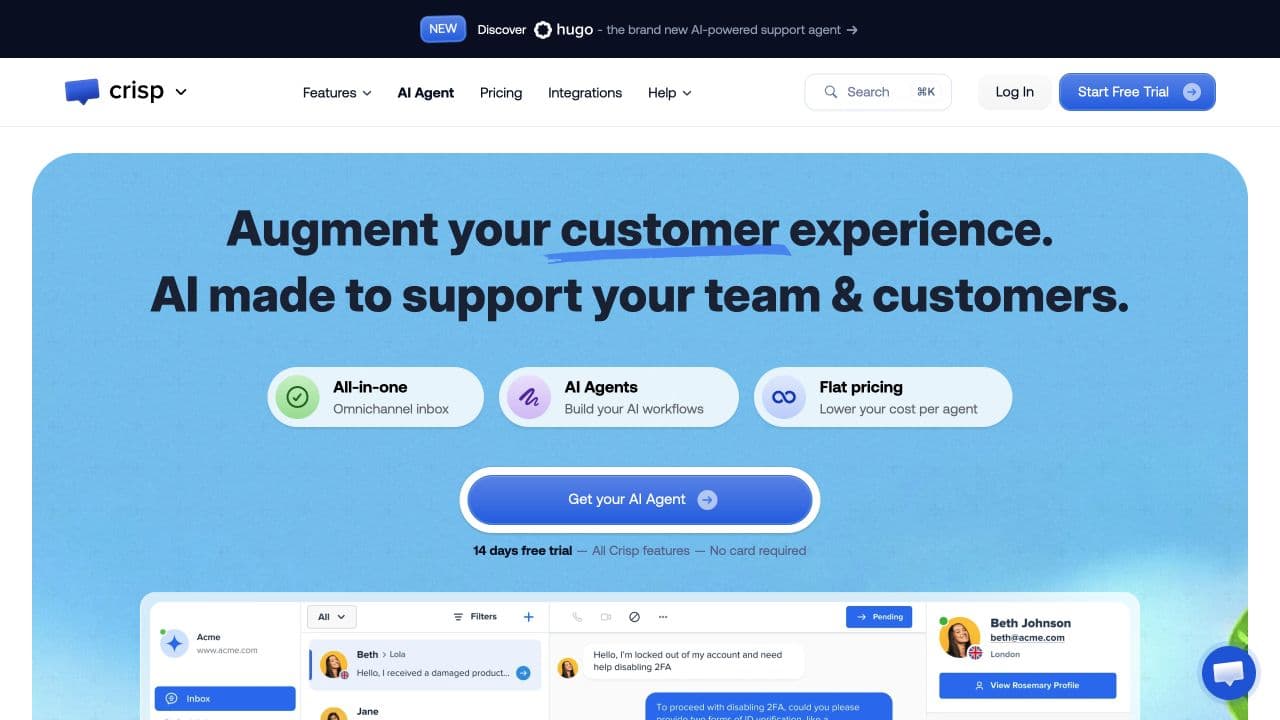
Crisp combines chat, a shared inbox, and AI automation with pricing organized around a workspace. That gives a team with several people a different way to budget for access.
Key features
A website chat widget, shared email, a knowledge base, and AI agents. The tier determines which channels, automation features, and allowances are available.
Pricing
Mini is $45 per workspace/month with four seats. Essentials is $95 per workspace/month with ten seats and $25 in included AI credits. Crisp also offers a free plan.
What works well
Workspace pricing makes the subscription easy to compare when several colleagues share the inbox. Essentials is a more useful reference than Mini when AI automation is part of your requirements.
What to check
Compare the AI allowance with your expected usage. Confirm channel availability on the exact tier, especially if WhatsApp is central to the business.
6. Tidio: best for website chat and automated replies
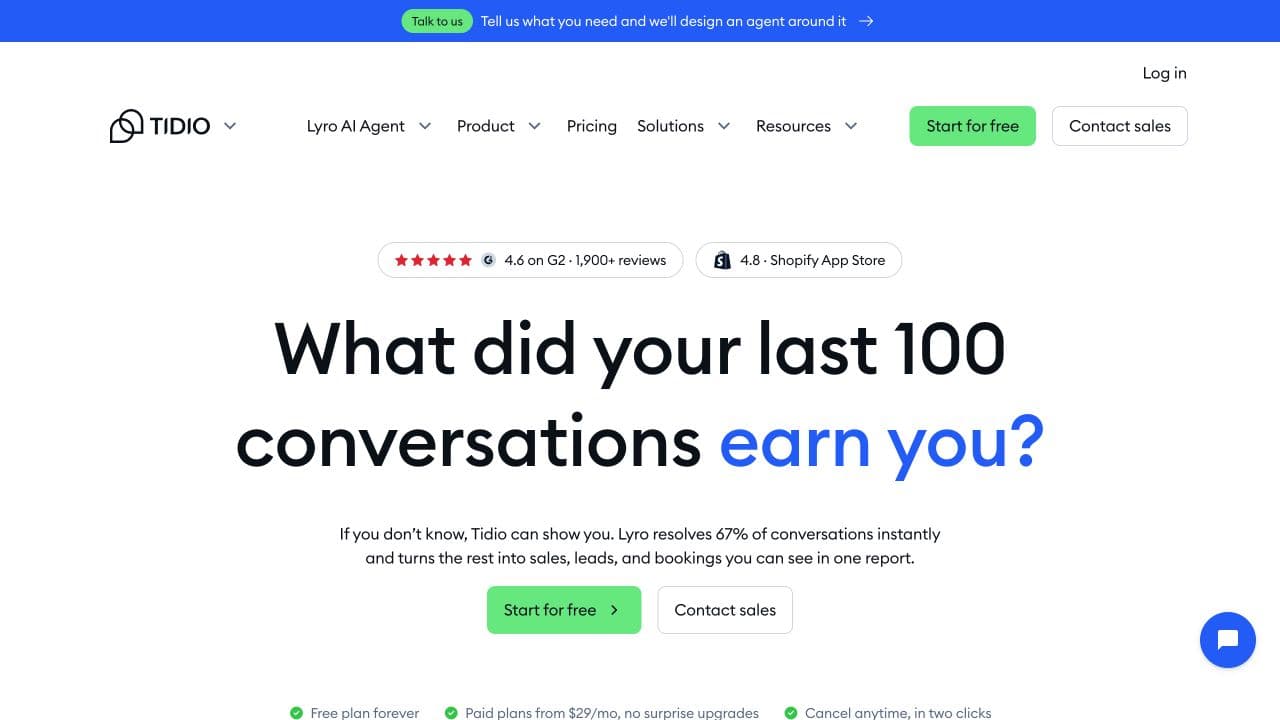
Tidio combines live chat and help desk tools with Lyro AI and a flow builder. It suits a business starting with questions on its website and adding automation as it learns which requests repeat.
Key features
Live chat, ticketing, AI replies based on business knowledge, and flows for collecting information or guiding visitors. Lyro can also be purchased separately for use with another help desk.
Pricing
Starter is listed at $24.17/month with annual billing and includes 100 billable conversations. The Lyro add-on starts at $32.50/month on annual billing for 50 AI conversations. The Starter plan’s included 50 Lyro conversations are a one-time allowance.
What works well
The mix of manual chat and automation gives smaller teams room to start with a limited use case. Test it with the questions visitors ask before buying or contacting sales.
What to check
Human conversations, Lyro conversations, and visitors reached by flows have separate allowances. Estimate each category before comparing the price with another platform.
7. Gorgias: best for ecommerce support
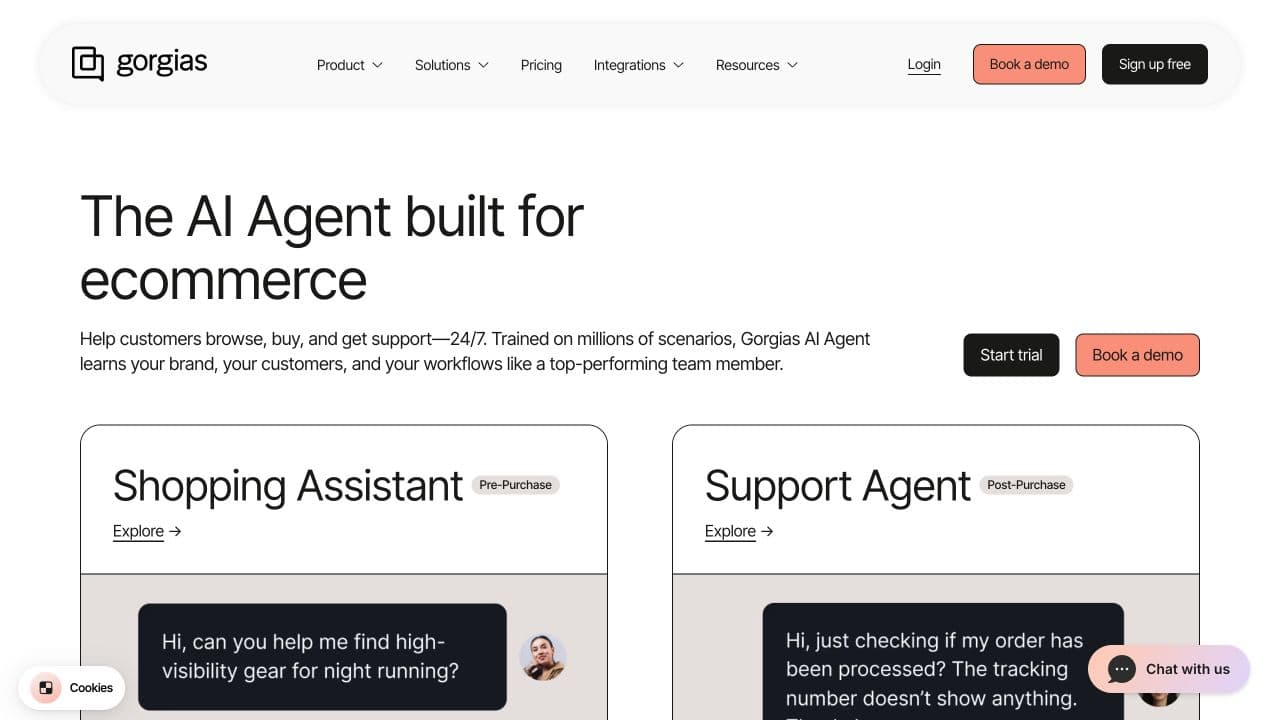
Gorgias focuses on ecommerce, with a help desk and AI tools built around shopping and post-purchase requests. It is a strong candidate when the support queue revolves around orders.
Key features
Connections to ecommerce platforms such as Shopify, shopping assistance, order tracking, and return workflows. Its AI agent can use store data and configured guidance to answer or act on supported requests.
Pricing
The displayed Starter bundle with AI costs $40/month on monthly billing. It includes 50 help desk tickets and 30 automated interactions. Charges apply beyond those allowances.
What works well
The store context is useful when an answer depends on what a customer bought. Bring order-status questions and return requests to the trial so you can see how the connection behaves.
What to check
Budget for a busy shopping period as well as a normal month. Ticket volume and automated interactions both matter. Businesses with appointment or hotel reservation workflows should test the fit of those systems separately.
8. Front: best for requests that involve several colleagues
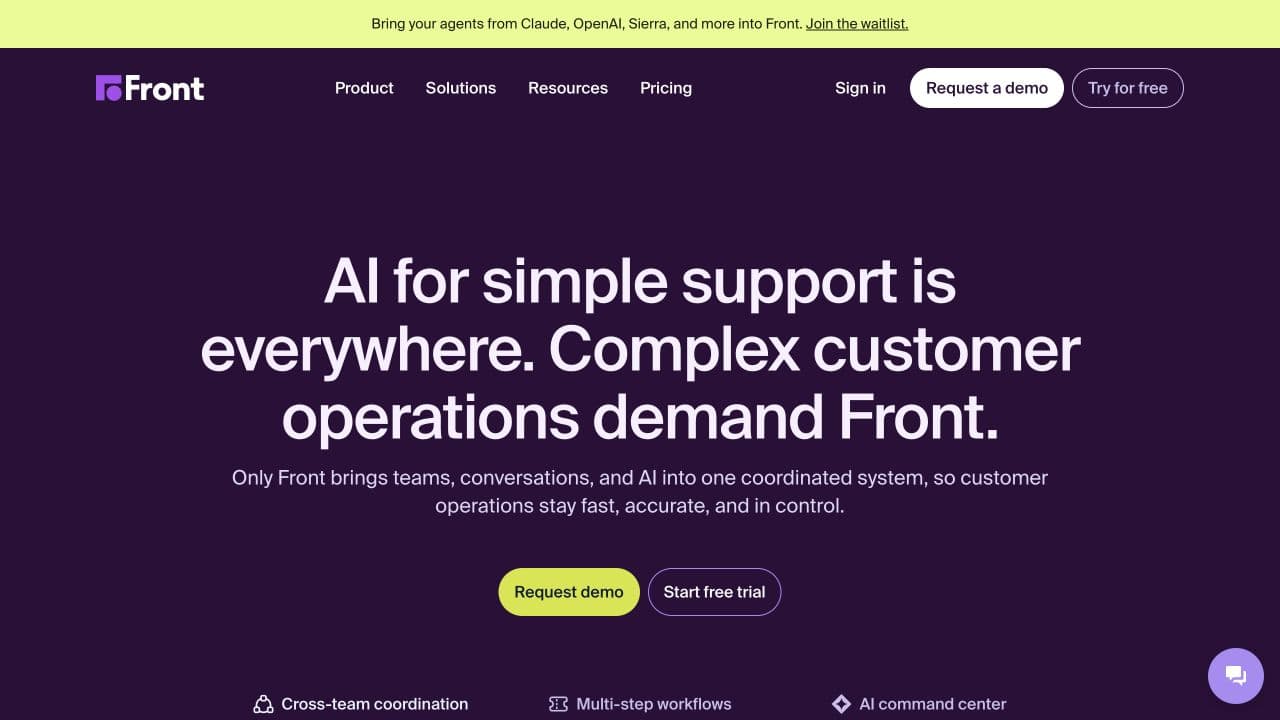
Front is useful when a customer request needs input from several people. It brings shared inboxes, assignments, and internal collaboration into the same place as the customer conversation.
Key features
Internal comments, shared drafts, ticketing, routing rules, and reporting. Front also offers AI products for automated service and staff assistance.
Pricing
Starter costs $25 per seat/month, billed annually, and supports one channel type. Professional costs $65 per seat/month on annual billing and adds multichannel support. AI products and some channel services add to the cost.
What works well
Consider it when resolving a request depends on coordination between support and another department. A shared draft lets colleagues work on the answer before it reaches the customer.
What to check
If your Intercom replacement needs email and messaging together, use Professional in the cost comparison. Include your actual approval and assignment process in the trial.
9. HubSpot Service Hub: best for support connected to your CRM
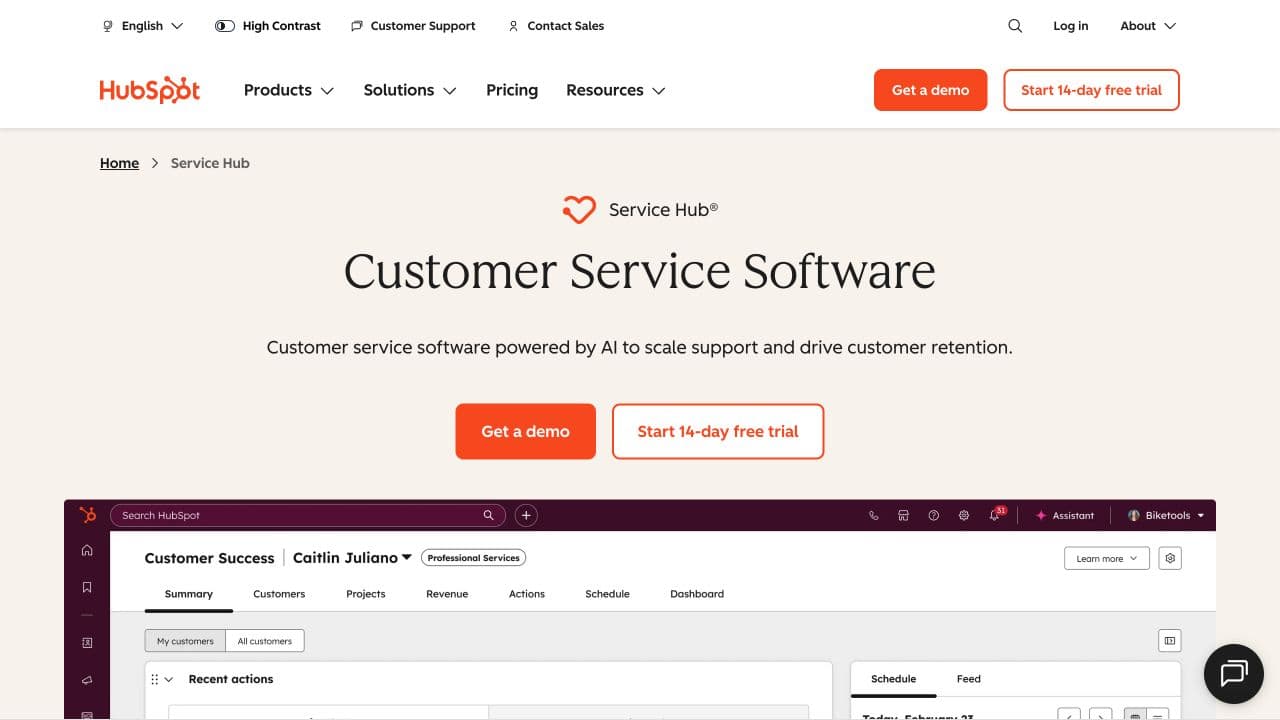
HubSpot Service Hub deserves a look when sales and marketing already use HubSpot. Support can work with customer records that also contain the wider account relationship.
Key features
Ticketing and customer management, with help desk, knowledge base, customer success, and customer agent capabilities available in higher editions.
Pricing
Free service tools are available. Professional starts at $100 per seat/month on the product page; advanced capabilities and usage requirements should be included in the proposal you compare.
What works well
Keeping the customer record in one platform can reduce the work of passing context between departments.
What to check
Map each required support feature to its edition and confirm the billing term. Price the whole setup if moving your CRM is also part of the project.
How to choose and switch without losing customer context
Choose two candidates and run the same customer requests through both. Use examples from your inbox: an incomplete question, a request that needs live data, a change to an existing order, and a conversation that must go to a person. Record whether each request reaches the right result and how much staff work remains.
Ask for a normal-month estimate and a busy-month estimate using the same staffing and conversation assumptions. Include the base plan, AI usage, channel charges, and any required integrations. A credit, ticket, session, and resolution can measure different things.
Before moving channels, export the records you need to retain and check what the new provider can import. Rebuild assignments, knowledge sources, and working hours. Keep ownership of open requests clear during the transition, then test incoming messages and human handoffs before retiring the old inbox.
For hotels, test room availability and the booking path in the connected system. Mirai’s integration announcement describes how Visito connects guest conversations with its booking engine. That is a useful example of the system-specific work to verify during a trial.
Frequently asked questions
What is the best Intercom alternative for a small business?
For customer conversations on WhatsApp, Instagram, Messenger, and your website, start by evaluating Visito. Crisp is worth considering if workspace pricing matters most. Help Scout fits teams looking for a familiar inbox, while Tidio is a useful candidate for website chat.
Is there a free alternative to Intercom?
Visito, Crisp, Help Scout, and HubSpot offer free plans with limits. Check whether the plan includes the channel and automation you need. Visito’s free plan includes website chat; its social messaging channels begin on Starter.
Which alternative should a hotel consider?
Visito is a relevant starting point because of its guest messaging and hospitality integrations. Test your property system, room availability, and booking process together with the handoff to reception.
Can an Intercom alternative handle WhatsApp?
Several can, but support varies by product and plan. Test your number connection, incoming messages, attachments, and staff replies. Check the provider’s channel charges and any applicable Meta charges separately.
Will my Intercom conversation history transfer?
That depends on the export format and the new provider’s import support. Confirm which conversations, contacts, attachments, and custom fields can move before setting a switch date.
Try Visito with your customer conversations
If your customers already contact you through messaging, take a few of their recent questions and test them with Visito. Start with WhatsApp AI or review the available integrations to see which business information your agent can use.

.png&w=3840&q=75)