8 best WhatsApp AI agents for customer service in 2026
Compare eight WhatsApp AI agents for customer service in 2026, from tools that book and take payments in the chat to builders and help desks, by price and fit.


If you want WhatsApp to answer customers and then finish the job, such as taking an order, booking a class or sending a payment link, start with Visito. It answers from your website and documents, uses live data from tools like Shopify and ABC Glofox, and hands the chat to your team when it should. WhatsApp is included from the Starter plan, which starts at $9 a month.
For one inbox that routes many channels, look at respond.io. Wati suits WhatsApp-first businesses that also run campaigns, and Manychat suits brands whose customers find them on Instagram. Botpress is for teams that want to build the agent themselves, Tidio for online stores that already use its live chat, Kommo for sales teams that work a CRM pipeline, and Intercom Fin for support teams already on Intercom.
Which WhatsApp AI agent should you shortlist?
If you only compare three, start with these. The full table further down covers all eight. Prices are in USD, before tax, and WhatsApp's own message fees come on top of every option.
| Tool | Best for | WhatsApp AI from |
|---|---|---|
| Visito | Businesses that want bookings, orders and payments in WhatsApp | Starter from $9/month |
| respond.io | Teams routing many channels from one inbox | Growth: $199/month, or $159/month billed yearly |
| Wati | WhatsApp-first teams that also run campaigns | Growth: $69/month, or $59/month billed yearly |
What should a WhatsApp AI agent do for customer service?
A WhatsApp AI agent reads a customer's message, works out what they want and replies, or does something about it. A rule-based chatbot follows the menus you design, while an agent handles open questions and can call your systems. Our explainer on AI agents and traditional chatbots covers the difference. For customer service, check five things:
- It answers from your own information. Your website, help articles, PDFs and policies, not generic text.
- It uses live data. Order status, stock, class times or availability, read from the system that holds them.
- It takes the next step. Books the slot, creates the order, sends the payment link or updates the CRM.
- It hands off cleanly. A person picks up the chat with the conversation so far, before WhatsApp's 24-hour reply window closes.
- It follows WhatsApp's rules. Approved templates outside the 24-hour window, opt-ins and Meta's rules on AI assistants.
Why should you listen to us?
Visito builds AI agents for WhatsApp, Instagram, Messenger and website chat, so we work with the same WhatsApp Business Platform as every tool on this list. Customers in more than 20 countries trust Visito to handle their customer support conversations on WhatsApp.
Obvious caveat: we wrote this and we put ourselves first. Visito is first for one kind of business, one that wants the agent to answer and then act, with live data and payments in the chat. If you want to design every step yourself, sell through a CRM pipeline or keep an Intercom help desk, other tools here fit better, and we say which.
A real example: Bolerama, a bowling center in Mexico City, automated over 90% of its 11,000 monthly customer messages across WhatsApp, Instagram and Messenger with Visito. That's one customer's result, not a promise.
How did we compare these WhatsApp AI agents?
We started from the tools that ChatGPT and Google's AI Mode listed when we asked them for the top WhatsApp AI agents for customer service, in English and Spanish, and from the AI answers we track for these searches. Then we read each vendor's own pricing pages, product pages and help articles in October 2026 and asked the same questions every time:
- Channels. Does the AI answer on WhatsApp itself, and where else?
- Actions. Can it look things up, book, take payment or update a CRM, or only reply?
- Handoff. Who takes over, and do they see the conversation so far?
- Price. Plan, seats, contacts, conversations or outcomes, plus WhatsApp's message fees.
- Setup. Self-serve in an afternoon, or a build project?
How do the 8 WhatsApp AI agents compare?
Prices are in USD, before tax and before WhatsApp's message fees. Where a vendor bills yearly or per user, we say so.
| Tool | Pricing | Channels | What the AI can do | Setup | Good to know |
|---|---|---|---|---|---|
| Visito | Free plan; Starter from $9/month; Pro from $399/month | WhatsApp, Instagram, Messenger, website chat | Answers, uses live data, books, follows up, sends payment links | Self-serve, 7-day trial | Payments in the chat on all paid plans |
| respond.io | Growth $199/month, or $159 billed yearly | WhatsApp, Instagram, Messenger, TikTok, email, calls and more | Answers, qualifies, routes, updates CRMs, calls other systems | Self-serve, 7-day trial | Priced by monthly active contacts |
| Wati | Growth $69/month, or $59 billed yearly | WhatsApp, Instagram, website, phone, SMS | Qualifies leads, books meetings, updates CRMs, voice agent | Self-serve, 7-day trial | Messages billed at Wati's rate card |
| Manychat | Pro $39/month, or $29 billed yearly | Instagram, WhatsApp, Messenger, TikTok, Telegram, SMS, email | Answers FAQs, qualifies leads, follows up | Self-serve, 14-day trial | WhatsApp starts on Pro |
| Botpress | Free plan; Plus $189/month, or $150 billed yearly | WhatsApp, website chat and more through integrations | Whatever you build: knowledge, workflows, API calls | Build project | Priced by conversations and AI usage |
| Tidio | Free plan; Lyro from $39/month | Website chat, WhatsApp, Instagram, Messenger, email | Answers from your content, runs actions, hands off | Self-serve, 7-day trial | No markup on WhatsApp fees |
| Kommo | From $25 per user/month, billed every 6 months | WhatsApp, Instagram, TikTok and more | Answers from your sources, suggests products, hands off with a summary | Self-serve, 14-day trial | AI agents start on Advanced |
| Intercom Fin | $0.99 per Fin outcome; seats from $29/month billed yearly | Chat, email, WhatsApp, SMS, phone | Answers, runs Procedures, takes actions through connectors | Self-serve, 14-day trial | WhatsApp is pay-as-you-go |
1. Visito: best for businesses that want bookings, orders and payments in WhatsApp
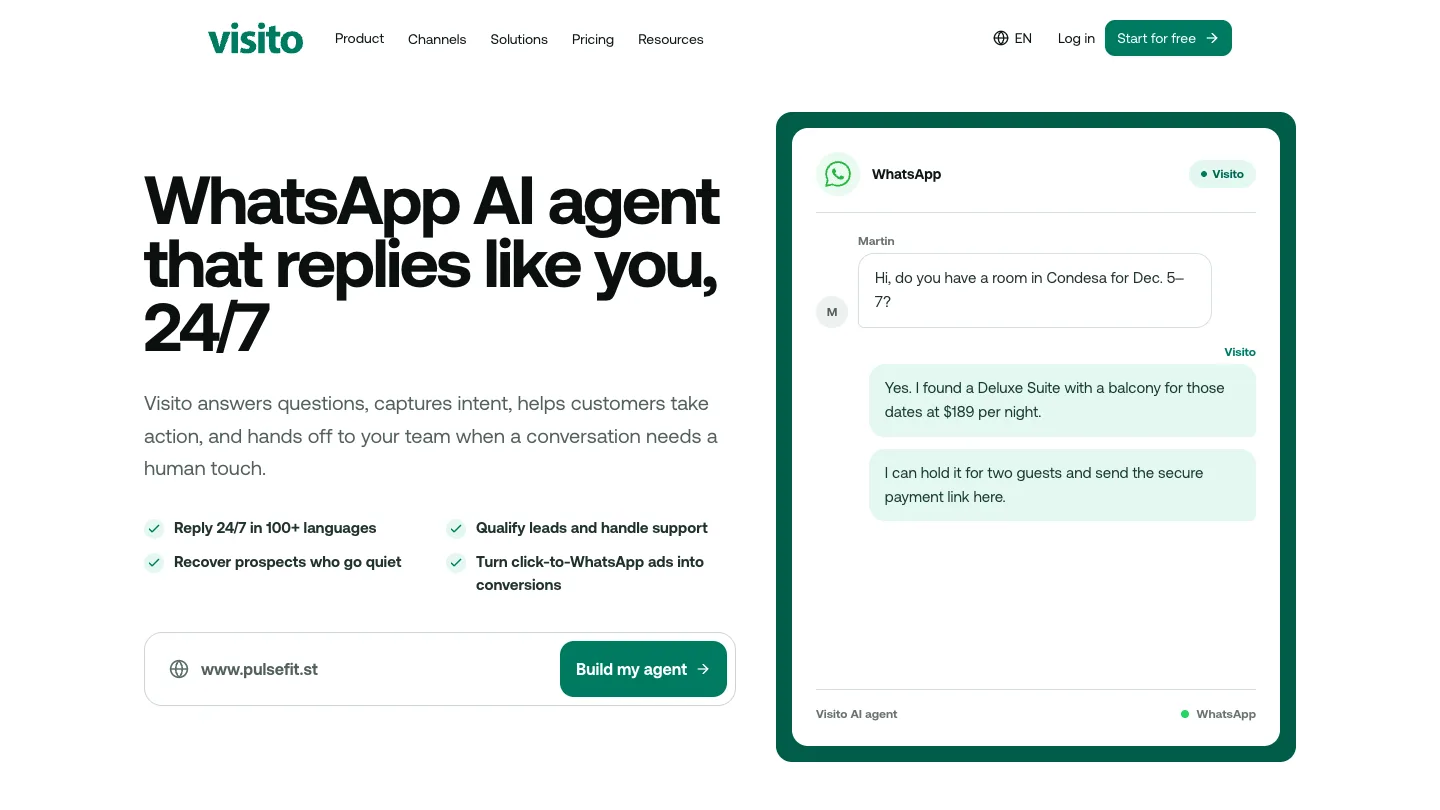
Visito is an AI agent for WhatsApp, Instagram, Messenger and website chat, with a team inbox, human handoff and a CRM built in. You build the agent from your website's address, and it learns from your pages, PDFs and documents. It replies in more than 100 languages and passes the chat to a person, with the conversation so far, when a question needs judgment.
The difference is what happens after the answer. Connected to your systems, the agent can check products and orders in Shopify, show class times and book a spot through ABC Glofox, or log each lead in Google Sheets. The Movement Lab, a group of Pilates studios in Cape Town, more than doubled its bookings from WhatsApp and Instagram this way. For anything else, the Visito API and actions let the agent call your own systems.
Key features
- AI agent that answers, uses live data and takes actions
- One inbox for WhatsApp, Instagram, Messenger and website chat
- Automatic follow-ups when a customer goes quiet
- Payment links in the chat on all paid plans
- Coexistence, so you can keep the WhatsApp Business app on your number
Pricing
The Free plan covers website chat with 100 credits a month. Starter adds WhatsApp, Instagram, Messenger, 5 users, automatic follow-ups and payments in the chat, from $9 a month for 200 credits or $49 for 1,000. WhatsApp marketing campaigns and the API come with Plus, from $99 a month. Pro starts at $399 a month and adds 10 users. Credits pay for the agent's automated work: AI replies, actions and follow-ups. Customer messages and your team's own replies don't use them. Meta bills its WhatsApp message fees to your own WhatsApp account.
Pros
- Answers turn into bookings, orders and payments in the chat
- Published prices, monthly billing and a 7-day free trial
- Live data from Shopify, ABC Glofox and other tools
Cons
- No email, SMS or voice channels
- A smaller integration library; other systems connect through the API
Best suited for: customer support and sales and bookings at online stores, fitness studios, restaurants, clinics and other local businesses that want WhatsApp to end in a booking, order or payment.
2. respond.io: best for teams routing many channels from one inbox
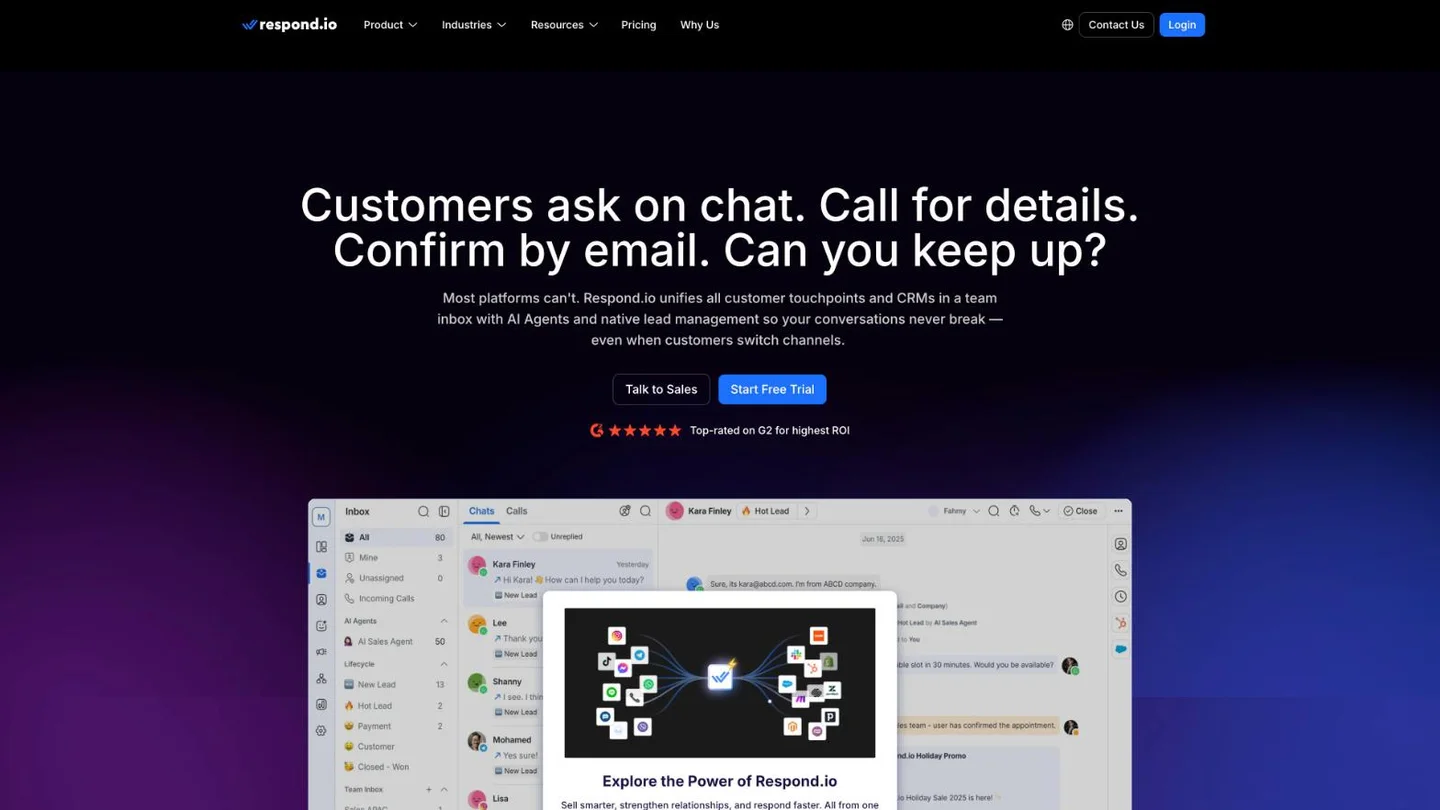
respond.io is a customer conversation platform. WhatsApp, Instagram, Messenger, TikTok, email, calls and more land in one team inbox, with AI agents, workflows and broadcasts on top.
Its AI agents answer from knowledge sources you approve, qualify leads, update CRMs, route and close chats, and can send HTTP requests to other systems to book or sync data. They hand the chat to a person when confidence is low or the topic is sensitive. We compare the two products in Visito vs respond.io, and our list of respond.io alternatives covers the rest of the market.
Key features
- One inbox for WhatsApp, Instagram, Messenger, TikTok, email and calls
- AI agents that qualify, route and update CRMs
- HTTP requests to your own systems
- Workflows, broadcasts and lifecycle stages
Pricing
AI agents start on Growth, at $199 a month on monthly billing or $159 a month billed yearly, with 1,000 monthly active contacts. Starter, at $99 a month or $79 billed yearly, has AI writing help but no AI agents. Extra contacts on Growth cost $12 per 100. WhatsApp fees aren't included in any plan; you top up WhatsApp credit inside respond.io. There's a free 7-day trial with no credit card.
Pros
- Strong when customers switch channels mid-conversation
- AI agents can act in your CRM and other systems
- Coexistence support
Cons
- AI agents start on Growth
- Costs rise with monthly active contacts
- Extra users cost $12 to $24 a month each
Best suited for: support and sales teams that handle several channels and a high volume of inbound chats.
3. Wati: best for WhatsApp-first teams that also run campaigns
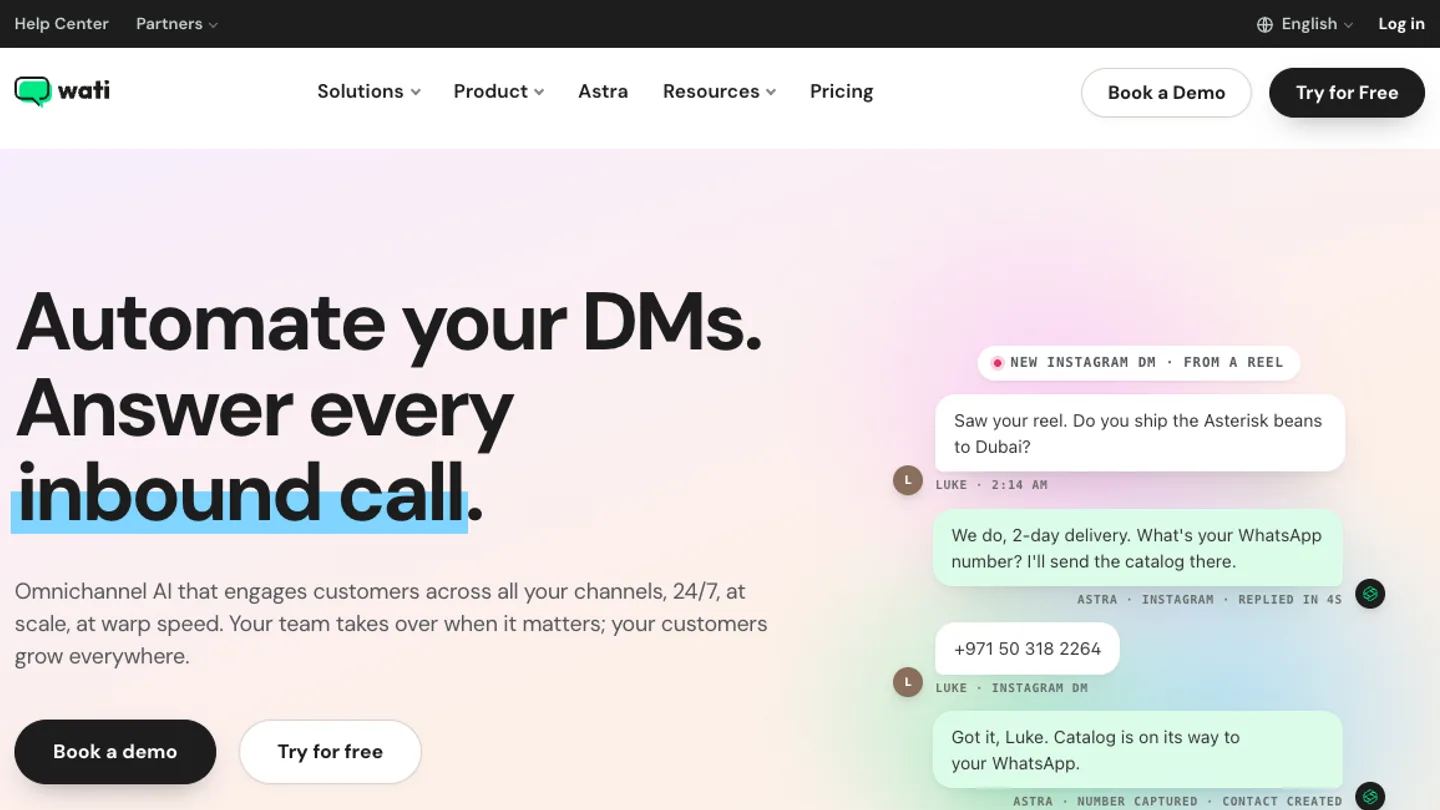
Wati started as a WhatsApp Business API inbox and campaign tool, and Astra is its AI agent layer. One agent can work across WhatsApp, Instagram, your website, phone and SMS, with Wati's team inbox behind it for handoffs.
Astra qualifies leads, books meetings, updates CRM records and triggers workflows through connected tools, and a voice agent can take calls on WhatsApp. It suits businesses that already send broadcasts and campaigns from Wati and want AI in the same place. We compare the two in Visito vs Wati, and our roundup of Wati alternatives covers other options.
Key features
- Astra AI agents on WhatsApp, website and phone
- Broadcasts and WhatsApp campaigns
- Shared team inbox with assignment
- Lead qualification and meeting booking
Pricing
Growth is $69 a month on monthly billing, or $59 billed yearly, with 3 users. Pro is $149, or $119 billed yearly, with 5 users, and Business is a custom price. Those are Wati's US prices, and AI agents are packaged differently by region, so check which plan includes them where you buy. WhatsApp messages are charged on top at Wati's rate card. There's a free 7-day trial.
Pros
- WhatsApp campaigns and AI in one tool
- AI agents packaged differently by region
- Voice AI on Business
Cons
- Growth includes 500 monthly active contacts and 2,500 AI credits
- AI agent packaging varies by region, so check your plan
- Each extra WhatsApp number is a paid add-on
Best suited for: small and midsize businesses that run WhatsApp marketing and want an AI agent in the same tool.
4. Manychat: best for brands whose customers start on Instagram
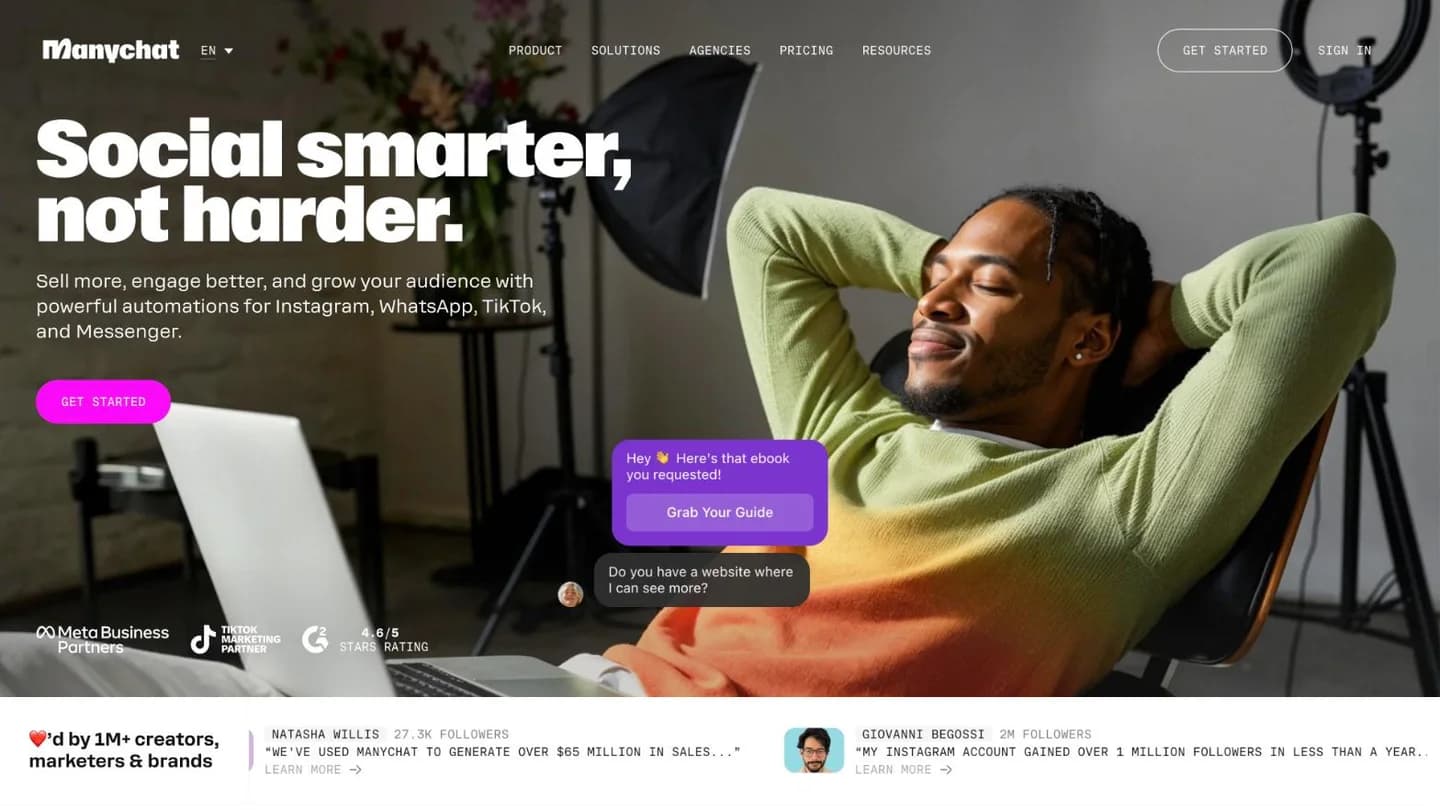
Manychat is built for social-first businesses. It made its name automating Instagram comments and DMs, and the same visual flows now run on WhatsApp, Messenger, TikTok, Telegram, SMS and email.
On WhatsApp, Manychat answers FAQs, qualifies leads, replies outside business hours and sends follow-ups, and Manychat AI adds AI-written replies on Pro and above. Its sweet spot is a customer who finds you on Instagram or through an ad and moves to WhatsApp to buy. We compare the two in Visito vs Manychat, and our list of Manychat alternatives covers the rest.
Key features
- Visual flow builder for comments, DMs and WhatsApp
- Manychat AI on Pro and above
- Broadcasts and follow-ups
- Instagram, WhatsApp, Messenger, TikTok, Telegram, SMS and email
Pricing
WhatsApp needs Pro or above. Pro is $39 a month on monthly billing, or $29 billed yearly, with 2,500 active contacts and 3 channels. Business is $99, or $69 billed yearly, with 7,500 active contacts, unlimited channels and a shared team inbox. WhatsApp message fees are paid on top from a Manychat wallet. Pro comes with a free 14-day trial.
Pros
- Strong Instagram comment and DM automation
- Low starting price for WhatsApp
- Easy visual builder
Cons
- WhatsApp isn't on the Free or Essential plans
- Once a number is connected, its chats can't be answered in the WhatsApp Business app
- Shared team inbox and assignment start on Business
Best suited for: creators, ecommerce brands and local businesses that win customers on Instagram and want WhatsApp in the same flows.
5. Botpress: best for teams that want to build their own agent
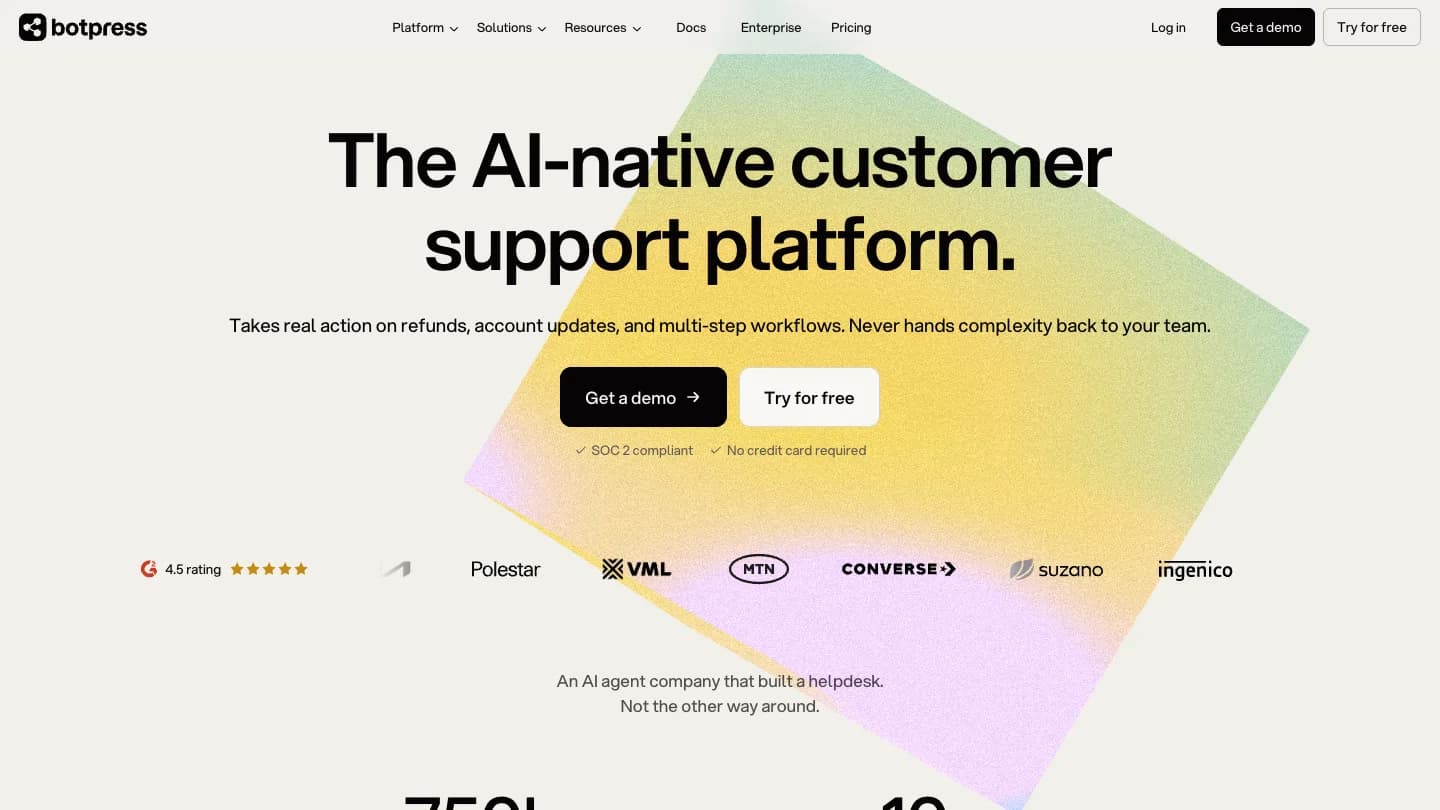
Botpress is a platform for building AI agents. You design the agent in a visual studio, add knowledge, write custom logic where you need it and connect APIs, then deploy it to WhatsApp, your website and other channels through integrations.
Its official WhatsApp integration connects through your Meta business account, handles images, audio, documents and locations, and can start conversations with approved templates. Botpress presents itself as a customer support platform whose agents take real action on refunds and account updates. The trade-off is ownership: someone on your team, or an agency, builds and maintains the agent. If you're comparing builders, our list of n8n alternatives for WhatsApp AI agents covers that side.
Key features
- Visual studio with code where you need it
- Knowledge bases, tables and workflows
- Official WhatsApp integration with templates and media
- Unlimited AI agents on paid plans
Pricing
The Free plan includes 100 conversations, 3 seats and 3 AI agents. Plus is $189 a month on monthly billing, or $150 a month billed yearly, with 250 conversations a month, $25 of AI usage and WhatsApp; extra conversations cost $65 per 100. Team is $939 a month, or $750 billed yearly, with 1,500 conversations and $150 of AI usage.
Pros
- Full control over the agent's logic
- Free plan to build and test
- One build for WhatsApp, web chat and other channels
Cons
- Free plan support is community only
- Monthly billing costs more than yearly
- Conversation packs and AI usage add to the bill
Best suited for: companies with a developer or agency ready to own a custom agent.
6. Tidio: best for online stores that already use live chat
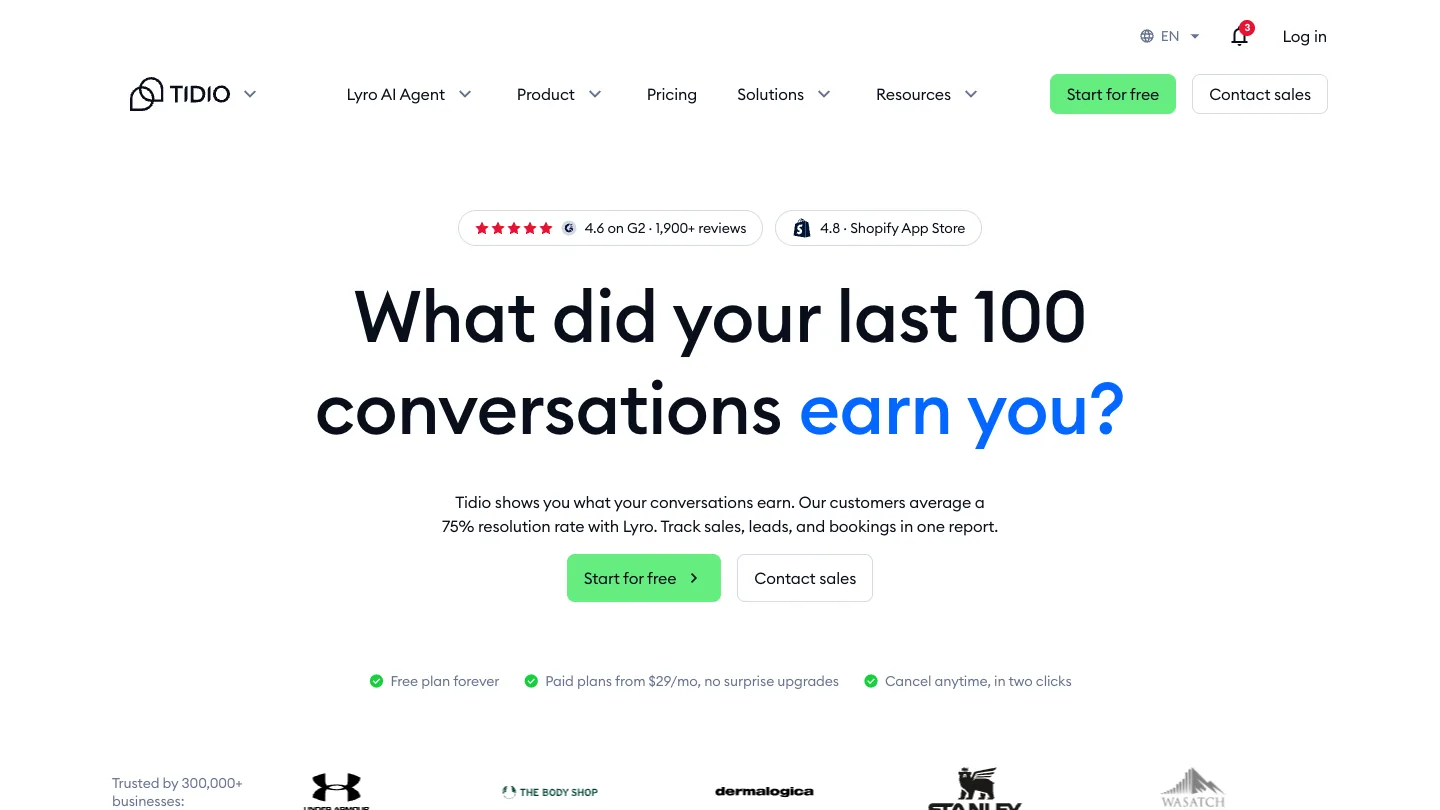
Tidio is a live chat and help desk tool, and Lyro is its AI agent. WhatsApp, Instagram, Messenger and email connect to the same inbox as your website chat, and Lyro answers on all of them.
Lyro answers from your FAQs, help articles and website, hands the chat to a person when needed and can run actions. Tidio says its customers average a 75% resolution rate with Lyro. The WhatsApp integration is free on every plan, and Tidio passes WhatsApp's message fees through with no markup. Our list of Tidio alternatives compares it with similar tools.
Key features
- Lyro AI agent with human handoff
- Live chat, ticketing and email in one inbox
- Flows for no-code automation
- Lyro Actions with a paid Lyro quota
Pricing
The Free plan includes 50 billable conversations. Starter is $29 a month, or $24.17 billed yearly, with 100 billable conversations. Lyro is priced on its own, from $39 a month, or $32.50 billed yearly, for 50 Lyro conversations. Past the free allowance, WhatsApp messages cost the local WhatsApp rate for each customer's country. Paid plans come with a free 7-day trial.
Pros
- Free WhatsApp integration on every plan
- Website live chat and WhatsApp in one inbox
- Lyro can be bought on its own
Cons
- Running Lyro with the help desk means two subscriptions
- Two meters to watch: billable conversations and Lyro conversations
- Full Lyro Actions need a paid Lyro quota
Best suited for: Shopify and other online stores that want website chat and WhatsApp in one inbox with an AI agent on top.
7. Kommo: best for sales teams that work a CRM pipeline
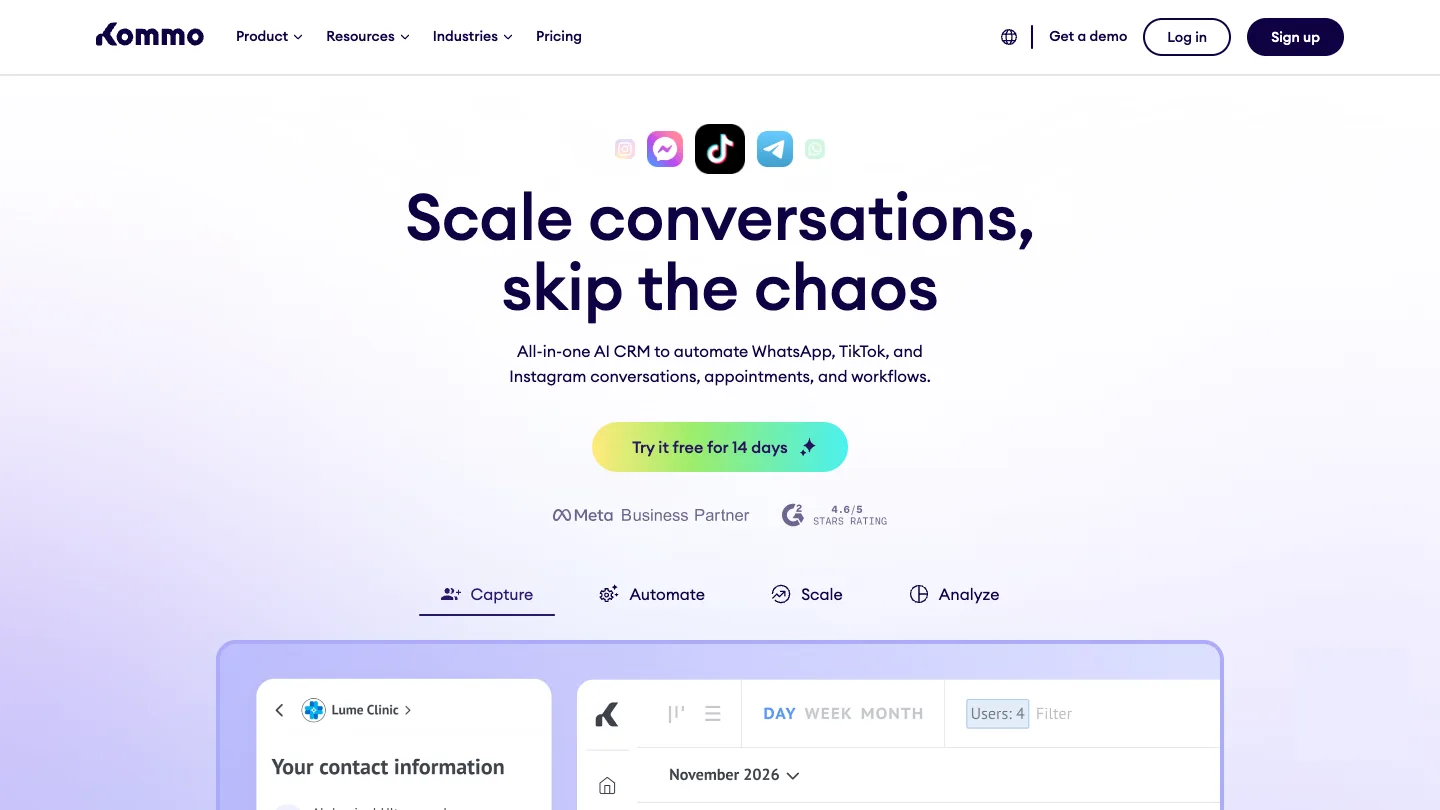
Kommo is a CRM built around messaging. WhatsApp, Instagram, TikTok and other chats become leads in a sales pipeline, and your team moves them through stages until the sale closes.
Automation comes in two layers. Salesbot is a no-code chatbot builder for replies and lead qualification, and Kommo's AI agent answers from the knowledge sources you add, such as product details, FAQs and policies, guides customers toward the right product and transfers the chat to a person with a summary of the conversation. Our list of Kommo alternatives covers similar tools, and our guide to the best WhatsApp CRMs compares the category.
Key features
- Sales pipeline built around chats
- Salesbot for no-code automation
- AI agent that answers from your sources and hands off with a summary
- Several WhatsApp numbers per account
Pricing
Kommo charges per user and doesn't offer monthly payment. Base is $25 per user a month, Advanced $35 and Pro $45, billed every 6 months at the shortest. AI agents start on Advanced, with up to 3, and Pro allows up to 50. Each plan includes AI credits per user. There's a free 14-day trial.
Pros
- Chats and deals in one pipeline
- WhatsApp included on every plan
- No-code Salesbot
Cons
- The minimum subscription is 6 months
- Every user on the account must be on the same plan
- Extra AI credits cost more once the included ones run out
Best suited for: sales teams that close deals in chat and want a CRM pipeline more than a support desk.
8. Intercom Fin: best for support teams already on Intercom
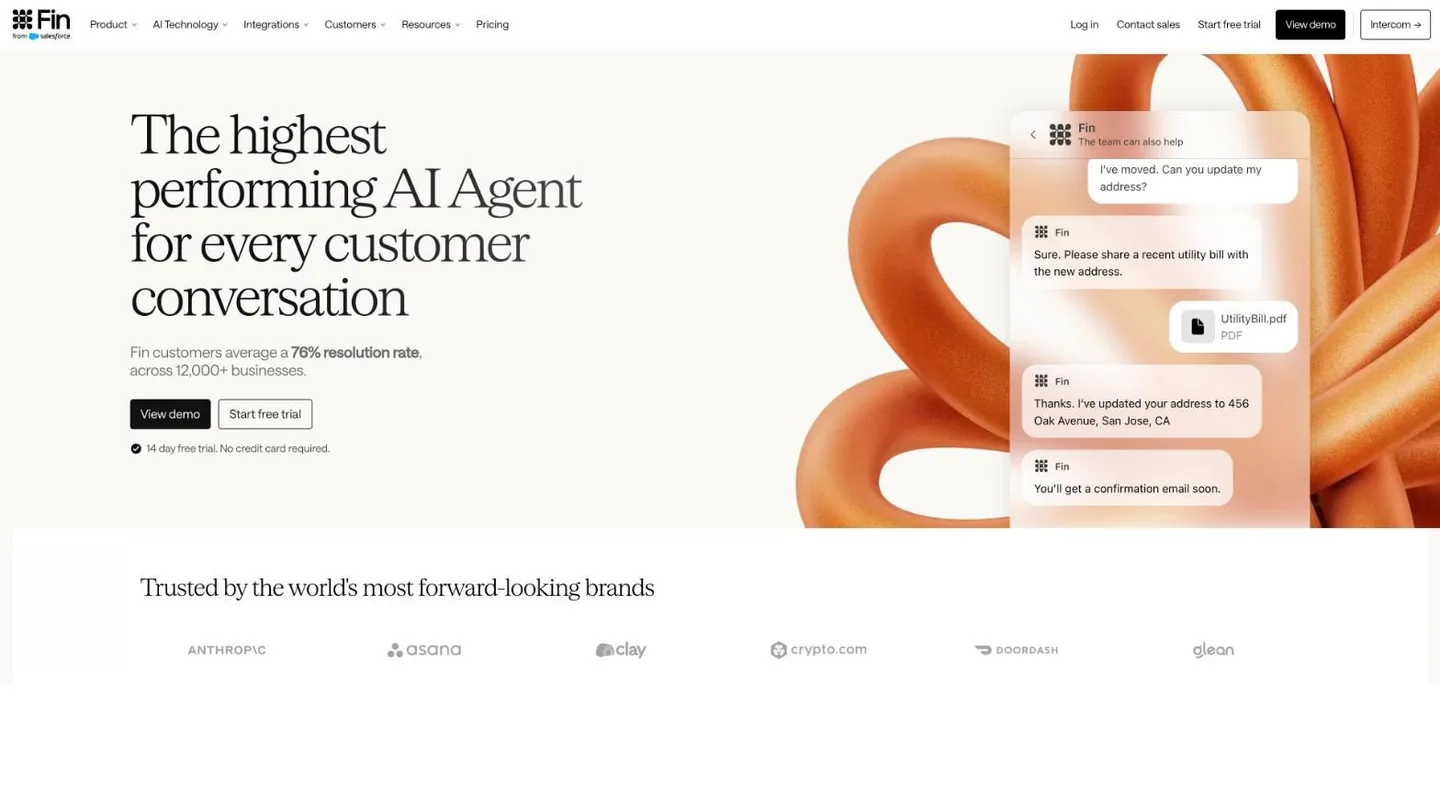
Fin is Intercom's AI agent for customer service. The company formerly called Intercom now goes by Fin, and Salesforce completed its purchase of it in September 2026; the help desk is still sold as Intercom. Fin answers from your help center and other content, follows multi-step Procedures and takes actions such as refunds and account updates through APIs, data connectors or MCP. It runs on Intercom's own help desk and also works with other help desks such as Zendesk and Salesforce.
WhatsApp is one of the live chat channels you can deploy Fin on, along with your website, iOS and Android apps, Slack, Facebook, Instagram and SMS. We compare the two in Visito vs Intercom, and our list of Intercom alternatives covers other options.
Key features
- Answers from your help center and documents
- Procedures for multi-step tasks
- Actions through APIs, data connectors and MCP
- Works with Intercom, Zendesk and Salesforce
Pricing
Fin costs $0.99 per outcome on every plan. The Intercom help desk adds seats: Essential is $39 per seat a month, or $29 billed yearly, Advanced is $99, or $85 billed yearly, and Expert is $139, or $132 billed yearly. WhatsApp is pay-as-you-go on top. There's a free 14-day trial.
Pros
- Handles complex, multi-step support tasks
- Works with the help desk you already use
- A published price per outcome
Cons
- Seats, outcomes and WhatsApp usage are billed separately
- Used with another help desk, Fin has a minimum monthly commitment, such as 50 outcomes
Best suited for: support teams with a help center that want one AI agent across chat, email, phone and WhatsApp.
What does WhatsApp cost on top of the platform?
Every tool here runs on Meta's WhatsApp Business Platform, and Meta charges for messages separately from the software. Marketing, utility and authentication templates are charged per delivered message, by country. Since October 1, 2026, Meta also charges for service messages, the replies you send inside the 24-hour window, after 1,000 free ones per number each month.
Some vendors collect these fees through their own wallet or rate card, as Wati and Manychat do. Others, including Visito, let Meta bill your own WhatsApp account. Our WhatsApp Business API pricing guide has the current rates by country and category.
How do you choose the right WhatsApp AI agent?
Start with the job WhatsApp has to do:
- Customers should book, order or pay in the chat. Visito.
- Chats arrive on many channels and need routing. respond.io.
- You run WhatsApp campaigns and want AI in the same tool. Wati.
- Customers discover you on Instagram. Manychat.
- You want to build the agent yourself. Botpress.
- You sell online and already use live chat. Tidio.
- Your team sells through a CRM pipeline. Kommo.
- You already run support on Intercom. Intercom Fin.
Then test the two or three on your shortlist with real messages from last week: a vague question, an order or booking request, a complaint and a message in another language. Watch what happens after the first reply, and whether your team can pick up the chat without asking the customer to repeat themselves. Our guide to setting up a WhatsApp Business AI agent walks through that setup and testing step by step.
What else do people ask about WhatsApp AI agents?
Is it allowed to use an AI agent on WhatsApp?
Yes, when the agent answers your own customers about your business. Since January 15, 2026, Meta bars AI companies from offering general-purpose assistants like ChatGPT through the WhatsApp Business Platform, but support, bookings, quotes, orders and follow-ups are fine. Our guide to WhatsApp's AI policy explains the details.
Can I keep using the WhatsApp Business app?
Often, yes. With coexistence, a number stays on the WhatsApp Business app while a provider connects it to the API, so the AI agent and your phone see the same chats. Visito and respond.io support it, and Wati turns it on through its support team. Manychat recommends a new number, and chats on a number connected to Manychat can't be answered in the app.
Can a WhatsApp AI agent take payments?
Some can. On any paid Visito plan, the agent sends a secure payment link in the conversation and keeps the payment tied to that customer's chat. With any other tool, ask whether payment links are built in or need a separate payment app or custom work.
How is an AI agent different from a WhatsApp chatbot?
A chatbot follows the menus and buttons you design. An AI agent understands open questions, answers from your content and can call your systems to look things up or act. Many tools now mix the two, with fixed flows for set steps and AI for everything else.
How can you try a WhatsApp AI agent on your own number?
Start on Visito's free plan, build the agent from your website and test it with the questions your customers ask. When it answers well, connect your WhatsApp number on Starter, keep the WhatsApp Business app with coexistence if you want, and connect the tools that let it book, sell and follow up.