5 n8n alternatives for building WhatsApp AI agents in 2026
Compare n8n with Visito, Botpress, Voiceflow, Make, and Activepieces for production WhatsApp AI agents, from Meta setup and memory to handoff and maintenance.
Roberta Corona
Visito

Keep n8n when custom workflow logic and complete infrastructure control matter most. Choose a managed platform when the main job is handling customer conversations on WhatsApp. Use both when a managed agent should own the customer-facing exchange while n8n moves data, triggers back-office work, and connects systems behind it.
This is not a generic list of n8n replacements. Visito, Botpress, Voiceflow, Make, and Activepieces solve different parts of the WhatsApp agent problem. The useful question is how much of the production conversation stack you want to design, host, monitor, and repair yourself.
We checked the product capabilities and public pricing against official vendor material on September 23, 2026. Software prices exclude Meta messaging fees and any separate model, implementation, connector, or infrastructure charges.
When n8n is still the right choice
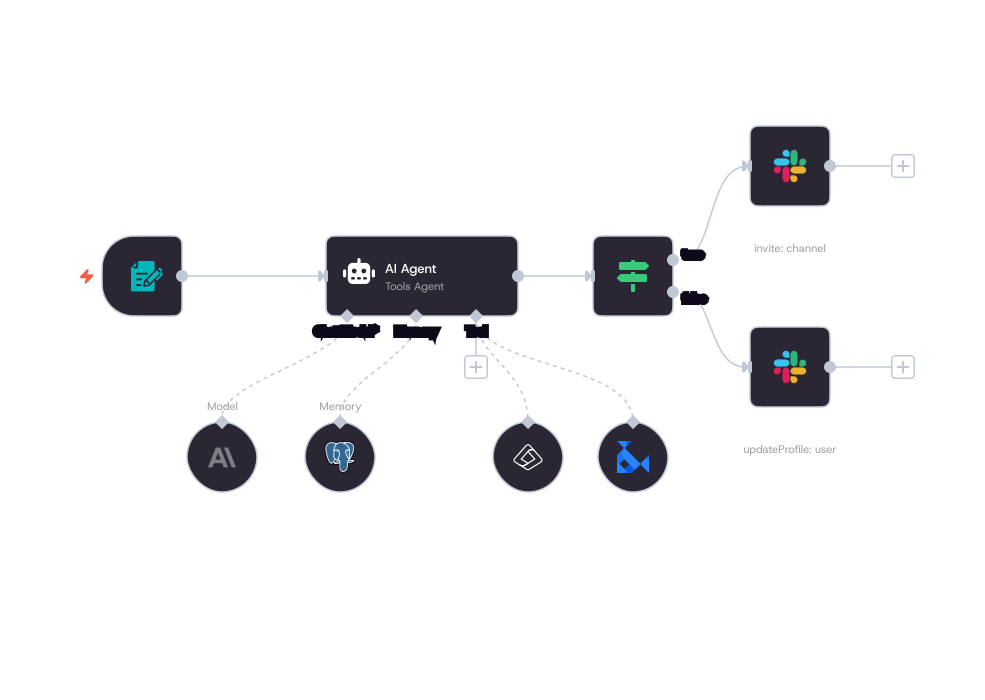
n8n is a capable automation platform with hosted and self-hosted deployment, native WhatsApp Business Cloud nodes, AI agents, tools, retrieval components, and several memory options. Its WhatsApp node can send text, media, and templates, while the trigger can receive messages and template status events.
Choose n8n when your team needs unusual workflow logic, wants to control where the automation runs, or already operates n8n as the connective layer across CRM, payments, inventory, and internal systems. It is also a sensible baseline when engineers want to inspect every step and accept responsibility for the full customer-conversation architecture.
Memory is available inside n8n, including simple window memory and external stores. The production choice depends on deployment. For example, n8n warns that its Simple Memory node should not be used with active workflows in queue mode because a later request may reach another worker. That is an architecture constraint, not an absence of memory.
What you must build around n8n for a production WhatsApp agent
n8n supplies useful components. A production agent still needs an operating design that decides who owns each layer, what happens when a request fails, and how a person takes control without the AI continuing to reply.
The work below is not equally difficult in every project. A simple FAQ flow can be small. A sales or support agent that uses live data, sends follow-ups, and serves a team needs explicit rules for state, delivery, ownership, recovery, and WhatsApp policy.
| Layer | What n8n provides | What your team still owns |
|---|---|---|
| Meta onboarding | WhatsApp Business Cloud credentials and documented node setup | Business verification, app configuration, phone-number onboarding, permissions, and account health |
| Message reception and sending | WhatsApp trigger plus message, media, and template actions | Webhook design, message normalization, idempotency, ordering, retries, and unsupported operations |
| Conversation state | AI memory nodes and external memory integrations | Session keys, retention, queue-safe storage, consent, deletion, and recovery after partial failures |
| Knowledge retrieval | AI, vector-store, embedding, and tool nodes | Content ingestion, permissions, freshness, evaluation, citations, and fallback behavior |
| Human takeover | Workflow branches and human approval for selected AI tool calls | Customer-support escalation, AI pause and resume rules, assignment, alerts, and service levels |
| Shared inbox | Connections to external systems | A staff interface or helpdesk integration, roles, collision handling, notes, and conversation ownership |
| Follow-up messages | Schedules, event triggers, conditions, and WhatsApp template sends | Opt-in records, timing rules, approved copy, suppression, frequency limits, and outcome tracking |
| Monitoring and failures | Execution history, logs, error workflows, and deployment controls | Alerts, replay rules, dead-letter handling, delivery reconciliation, tests, and incident response |
| Hosting and maintenance | n8n Cloud or a self-hosted edition | Workflow releases and, when self-hosting, infrastructure, upgrades, backups, scaling, and security |
| WhatsApp policy and templates | Template actions and template-status triggers | Customer-service windows, approved templates, opt-ins, categories, quality, and Meta policy changes |
n8n versus a managed WhatsApp AI platform
The difference is ownership. With n8n, your team assembles the conversation system from flexible parts. With a managed WhatsApp AI platform, the vendor supplies more of the channel setup, conversation runtime, knowledge layer, staff inbox, handoff behavior, and monitoring as one product.
That changes what your engineers spend time on. n8n favors control and unusual integrations. A managed platform favors faster operation by a customer-facing team. Neither choice removes the need to define good answers, escalation rules, permissions, and business outcomes.
A hybrid design often has the cleanest boundary: the conversation platform receives and manages the WhatsApp thread, then calls n8n or a business API for back-office work. n8n returns the result without becoming the staff inbox or the source of conversational truth.
How do n8n and its WhatsApp AI alternatives compare?
The baseline matters because these products are not substitutes at the same layer. Prices and capabilities in this table were checked on official vendor pages on September 23, 2026.
| Product | Product type | WhatsApp connection | Hosting responsibility | Conversation memory | Human handoff | Inbox for staff | Template handling | API and extensibility | Pricing model | Best fit | What the buyer must build |
|---|---|---|---|---|---|---|---|---|---|---|---|
| n8n | Workflow automation platform with AI components | Native WhatsApp Business Cloud node and trigger | n8n Cloud or buyer-managed self-hosting | Built-in and external memory options; design must fit the deployment | Custom workflow or external support system | No native customer-service inbox | Send templates and receive template status events | Broad node ecosystem, HTTP requests, custom nodes, and source-available self-hosting | Community Edition; cloud Starter €20/month billed annually; execution-based | Custom automation and full infrastructure control | Conversation architecture, team inbox, takeover rules, monitoring, and operating process |
| Visito | Managed customer-conversation platform | Direct Meta connection and WhatsApp Business app coexistence | Managed by Visito | Included in the conversation platform | Built-in takeover with conversation context | Built-in shared inbox | Dashboard handling plus public template list, creation, and send operations | Public API for conversations, replies, policy, assignment, handoffs, knowledge, templates, tools, reporting, and signed webhooks; no public agent-creation operation | Starts free; WhatsApp in Starter at $83/month billed annually; usage credits apply | Customer-facing sales and support conversations without operating the agent stack | Business knowledge, rules, integrations, and the team process for escalations |
| Botpress | Managed visual AI-agent builder | Official WhatsApp integration with guided or manual Meta setup | Managed by Botpress | Conversation state and knowledge features included | Botpress Desk tickets and agent takeover on eligible plans | Botpress Desk | Template actions and template-status events | Visual workflows, code, APIs, integrations, and custom actions | Conversation and AI-spend based; Plus from $150/month billed annually | Technical teams building custom conversational behavior | Agent design, tests, integrations, guardrails, and ongoing optimization |
| Voiceflow | Managed collaborative agent builder | Third-party connector or custom channel integration | Agent runtime managed by Voiceflow; connector may add another vendor | Configurable turn memory with summarized older context | Custom logic and external helpdesk integration | No native WhatsApp staff inbox confirmed | Handled through Meta and the chosen connector | Visual workflows, functions, tools, APIs, knowledge, tests, and evaluations | Usage-based; Business pricing by request | Conversation design teams with a named technical owner | WhatsApp connection, handoff, inbox integration, operations, and maintenance |
| Make | Cloud workflow automation platform | WhatsApp Business Cloud integration with message, media, and template modules | Managed by Make | Build with data stores or an external database | Build routing and connect a helpdesk or inbox | No native customer-service inbox | Send approved templates and manage related WhatsApp actions | Large app catalog, HTTP, webhooks, scenarios, and custom apps | Credit-based; Free plan; Core $12/month for 10,000 credits | Back-office automation and straightforward WhatsApp message workflows | Agent logic, memory, inbox, takeover, reliability, and conversational monitoring |
| Activepieces | Open-source automation platform with cloud and self-hosted options | WhatsApp actions for text, media, and templates; inbound trigger requires separate wiring | Activepieces Cloud or buyer-managed deployment | Build with tables, storage, or an external database | Build routing and connect an external staff tool | No native customer-service inbox | Send text, media, and approved templates | Open-source pieces, code, webhooks, APIs, agents, and MCP support | Free cloud allowance; Plus $16/month billed annually; Community Edition available | Teams that want open-source automation control at lower entry cost | Inbound WhatsApp reception, agent runtime, state, handoff, inbox, and production operations |
1. Visito: a managed WhatsApp conversation platform
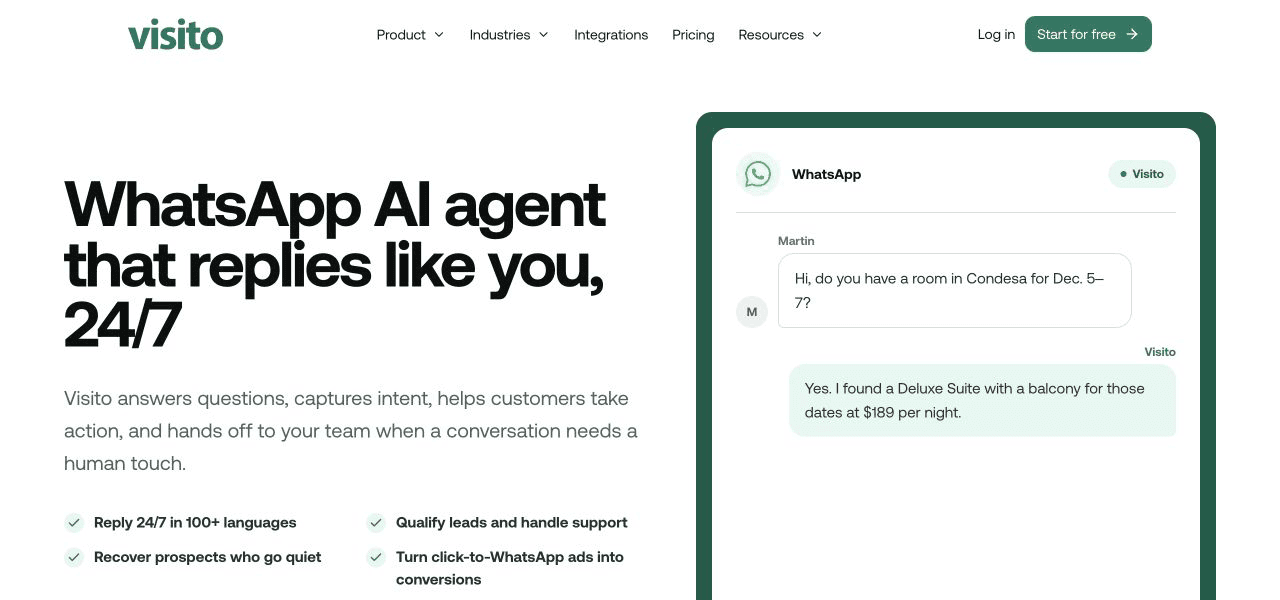
Visito's WhatsApp AI platform is the clearest fit when the main product is the customer conversation. It combines WhatsApp onboarding, an AI agent, business knowledge, automatic follow-ups, human takeover, and a shared team inbox. The staff experience is part of the system rather than another tool you must assemble around the workflow.
The public Visito Developer Guide covers channels, conversations, queued replies, conversation policy, assignment, handoffs, knowledge, tools, WhatsApp templates, delivery status, reporting, and signed webhooks. The current OpenAPI specification does not expose agent creation, so plan to configure the agent in the product rather than promise a fully API-created deployment.
Visito pricing starts free. WhatsApp is included in Starter, listed at $83 per month on annual billing when checked, with credits and plan limits to model against conversation volume. Choose Visito when customer-facing speed and a working operating layer matter more than owning every infrastructure component.
2. Botpress: a visual builder with a support desk
Botpress suits a technical team that wants to design the conversational system rather than start from a packaged customer workflow. Its official WhatsApp integration can connect through an authorization flow or manual Meta setup, and it supports messages, media, templates, and template events.
Botpress Desk gives eligible workspaces a ticket queue, assignment, human takeover, and a route back to the bot. That is a meaningful difference from a general workflow builder. You still need someone to own the workflows, knowledge, tools, evaluations, and changes after launch.
Current pricing is based on conversations plus AI spend. Plus was listed from $150 per month with annual billing when checked. Botpress makes sense when custom agent behavior is worth continuing technical ownership.
3. Voiceflow: collaborative conversation design
Voiceflow gives product, design, and engineering teams a shared canvas for agent behavior, tools, knowledge, tests, transcripts, and evaluations. Its runtime can retain a configurable recent turn window and summarize older context.
WhatsApp is not a first-party, one-click staff operation in the same way as a dedicated WhatsApp platform. Voiceflow's current WhatsApp guidance uses a third-party connector, while a custom integration remains another route. Human takeover and the staff inbox therefore depend on the surrounding helpdesk and connector design.
Business pricing is available by request and usage is billed separately. Choose Voiceflow when a named team will keep designing and evaluating the agent after the first release.
4. Make: cloud automation for WhatsApp workflows
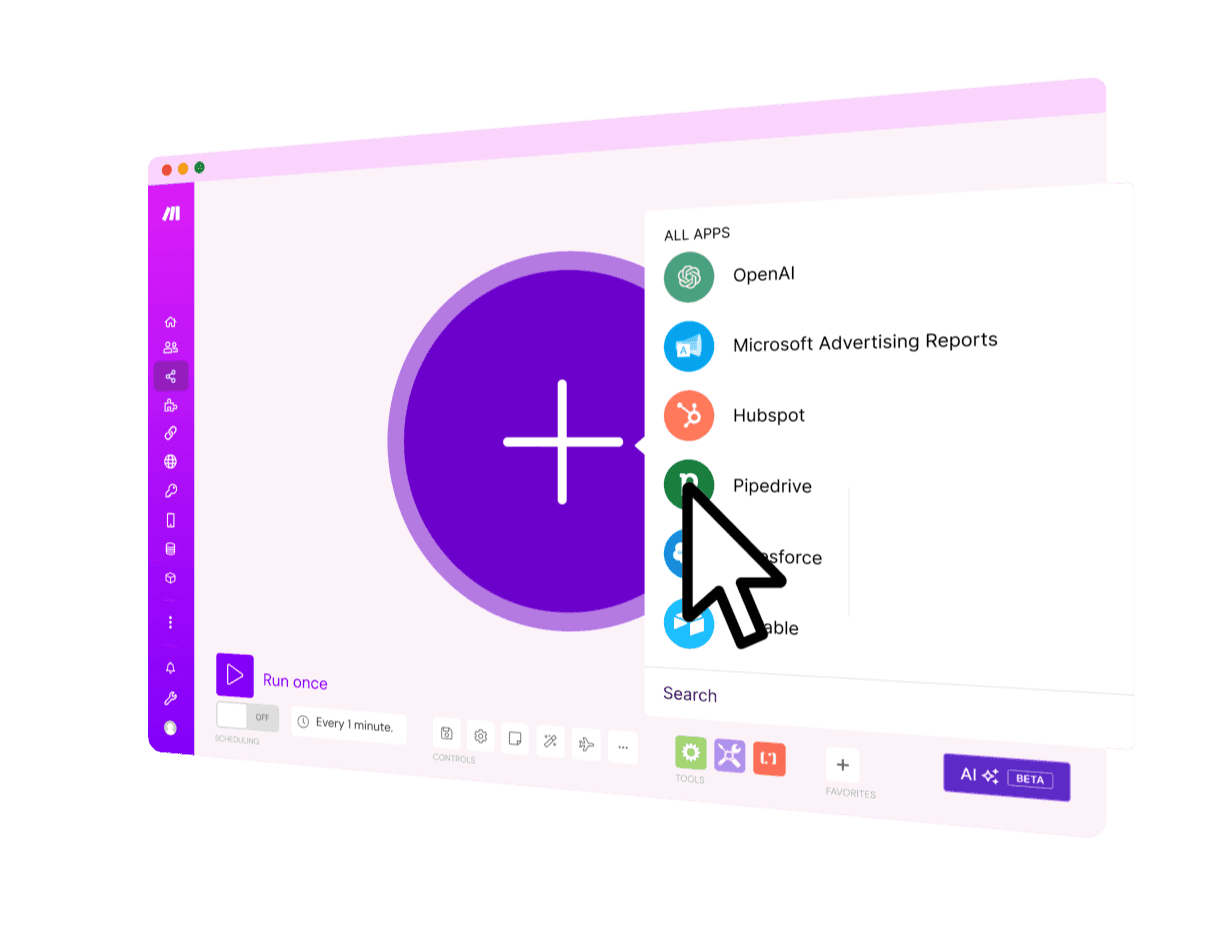
Make is a cloud automation platform. Its WhatsApp Business Cloud integration can watch events and send messages, media, and approved templates. That is useful for order updates, lead routing, CRM changes, scheduled follow-ups, and workflows that move between many SaaS products.
A conversational agent still needs state, knowledge retrieval, error behavior, a staff inbox, and takeover rules. Make can orchestrate those components, but it does not turn them into one managed customer-support product.
The Free plan includes 1,000 credits per month. Core was listed at $12 per month for 10,000 credits when checked. Because modules consume credits, model a real conversation with retries and branches rather than comparing only the headline plan.
5. Activepieces: open-source automation control
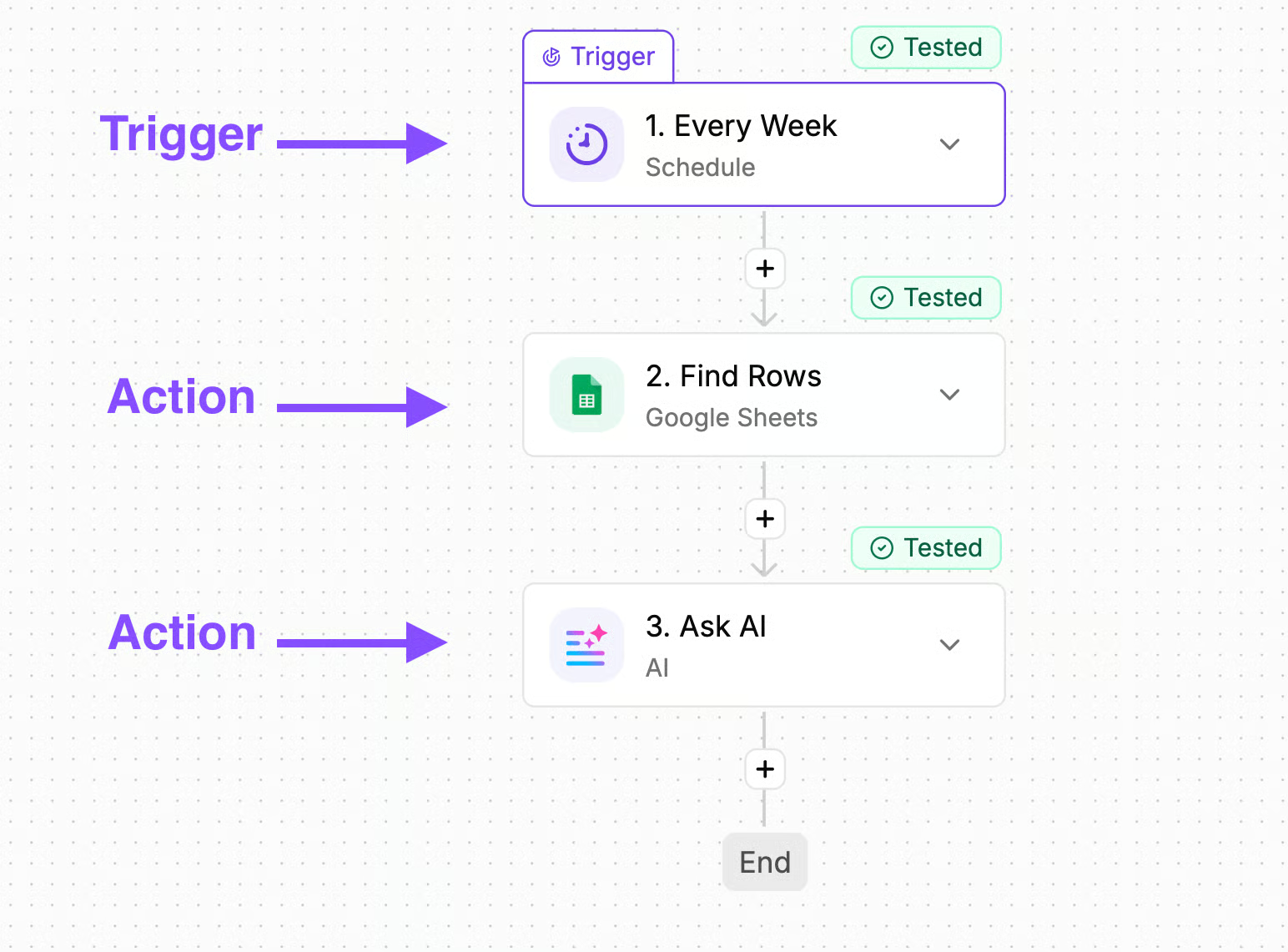
Activepieces is the open-source option in this shortlist. You can use its cloud service or self-host the platform, extend its pieces, write code, expose tools through MCP, and combine flows with its agent and table features.
Its current WhatsApp piece can send text, media, and template messages. It lists no inbound trigger, so receiving customer messages needs a webhook, custom piece, or separate Meta integration. A shared inbox, conversational state, and customer-service handoff also remain buyer-owned.
The cloud Free plan includes a daily credit allowance. Plus was listed at $16 per month on annual billing, while the Community Edition remains available for self-hosting. Choose it when open-source automation and deployment control outweigh the convenience of a finished WhatsApp operation.
Can Visito and n8n work together?
Yes. Keep the boundary simple. Visito owns the WhatsApp conversation, memory, customer-facing reply, handoff, and staff inbox. n8n owns the back-office workflow that begins after a qualified event or an explicit tool call.
A customer might ask for a quote, order update, appointment change, or reservation. Visito gathers the necessary details and manages the thread. A documented webhook or API call can pass structured data to n8n, which updates the CRM, checks another system, creates a task, or notifies an internal channel. The result can return through the documented conversation reply flow.
Use idempotency keys, persist request identifiers for asynchronous replies, and decide which system is authoritative for each state. Avoid running two independent agents against the same WhatsApp conversation.
Which option should you choose?
Use n8n when engineers want full workflow control, unusual integrations, and the option to self-host. Accept that the team will own the conversation architecture and staff operating layer.
Use Visito when WhatsApp is a customer-facing sales or support channel and you want the agent, memory, follow-up, takeover, and shared inbox managed together. Use Botpress or Voiceflow when you want to design custom agent behavior and have a technical owner. Use Make for cloud workflow automation around simpler WhatsApp jobs. Use Activepieces when open source and deployment control matter more than a finished inbox.
Use both Visito and n8n when the conversation should be managed while the business workflow stays flexible. That split gives customer teams one place to work and technical teams a separate orchestration layer.
Start free to build the customer-facing agent, then connect n8n only where a back-office workflow needs it.