7 Best Instagram Automation Tools for Sales in 2026
Compare seven Instagram automation tools for sales, from comment-to-DM campaigns to product questions, lead qualification, and connected booking workflows.

.png&w=3840&q=75)
TLDR: Visito is our pick for Instagram sales conversations that need data from your business systems. Manychat suits comment-to-DM campaigns. For a sales team managing leads across channels, look at respond.io or Kommo. Chatfuel, SleekFlow, and SendPulse cover other useful combinations of automation, commerce, and lead capture.
Someone replies to your Instagram Story: “Do you have this in medium?” They already like the product. Now they need an answer before they can buy. Sending them a welcome message leaves the work unfinished.
An Instagram automation tool can send the product link, ask which color they want, or check a connected catalog. How far it gets depends on what you connect and how you set it up. That is what we’re comparing here.
We publish this guide as the team behind Visito. The recommendations come from a review of current product pages and documentation in September 2026, with examples to help you evaluate each option. They are editorial judgments, not results from a controlled test of all seven products.
What can you automate on Instagram?
Instagram sales automation handles parts of the conversation that starts when someone messages your business or interacts with its content. A comment can trigger a private reply with a requested link. An incoming DM can start a conversation that collects the details your team needs to prepare a quote.
For a creator selling a course, delivering the enrollment page may be enough. A furniture store has a longer conversation ahead: dimensions, delivery area, and whether the item will fit. A fitness studio needs to know which class the person wants before it can help with a booking.
The useful distinction is how each tool gets its answer. A flow follows the rules you build. An AI agent can interpret a question written in different ways and answer from approved information. Live stock or class availability requires a connection to the system that holds it. A product can support several of these approaches.
This guide focuses on customer conversations and the path to a sale. For the connection process itself, see our Instagram AI setup guide.
1. Visito: for sales that depend on business data
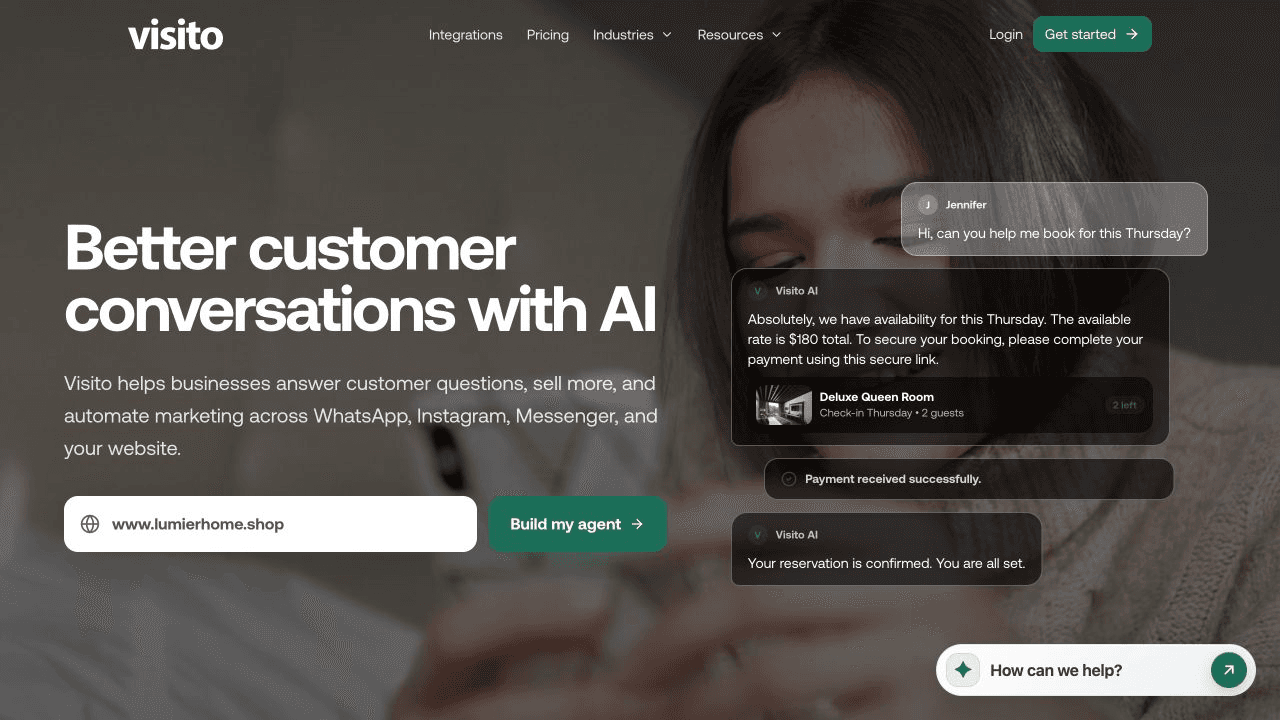
Visito’s Instagram agent answers customer questions using your business information and supported integrations. It handles DMs and Story replies, understands voice messages, and transfers conversations to your team when someone needs help from a person.
Take the shopper asking about a size. With the Shopify integration, Visito can find products, compare variants, and share a direct store link. The customer gets help choosing an available option, then follows the link to buy. Connecting Shopify does not mean every purchase happens inside Instagram.
A studio using ABC Glofox has a different workflow: checking class availability and helping a customer book. Hotels can connect supported reservation systems too. The available actions follow the integration, so confirm the exact task you want to automate before choosing a plan.
Visito also brings Instagram into the same inbox as WhatsApp, Messenger, and website chat. This is useful when the person handling sales also answers customer questions throughout the day.
We recommend Visito when the answer depends on something your business knows or can do through a connected system. Review the integration directory and current pricing together. If your entire campaign consists of sending one fixed link after a comment, a simpler flow may cover it.
2. Manychat: for comment-to-DM campaigns

Manychat is a strong starting point for creators and businesses that sell through Instagram content. Its Instagram tools can send links from comments, respond to Story interactions, and collect lead details through automated conversations.
Suppose you sell a photography course. You publish a Reel and invite people to comment “COURSE” for the syllabus. Manychat can deliver the link privately and use the person’s response to continue the flow. You decide what happens at each step.
This gives a marketing team control over the path from a post to an offer. It also gives the team something to maintain when the offer changes. Test what happens when a person asks a question midway through the flow instead of pressing the expected button.
Manychat has AI features as well as flows. Check what the selected plan includes and what requires an external connection. For a closer comparison, read our Manychat alternatives guide.
3. respond.io: for teams qualifying and routing leads
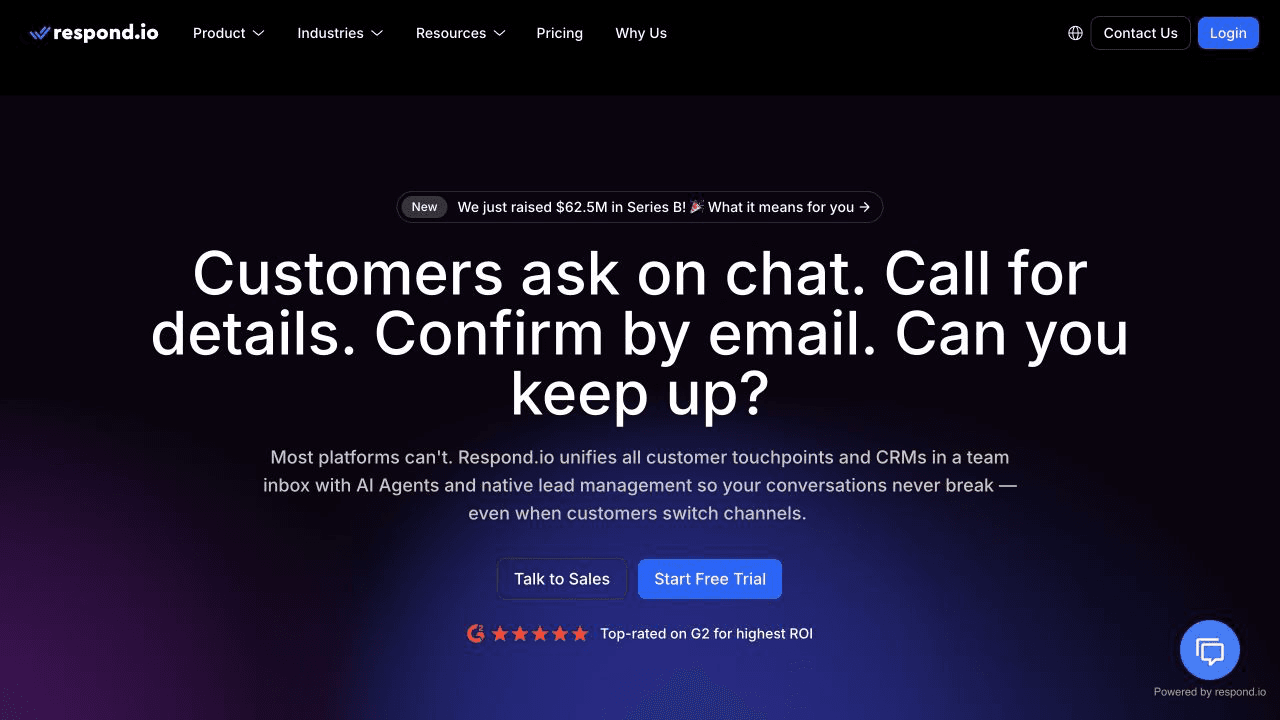
respond.io suits businesses where several people share responsibility for sales conversations. Its Instagram integration brings DMs, comments, and ad responses into a team inbox. Workflows and AI agents can qualify contacts and route conversations.
The current product goes further than reply suggestions. Its AI agents can recommend products and share booking or payment links. It also offers connections with systems such as HubSpot and Salesforce, which matter when Instagram leads need to appear in an existing sales process.
For example, an education business could collect the course a prospect wants and assign the conversation to the appropriate admissions team. The handoff needs to include those answers so the next person can continue from there.
Choose respond.io when assignment and coordination are a substantial part of the work. During the demo, ask the team to carry a sample lead from the first Instagram message into your CRM. That will show which steps are ready and which you still need to configure.
4. Chatfuel: for lead capture and common sales questions
Chatfuel offers Instagram automation for answering common questions and collecting contact details. Its Instagram page documents comment and Story interactions, DM flows, and live chat for conversations that need a person.
A business advertising a workshop could use that combination to answer questions about the venue, ask which date the person wants, and collect contact information for the organizer. The useful test is whether the conversation reaches the right person with enough information to act.
Chatfuel’s broader marketing now puts considerable emphasis on WhatsApp and agency lead qualification. Confirm the Instagram-specific feature set in the account you would buy. A feature shown in a WhatsApp demonstration does not establish how it works on Instagram.
Put Chatfuel on your shortlist if you want to automate initial sales conversations and pass qualified contacts to a person. Bring examples of questions that go beyond your FAQ so you can see the handoff behavior.
5. SleekFlow: for retailers connecting Instagram and Shopify
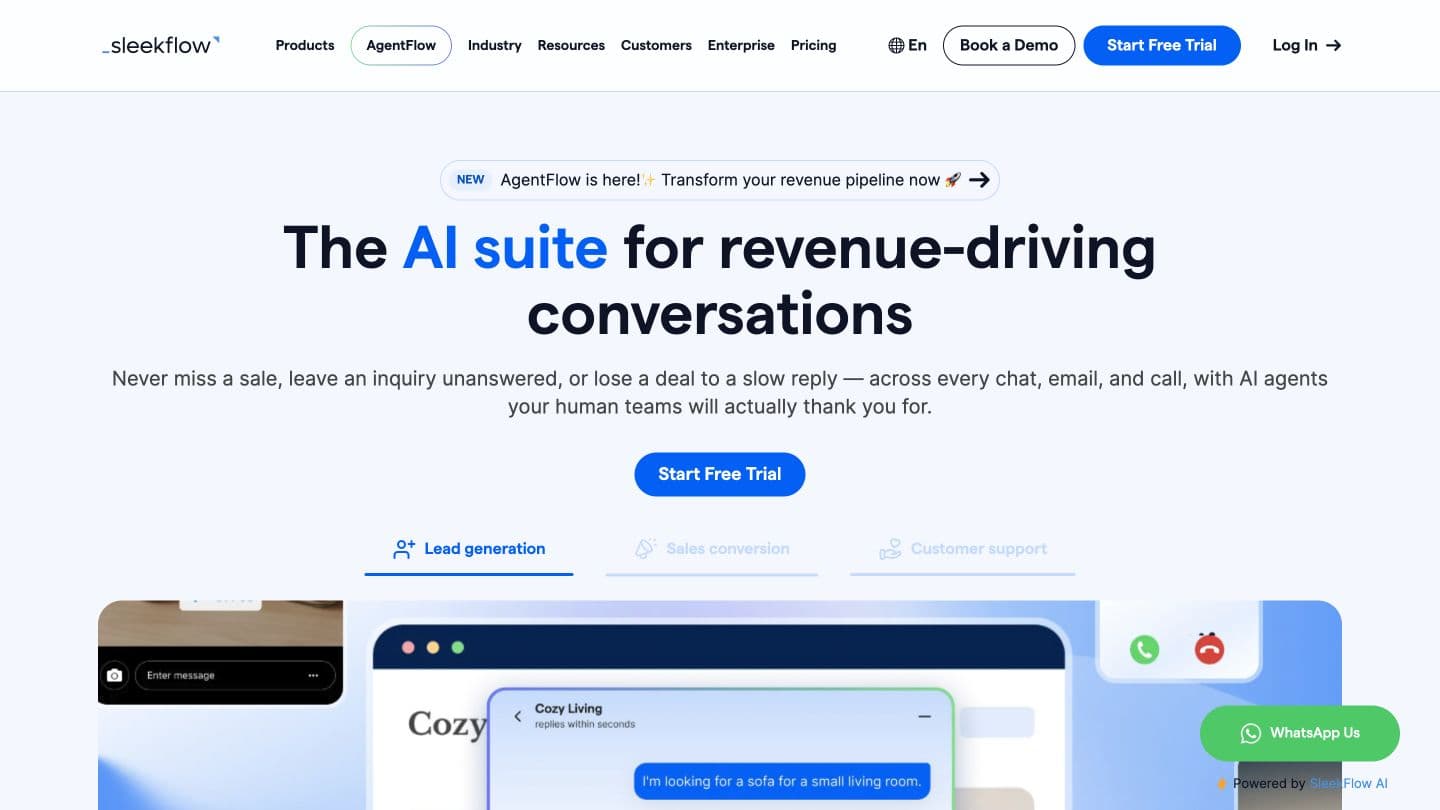
SleekFlow is worth considering when your team sells through chat and needs access to product and customer information. It combines an inbox across channels with automation, a social CRM, and payment links. Its Instagram tools cover comments and Story replies.
The Shopify connection is particularly relevant for retailers. SleekFlow documents product catalog syncing and access to details such as pricing and available inventory. Order tracking requires a flow to sync order data first.
That setup distinction deserves attention. Ask someone to demonstrate the exact order or product question your team answers most often, using the configuration included in the proposed plan. Then check how the conversation moves from an automated answer to a salesperson.
SleekFlow fits a retailer prepared to configure commerce workflows around its store. A creator distributing a single download has much less use for that extra setup.
6. Kommo: for sales that need a CRM pipeline
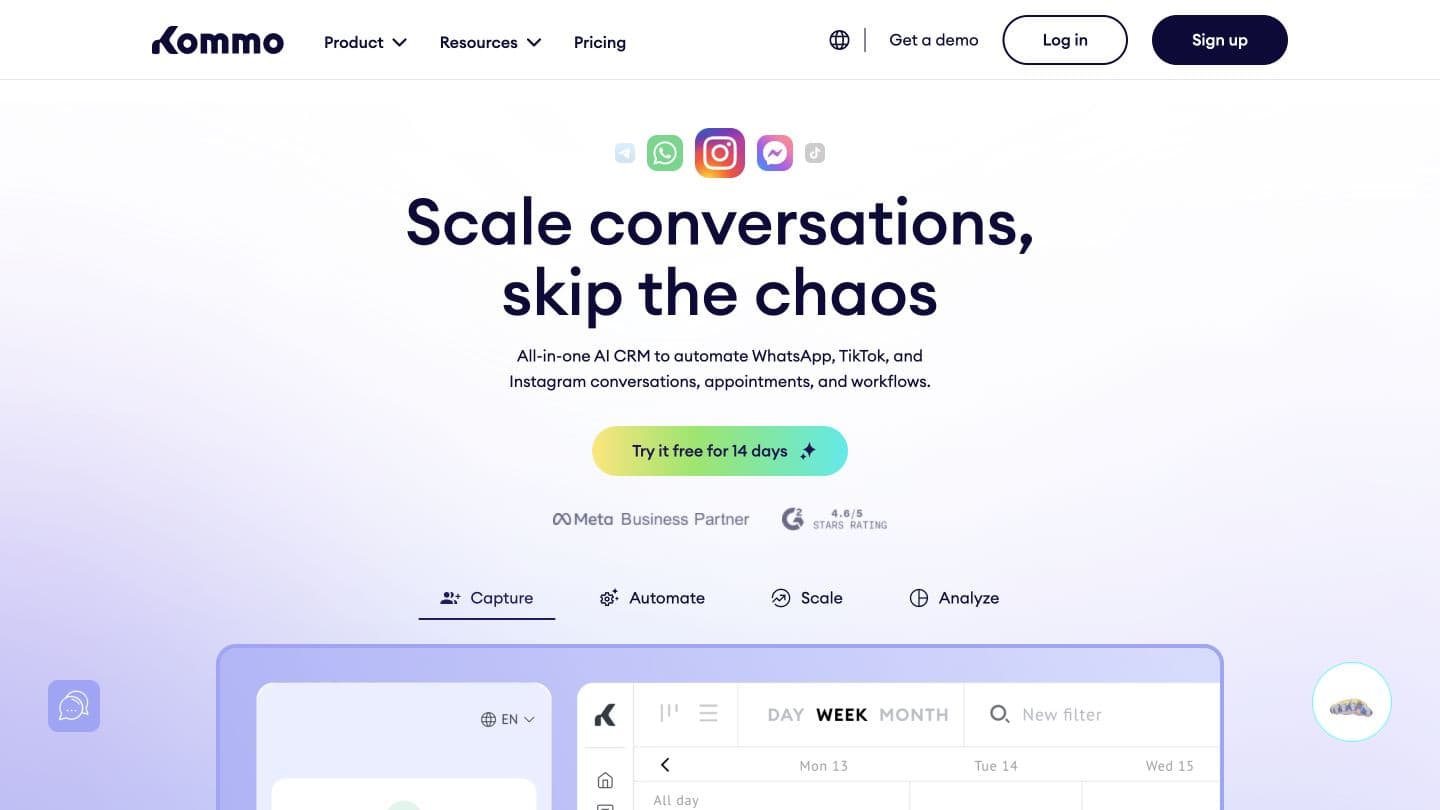
Kommo connects Instagram conversations to a sales CRM. Leads can move through a visual pipeline, with a shared inbox and Salesbot automation to collect information and assign next steps.
Consider a home renovation business. A person sends a DM after seeing a finished kitchen, then asks for a quote. The sale may take weeks. Someone needs to record the project, arrange a call, and know who owns the opportunity after that first exchange.
Kommo’s Instagram integration supports lead capture from messages and interactions such as comments and Story mentions. It makes sense when your sales team wants the customer record and conversation together.
The cost in effort is maintaining that sales process. Define the stages and who is responsible for each one before setting up automation. If customers usually buy immediately from a link, a full CRM pipeline may be more administration than the sale needs.
7. SendPulse: for building flows with a connected CRM
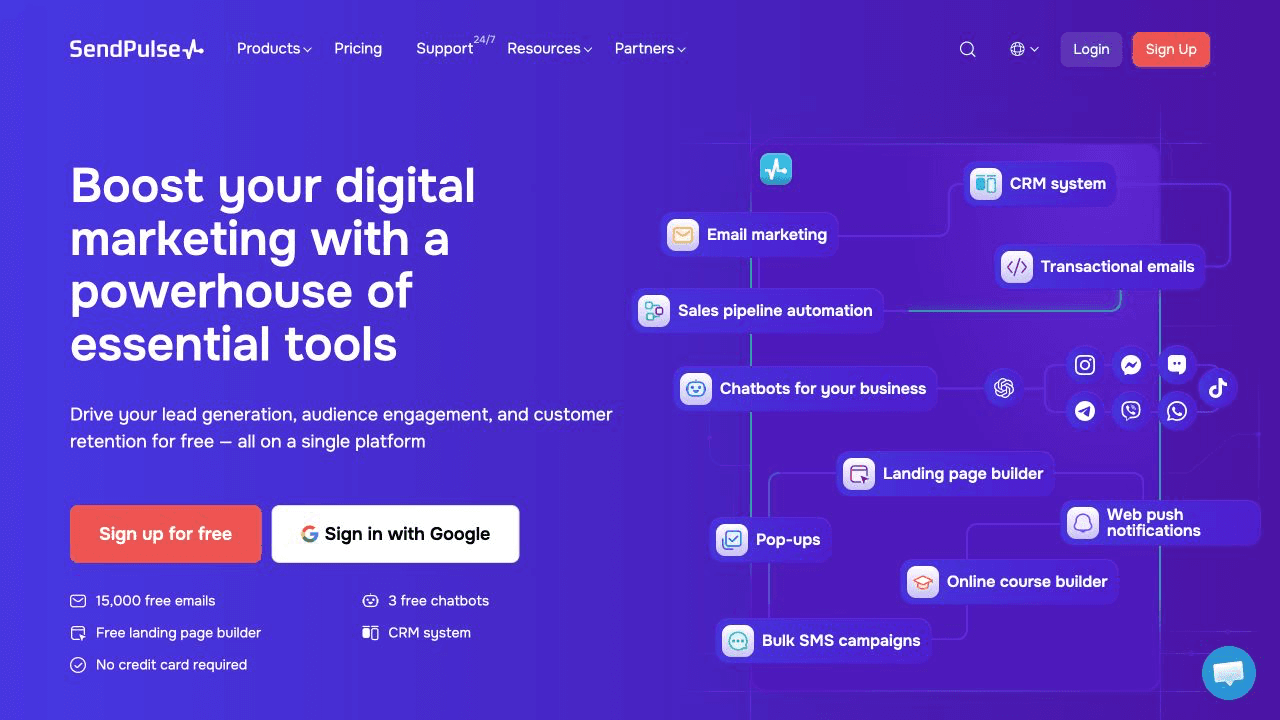
SendPulse offers a visual Instagram chatbot builder with comment replies, Story mentions, and keyword triggers. You can collect information in a flow and pass it to its CRM. It also documents payment integrations and API requests for more involved workflows.
For a small business selling workshops, that could mean sending the program, asking which session the person wants, and creating a deal for the team to follow up. SendPulse also offers email marketing, which can be useful if a customer chooses to hear from you there.
It has a free chatbot tier, so you can explore the builder before committing. Check the current subscriber and message allowances against the campaign you intend to run.
SendPulse suits someone willing to build and maintain the conversation logic. Test an unexpected answer, a repeated request, and a failed connection before sending traffic to the flow. Those are the moments that reveal how much manual work remains.
Instagram automation tools compared
This table summarizes where each option fits. The deciding factor is the work your team needs it to finish.
| Tool | Best fit | What to check before buying |
|---|---|---|
| Visito | Sales conversations using connected business data | Supported actions for your specific integration and plan |
| Manychat | Comment-to-DM campaigns and creator offers | How flows handle unexpected questions and changing offers |
| respond.io | Teams qualifying and routing leads across channels | The complete handoff from Instagram into your CRM |
| Chatfuel | Initial sales questions and lead capture | Instagram-specific features in the proposed account |
| SleekFlow | Retailers connecting Instagram and Shopify | Catalog access and the setup required for order data |
| Kommo | Sales teams managing deals through a CRM | Pipeline stages, ownership, and ongoing administration |
| SendPulse | Businesses building flows with CRM records | Usage allowances and who will maintain the flows |
What Instagram allows after a comment
A comment-to-DM flow starts with permission to send a specific private reply. It does not give you an open-ended follow-up sequence.
Meta’s private-reply documentation allows one private reply to a comment within seven days. For Instagram Live, that reply must be sent during the broadcast. Follow-up messages require the person to respond and must be sent within 24 hours of that response.
Build the first message around what the person requested. If they asked for a price list, send it and make the next step clear. Check that your provider applies the relevant messaging limits when a flow pauses or schedules a later message.
You will need a compatible Instagram professional account and the permissions required by the provider’s connection method. Confirm those requirements early if someone else manages your Meta accounts.
How to test a tool before paying for it
Use conversations from your own inbox to evaluate the tools. Pick examples that ended in a sale and examples where the customer disappeared. Remove personal information before using them in a vendor demo.
Try a complete exchange. Ask about a product, change your preference, then ask to speak with someone. For a booking business, request a time that is unavailable. Watch whether the tool asks a useful follow-up question and whether the person taking over can see what happened.
For a small pilot, you could review 20 conversations and record how many reached the intended outcome. Keep a qualified lead separate from a completed sale. Track incorrect answers and staff time as well; a conversation that needs several corrections can cost more to handle than a manual reply.
Compare the full bill for that workflow. Ask what happens when contact volume increases and whether AI usage, extra team members, or integrations cost more. Get the required plan in writing, including any payment processing fees when you collect money.
If customers also contact you on WhatsApp, test that channel separately. Our WhatsApp AI overview explains Visito’s coverage there. An Instagram test will not establish which WhatsApp features or messaging rules apply.
Which tool should you choose?
For campaigns built around a post and a fixed offer, we would start by evaluating Manychat. Kommo makes more sense when a salesperson needs to carry a deal through several stages. A larger team sharing leads across channels should look closely at respond.io.
For Visito, the strongest fit is a customer who needs information from your business before they can take the next step. That might be an available product variant or a place in a class. Start with one of those requests and confirm the connection can handle it.
You can start free with Visito, connect Instagram, and test it with your business information. Choose the workflow first. Expand after you have seen how it handles a customer’s follow-up question.