Introducing Helpdesk
Helpdesk gives your team one place to assign customer requests, track progress and hand conversations back to your Visito agent when the work is done.

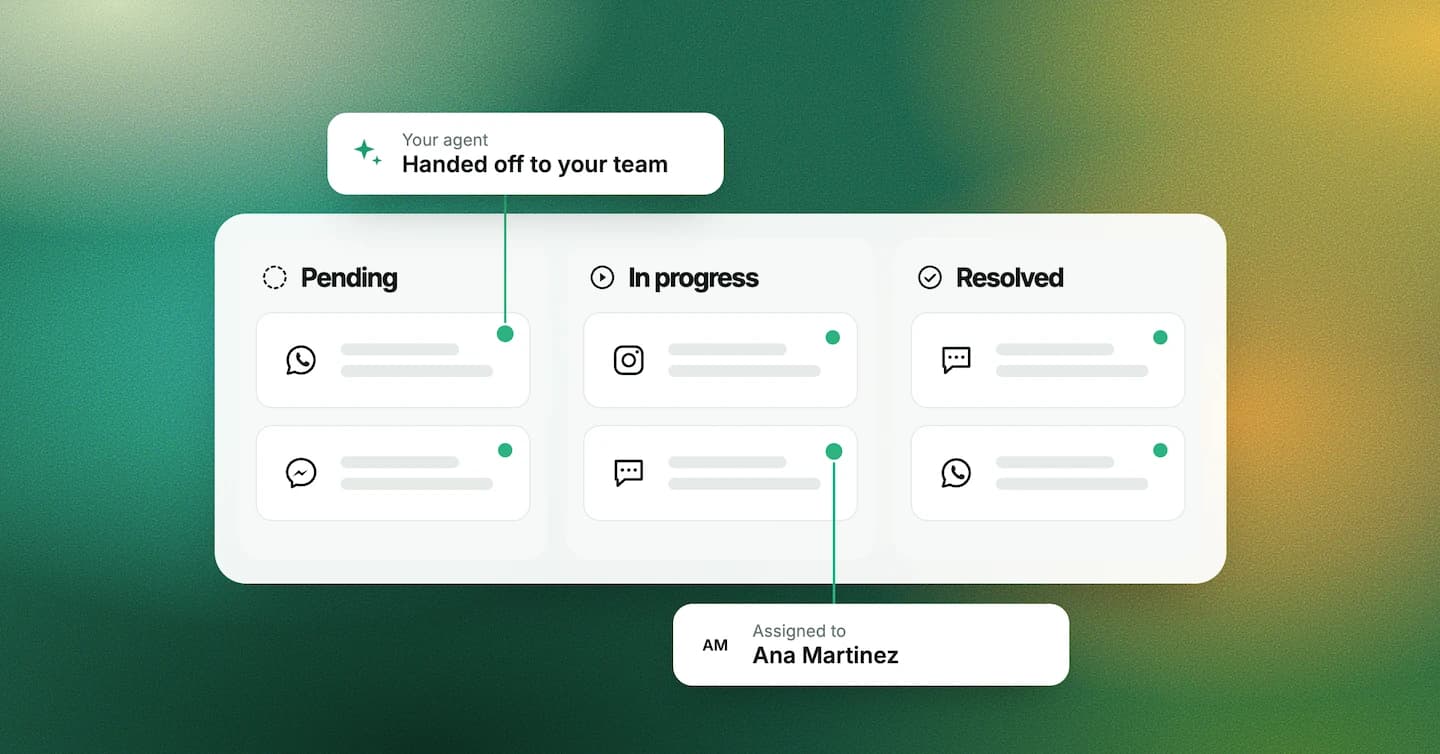
Your Visito agent can take care of a lot of things, but sometimes a customer needs a team member to step in. That's why I'm excited about Helpdesk: one place for your team to manage customer requests so you can see what's waiting, who's on it, and track progress.
How does Helpdesk work?
Sometimes a customer needs more help, or your agent can't safely answer. Here's what happens next:
- 1. Your agent hands the request off to you with a summary of the conversation
- 2. You take it, or assign it to a teammate, and track progress in one place
- 3. When you're done, close out the ticket and your agent can take over again
Once you accept a handoff, your agent stays out of the way, so your customer doesn't get two answers at once.
What if you just need to follow up on something?
Not everything needs you to take over the whole conversation. Maybe a customer wants to leave their luggage after checkout and you need to check if there's room. Or someone needs an invoice.
Just add a ticket to the conversation and assign it to whoever's on it. Your agent keeps replying in the meantime. You can also leave notes for your team (don't worry, your customers won't see them).
Where do I see all of this?
Everything is in one place, so you can see what's pending, what's in progress, and what's resolved. No need to ask again in the group chat. And you can also filter by teammate, channel or business.
Isn't that nice? Well, we think so too.
And when your agent gets stuck, Helpdesk can show you why. Let's say your booking confirmation offers free cancellation, but your FAQ says the reservation is non-refundable. Your agent shouldn't have to guess, and now you know what to fix.
How do I get started?
You'll find Helpdesk under Tickets, right next to Conversations in your dashboard.