How to use WhatsApp AI agents for your Shopify store (complete 2026 guide)
A practical guide to using Shopify data in WhatsApp for product questions, inventory checks, recommendations, order support, payment links, and human handoff.
Roberta Corona
Visito

A useful Shopify conversation on WhatsApp has a clear sequence. A shopper asks about a product. The agent checks the current catalog and inventory, recommends an available option, helps with an order question, sends a secure payment link when the purchase is ready, and brings in a person when the request needs judgment.
That is the workflow this guide covers. It is narrower than the commercial overview on the ecommerce page, more practical than the capability list on the Shopify integration page, and specific to the channel behavior described on the WhatsApp AI product page.
The point is not to automate every message. It is to give the agent the right store data, define the actions it may take, and make the route to a human obvious.
Start with the Shopify workflow, not the chatbot
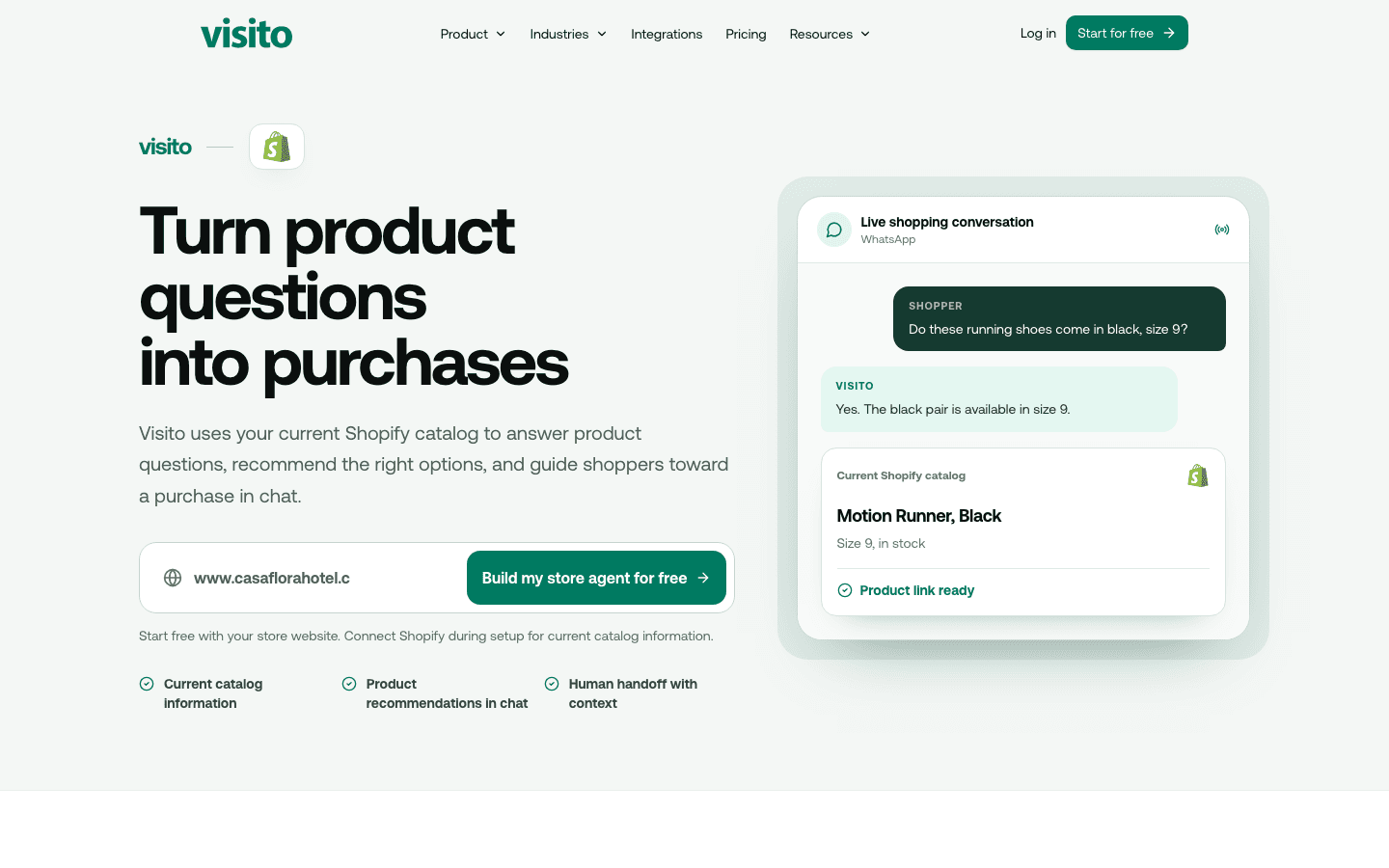
Before choosing software, write down the conversation you want to finish. A Shopify store usually needs six connected jobs, and each job depends on a different source of truth.
- Product question: understand what the shopper means, including loose requests such as “something waterproof under $120.”
- Inventory check: look up the relevant product and variant instead of relying on an old FAQ or a memorized answer.
- Recommendation: explain why an available option fits, then share the image and store link.
- Order support: retrieve supported order or delivery context when the required data is connected, or answer from approved policies when it is not.
- Payment: send a secure checkout or payment link through the configured commerce flow.
- Human handoff: transfer the conversation with its product, order, and message context intact.
What Shopify data can Visito use?
The documented Shopify connection is centered on catalog data. Visito can use product names, descriptions, images, variants, current prices, availability, and store links. That is enough to answer detailed product questions, compare options, and recommend something the customer can buy now.
Order support has a stricter boundary. Visito can answer supported order and delivery questions when the required store data is connected or when the answer exists in your approved knowledge base. A shipping policy can answer “Do you ship to Puerto Rico?” Live order status requires the relevant order context. The agent should hand off when it cannot verify the answer.
Payments are separate from Shopify catalog data. Visito can keep the conversation moving by sending a secure payment or checkout link through a connected payment flow. Your payment provider remains responsible for the transaction.
| Source | Data the agent can use | Typical reply |
|---|---|---|
| Shopify catalog | Product name, description, image, store link | “Here is the waterproof jacket you asked about.” |
| Shopify variants | Size, color, style, current price, availability | “The black size 9 is in stock at $118.” |
| Connected order context | Supported status and delivery information | “Your order has shipped. Here is the available tracking update.” |
| Approved knowledge | Shipping, returns, exchanges, discounts, care instructions | “Unused items can be returned within your published window.” |
| Conversation and team rules | Customer request, previous messages, handoff conditions | “I’m sending this exchange exception to the team with the details attached.” |
What should the agent do with that data?
Answer the question before recommending anything
If the shopper asks whether a shoe is available in black, size 9, the first reply should confirm the variant or say it cannot be verified. A recommendation belongs after the answer, not in place of it.
Explain the recommendation
“This one is cheaper” is weak. A useful reply ties the recommendation to what the shopper said: budget, material, intended use, size, color, delivery window, or another stated constraint.
Keep order data and policy answers separate
A return policy is general knowledge. A customer’s fulfillment status is account-specific data. Configure the agent so it never turns one into the other or guesses from an expected delivery window.
Hand off exceptions early
Fraud concerns, charge disputes, damaged goods, unusual refunds, and policy exceptions belong with a person. The agent can collect the order number and a short description first, then pass the thread to the right queue.
How do you connect Shopify and WhatsApp to Visito?
Visito is configured from Visito. Do not tell your team to search for a Visito listing in the Shopify App Store. The current setup starts by connecting your store from the Visito integration flow and authorizing access to the supported Shopify data.
- Create your Visito account with Start free.
- Open the Shopify integration in Visito and authorize the store you want to connect.
- Let Visito index the supported product catalog, then check a sample of products, variants, prices, and availability.
- Add approved policies and support material for questions that do not come from Shopify, such as returns, shipping regions, and warranty terms.
- Connect your WhatsApp channel and choose the number customers will message.
- Set handoff rules, team hours, and the requests that always require a person.
- Test the workflow with real products and test orders before sending traffic to it.
What does a good Shopify WhatsApp conversation look like?
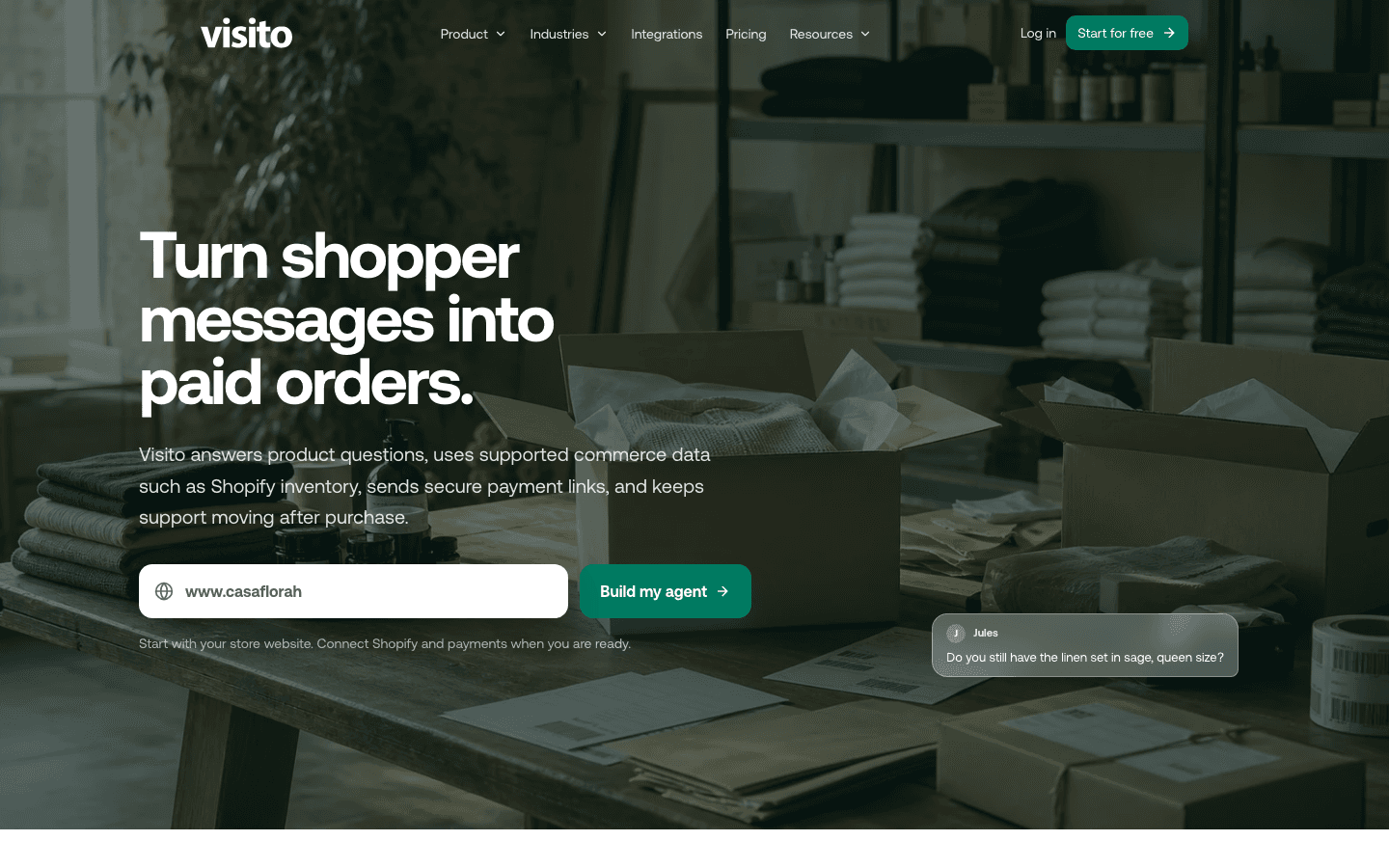
The example below is deliberately short. It answers the shopper’s question, uses current catalog context, gives one reasoned alternative, and keeps the next action obvious.
| Speaker | Message |
|---|---|
| Shopper | Do the Motion Runners come in black, size 9? |
| Agent | Yes. The black Motion Runner is available in size 9 at $118. Here is the product link. |
| Shopper | I need them for wet streets. Is there a better option? |
| Agent | The Trail Runner has a more water-resistant upper and is also available in black, size 9. It is $124. Want to compare both? |
| Shopper | Send me the Trail Runner checkout. |
| Agent | Here is the secure checkout link. I’ll keep this chat open if you need help. |
| Shopper | I also need to change the address on order 4821. |
| Agent | Address changes need the support team. I’ve passed them your order number and this conversation so you do not need to repeat it. |
How should product discovery and recommendations work?
Product search in a conversation is less tidy than a storefront filter. Customers write “a gift for someone who runs at night” or “the linen shirt from your story.” Your catalog needs clear titles, descriptions, tags, variant names, images, and links so the agent has something dependable to match.
Ask one useful question when the request is too broad. Size or budget may matter more than collecting five preferences. Once the agent has enough information, show a small set of available options and explain the difference in plain language.
Avoid recommending an unavailable variant just because the product family exists. Check the actual option the customer asked for. When availability cannot be confirmed, say that and offer a team handoff.
Treat recommendations as assistance, not a disguised campaign. The product should solve the customer’s stated need. Promotional follow-up belongs in a separate, consent-aware workflow.
How do you handle order support without making things up?
Start by separating questions that need identity or order verification from questions anyone can ask. “What is your return window?” can come from approved store policy. “Where is my package?” needs the correct order and delivery context.
Collect the minimum information your workflow needs. An order number plus the verified customer identifier may be enough. Do not expose order details merely because someone knows a number.
If the connected data does not contain a fresh status, the agent should say what it can see and transfer the case. A confident guess about a delayed package creates more support work than a clean handoff.
Use a specific handoff reason so the team knows whether it is receiving an address change, a damaged item, a refund request, or a missing delivery.
- Answer policy questions from approved sources.
- Use connected data for customer-specific order facts.
- Require a person for exceptions and sensitive changes.
- Keep the transcript and collected order details attached to the handoff.
How should payment and human handoff work?
A payment link should follow a clear choice. The shopper has selected the product or variant, seen the current price, and knows what the link is for. The agent sends a secure link instead of asking for card details in chat.
After payment, keep confirmation and support in the same thread where possible. The customer should be able to ask about a receipt or delivery without starting from zero.
Handoff rules should be written before launch. Good triggers include a direct request for a person, low confidence, repeated misunderstanding, payment trouble, a policy exception, or an action that your team has not approved for automation.
The handoff should include a compact summary, the relevant product or order, the last customer request, and any action already taken. The person owns the next reply.
What is the difference between this guide and Visito’s product pages?
These pages serve different jobs. Sending every visitor to the same page makes the site harder to understand and turns a practical guide into a sales pitch.
| Page | Use it for | What it should answer |
|---|---|---|
| This guide | Planning and testing the workflow | How product, inventory, order, payment, and handoff steps fit together |
| Ecommerce | Commercial overview for store owners | Why Visito fits shopper conversations across the buying journey |
| Shopify integration | Current Shopify-specific capability detail | Which catalog fields and shopping tasks the integration supports |
| WhatsApp AI | Channel behavior and broader WhatsApp use | How the agent replies, follows up, and hands conversations to the team |
How does Visito compare with Wati, respond.io, and Shopify-first options?
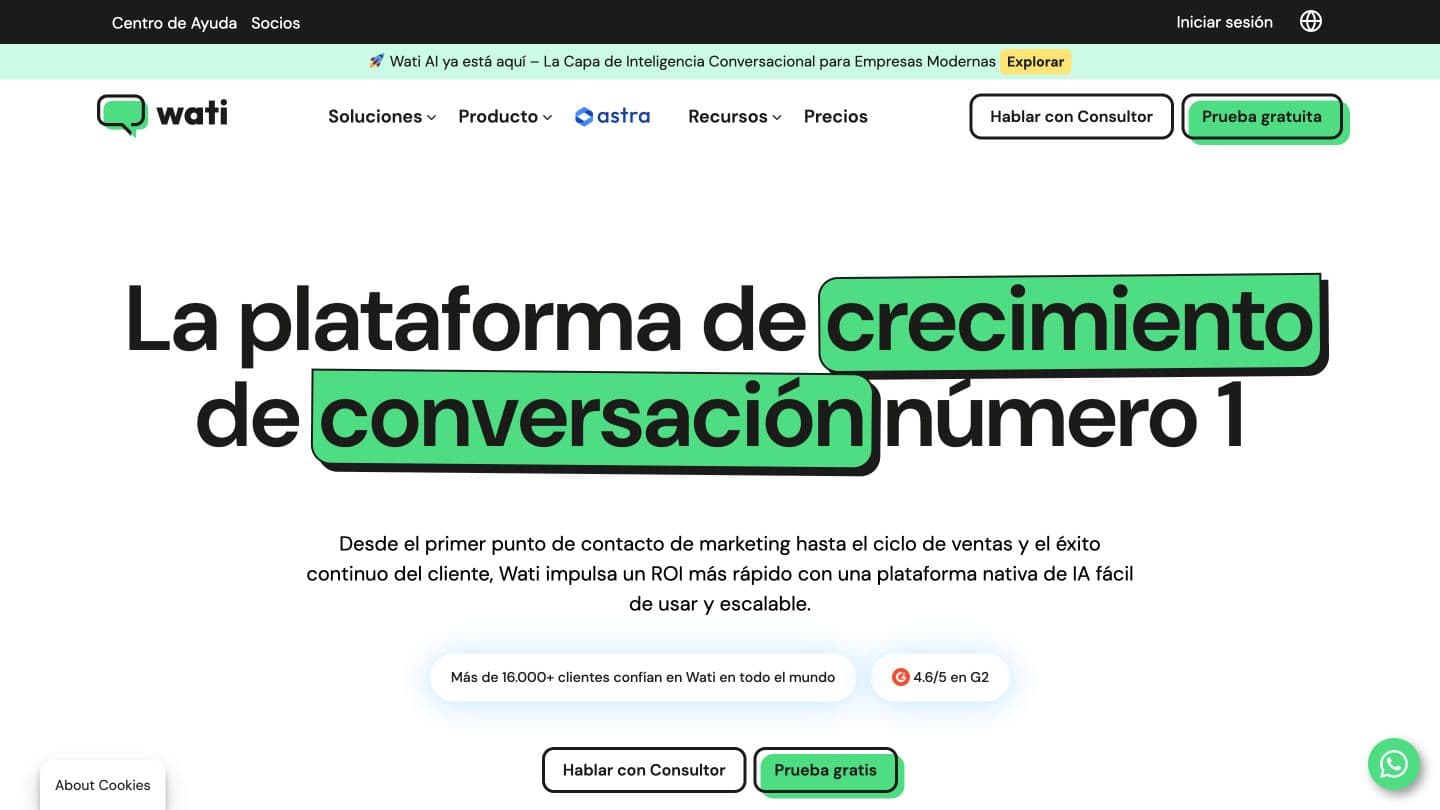
There is no useful single ranking because these products start from different places. The comparison below uses each vendor’s published product or help documentation and focuses on Shopify depth, customer channel, and the work each option is built to finish.
| Option | Published Shopify and messaging scope | Best fit | Important boundary |
|---|---|---|---|
| Visito | Current catalog data for product discovery, variants, price, and availability across WhatsApp, Instagram, Messenger, and web chat; supported order context, payment links, and human handoff | Stores where sales and support conversations happen across messaging channels | Order answers depend on the required connected data; payments use a separate secure flow |
| Wati | Native Shopify app for WhatsApp chat, catalog, cart recovery, order notifications, opt-in collection, and campaign analytics | WhatsApp-first stores that want lifecycle messaging tied closely to Shopify events | Its center of gravity is WhatsApp, and some Shopify features or fees depend on plan and app configuration |
| respond.io | Shopify web-chat plugin and omnichannel inbox; deeper order and contact sync is routed through Make, n8n, or Zapier | Teams that prioritize a broad messaging inbox and are comfortable composing external integrations | The published native Shopify integration is web chat, not a deep commerce sync by itself |
| Shopify Inbox | Shopify storefront chat with an optional Inbox agent using catalog, policies, store content, and available customer history | Merchants who want a Shopify-native website chat managed inside Shopify | It is a storefront chat product rather than a WhatsApp operating layer |
| WhatsApp by Meta for Shopify | Official Shopify app for opted-in WhatsApp order updates, templates, notifications, and tracking messages | Stores that mainly need dependable WhatsApp order notifications | It is not positioned as a conversational AI sales and support agent |
Which option fits your store?
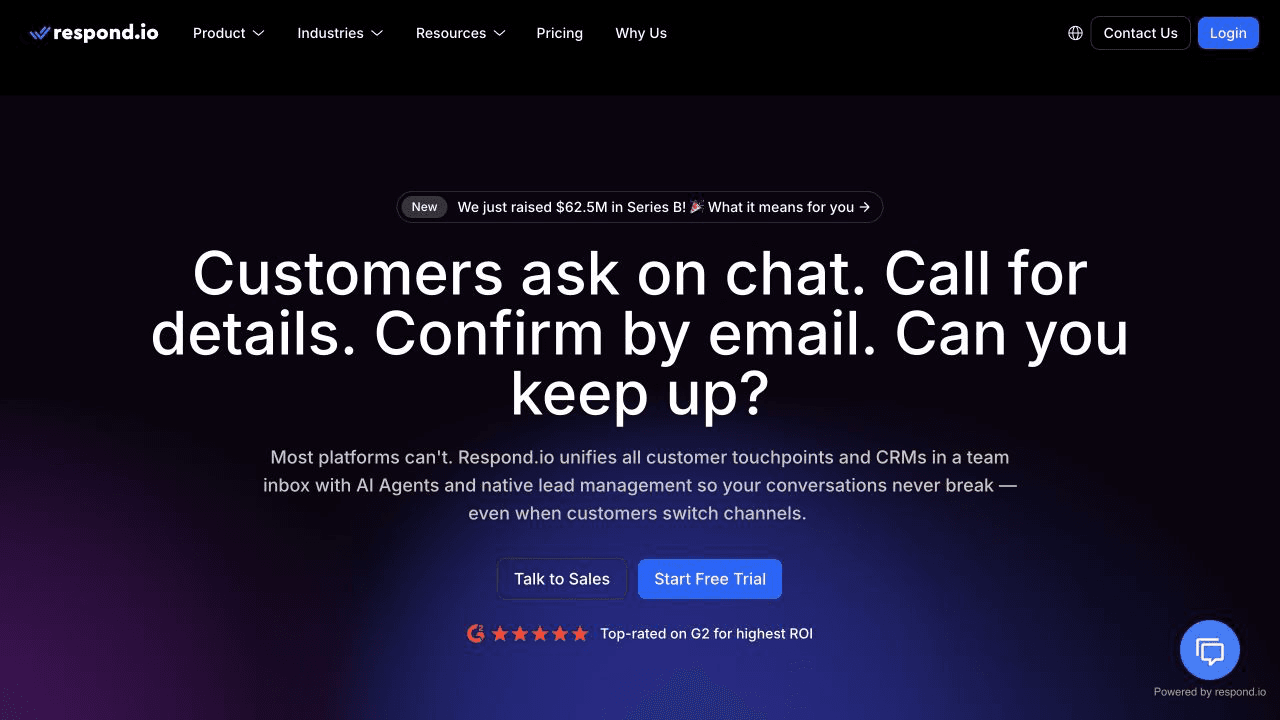
Choose from the workflow you need to own, then verify the exact data path in a test store.
- Choose Visito when current Shopify product context needs to follow customers across WhatsApp and other messaging channels, with payment and handoff in the same operating model.
- Choose Wati when WhatsApp campaigns, cart recovery, and Shopify-triggered notifications are the core job.
- Choose respond.io when channel breadth and inbox orchestration matter most and your team can build the Shopify data layer through another connector.
- Choose Shopify Inbox or Meta’s Shopify app when a focused Shopify-native job, such as storefront chat or order notifications, covers the need.
What should you test before launch?
A polished demo with one product proves very little. Use products, orders, and edge cases from your own store, then read every reply as a customer would.
- A product with several colors and sizes, including one unavailable variant
- A vague request by need or budget rather than product name
- A comparison between two similar items
- A current price and product-link check
- A shipping-policy question and a customer-specific order-status question
- A secure payment or checkout link
- An address-change or refund exception that must reach a person
- A direct “I want a human” request
- A Spanish conversation and any other language your store commonly receives
- A disconnected or stale data source, so the agent demonstrates that it can fail safely
A practical first-week launch plan
Keep the first launch small enough to inspect. One working path is more valuable than a dozen half-configured automations.
| Day | Work | Output |
|---|---|---|
| 1 | Connect Shopify and review catalog access | Ten verified products with correct variants, prices, availability, images, and links |
| 2 | Add policies and define handoff rules | Approved answers plus a written list of requests that require a person |
| 3 | Connect WhatsApp and test product discovery | A complete question, inventory, recommendation, and product-link flow |
| 4 | Test order support and payment | Verified order answers, safe failure behavior, and a working secure link |
| 5 | Invite a small set of real conversations | Reviewed transcripts and a short list of changes before wider launch |
Start with one real Shopify conversation
Pick a question your team answers every day, connect the data needed to answer it, and test the entire path through payment or handoff. That will tell you more than a generic chatbot demo.
You can start free, review the Shopify integration, or see the broader ecommerce workflow before connecting WhatsApp.