Visito is now available for Guesty
Connect your Guesty Booking Engine website to Visito to use availability and booking links in guest conversations.

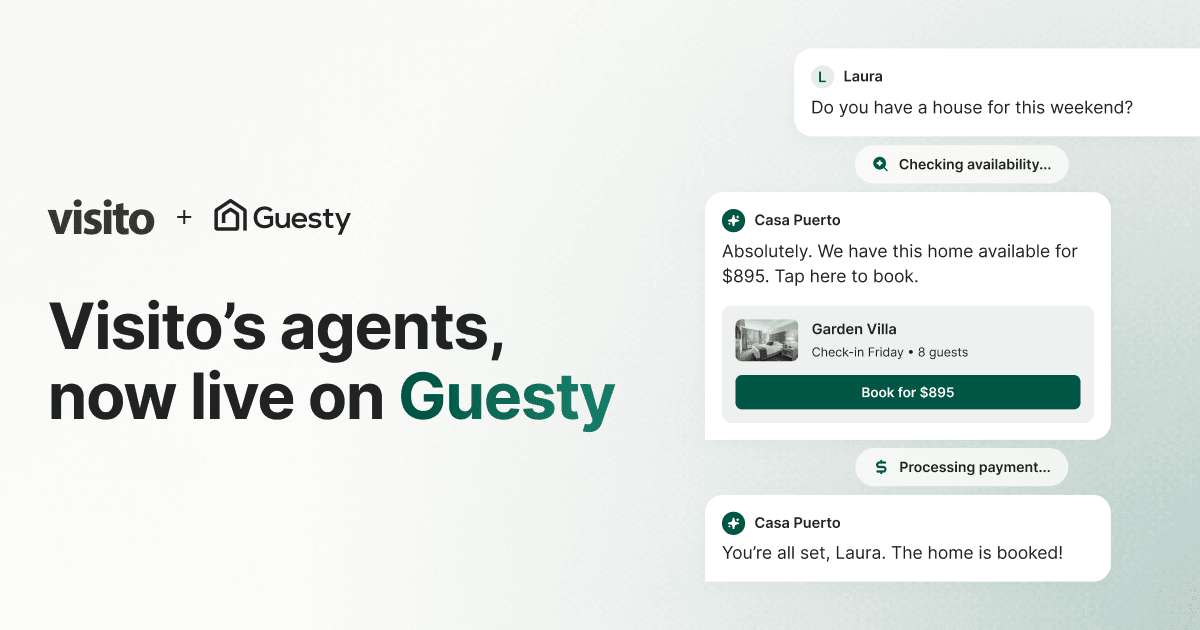
Visito connects to your public Guesty Booking Engine website so you can use availability and booking links in guest conversations. Assign the connection to the right Visito business, then help guests find the next step toward a direct booking.
How it works
Visito validates and stores your Guesty Booking Engine website for availability and booking links. Guests follow the booking link to continue their reservation on your Booking Engine. You can review the connection’s business assignment, active state, last validation, and health from the integrations screen.
- Use your public Guesty Booking Engine website for availability and booking links
- Guide guests to the booking engine to complete their reservation
- Assign the integration to the correct Visito business
- Review the connection’s active state, last validation, and health
- Reconnect if you change your booking-engine domain
Handoff to your team
When the agent can't resolve something, it hands the conversation to your team in the shared inbox with the full guest context, so staff can step in without starting over.
Getting started
Getting set up takes just a few steps:
- Open Connections → Integrations and select Connect Guesty
- Enter your public Guesty Booking Engine website and confirm the connection
- Assign the integration to the correct business and review its health
Turn guest messages into direct bookings
If you manage properties on Guesty, connect your Booking Engine website to help guests move from a conversation to a direct booking. Start free trial.