WhatsApp marketing guide: pricing and best tools in 2026
How WhatsApp marketing works in 2026: Meta's opt-in rules, sending limits and per-message costs by country, example templates, and eight campaign tools compared.


WhatsApp marketing means sending promotions, reminders and updates to customers who agreed to hear from you on WhatsApp, using message templates that Meta approves first, and starting chats from ads that open WhatsApp. It works because people read and answer WhatsApp messages, and because a reply turns into a conversation you can close on the spot. It goes wrong when you message people who never opted in, send too often or write templates that read like spam: customers block you, Meta lowers your limits, and your number gets harder to use.
Costs come in two parts. Meta charges for every marketing message it delivers, at a rate set by the customer's country ($0.0125 in Colombia, $0.0397 in Mexico and $0.0707 in Spain), and the software you send with charges its own fee on top. This guide covers the rules, the costs and the limits first, with example templates you can adapt, and compares eight tools for small businesses in Latin America, the US and Spain at the end.
What is WhatsApp marketing?
There are two ways to send marketing messages on WhatsApp, and they work differently.
The free WhatsApp Business app is made for one-to-one chats from a phone. It has labels, quick replies and broadcast lists, which work for a shop that messages its regulars from one phone. It has no approved templates and no way to send from your own software.
The WhatsApp Business Platform, usually called the API, is what campaign tools use. You send templates that Meta has reviewed, you can message thousands of opted-in customers, and every send reports whether it was delivered, read or failed. You reach it through a provider, and it differs from the regular and Business apps in pricing, limits and setup. You don't have to give up the app to use it: with WhatsApp Coexistence, the same number can stay in the Business app while a platform connects to it, although new broadcast lists can't be created in the app once it is connected.
The rest of this guide is about the Business Platform, because that's where campaigns, templates and costs live.
What can you send in a WhatsApp marketing campaign?
Every message you start on WhatsApp has to be a template, and every template has a category. Meta uses the category to decide what to charge and how strictly to limit it.
- Marketing: offers, new products, events, birthday messages, abandoned carts, win-back messages and anything else meant to drive a sale or build the relationship.
- Utility: messages tied to something the customer did or asked for, such as an order confirmation, a booking reminder or a payment update, with no promotion in them.
- Authentication: one-time codes.
Two rules catch most businesses. A template that mixes a utility message with a promotion, such as an order update with a discount code, is marketing. A vague template, such as one whose body is only a variable or "Congratulations!", is also marketing. Meta can change a template's category after it goes live, so write utility templates that stay strictly on the customer's order or booking. These rules come from Meta's template categorization guidelines, last updated in September 2026.
Marketing templates can carry an image, video or document, buttons that open a link or call you, and special formats such as coupon codes, limited-time offers and carousels of several cards.
Once a customer replies, a 24-hour customer service window opens. Inside it you can answer with normal messages, and your team or an AI agent for WhatsApp can handle the conversation from there. If you're thinking about AI for those replies, check Meta's rules for AI on WhatsApp first.
What do good WhatsApp campaigns look like?
Good campaigns are short, specific to the person and easy to answer. Here are examples you can adapt. Each one names the category Meta would most likely give it.
Hotel, win-back (marketing): "Hi {{1}}, it's been a year since your stay at Casa Azul. Rooms for the December holidays are open now, and returning guests get 10% off direct bookings until Nov 15. Reply with your dates and we'll check availability."
Restaurant, slow night (marketing): "Hi {{1}}, Tuesday is two-for-one taco night at La Esquina, 6 to 10 PM. Want us to save a table? Reply with the time and how many people."
Clinic or salon, rebooking (marketing): "Hi {{1}}, it's been 6 weeks since your last cut. We have openings on Thursday and Saturday. Reply with a day and we'll book you in."
Gym or studio, new class (marketing): "New at Studio Norte: a 7 AM mobility class starting Monday. Your first class is free as a member. Reply YES and we'll hold a spot."
Online store, abandoned cart (marketing): "You left the linen shirt in size M in your cart. It's still in stock. Tap below to finish your order."
Booking reminder (utility): "Hi {{1}}, this is a reminder of your table for 4 at La Esquina tomorrow at 8 PM. Reply C to cancel." This stays utility only as long as you don't add a promotion to it.
What the good ones share:
- One offer per message, with a clear deadline when there is one.
- A question or button that makes replying easy. Replies are where bookings and sales happen.
- The customer's name or past purchase, so it doesn't read like a mass send.
- Your business name, so people know who wrote.
- A way to stop, such as "Reply STOP to stop offers".
How do you get opt-in without getting your number blocked?
Meta requires opt-in before you message anyone on WhatsApp. Since its November 2024 policy update, the opt-in can be general rather than WhatsApp-specific, as long as it meets three requirements from Meta's opt-in guide:
- It clearly says the person is opting in to receive messages.
- It names your business.
- It complies with local law. In Spain that includes the GDPR, and each Latin American country has its own data protection rules.
You choose how to collect it: a checkbox on your website or booking form, a reply to an SMS, a phone call or a paper form at the front desk all work. A simple wording that covers most cases:
"I want to receive booking updates and occasional offers from Casa Azul on WhatsApp. I can stop at any time by replying STOP."
A few habits keep your number healthy:
- Ask for consent for the kinds of messages you'll actually send, and consider separate opt-ins for updates and for offers. Meta suggests this because it lowers the chance people block you.
- Never buy or rent lists, and don't import every phone number in your PMS or CRM. Message only people who said yes.
- Honor opt-outs right away, and keep a record of who opted in and when.
- Send a short confirmation when someone opts in, so the first marketing message is not a surprise.
People can block or report you, and they can turn off marketing messages from a single business. Meta says it will rate-limit businesses whose quality stays low for a sustained period.
How many marketing messages can you send?
Three limits apply, and they stack.
Your messaging limit. This is how many different people your business can start conversations with in a rolling 24 hours. Since October 2025 it is set for the whole business portfolio, shared by all your numbers. According to Meta's messaging limits page, new portfolios start at 250. You reach 2,000 by verifying your business, or by sending high-quality templates to 2,000 different people within 30 days, and Meta then reviews your quality before raising the limit. After that, Meta raises the limit to 10,000, then 100,000, then unlimited, as long as your messages stay high quality and you used at least half of your current limit in the last 7 days.
Per-user marketing limits. WhatsApp may also cap how many marketing messages one person receives from all businesses, based on how often they read marketing messages and how busy their inbox is. When a message is held back for this reason, it fails with error 131049. Meta asks you to wait at least 24 hours before trying that person again, and repeated retries can block further attempts for up to 24 hours. Messages you send inside an open 24-hour window, after the customer replied, don't count toward this cap.
United States numbers. WhatsApp does not currently deliver marketing templates to people with US phone numbers (+1 with a US area code). Utility and authentication templates still work. If most of your customers are in the US, plan campaigns around email or SMS, and use WhatsApp for conversations customers start, for example from an ad or a WhatsApp link on your website.
Your software can add its own cap too. Ask each provider how many marketing messages it lets you send per day.
What gets WhatsApp marketing numbers blocked or limited?
Most problems come from a handful of habits:
- Messaging people who didn't opt in. Bought lists and old contact exports bring blocks and reports quickly.
- Sending too often. A weekly promotion to the whole list wears people out. Segment, and send fewer, better messages.
- Vague or misleading templates. Templates that hide the offer, or utility templates that slip in a promotion, get recategorized or rejected.
- No easy way out. If stopping is hard, people use the block button instead, and blocks hurt your quality.
- Retrying failed sends right away. Sending again to someone who hit their marketing limit (error 131049) within 24 hours wastes sends and can lock that person out for a day.
- Ignoring the replies. A campaign that asks a question and leaves the answers unread for a day teaches people not to reply.
How much does WhatsApp marketing cost?
Meta charges per delivered message, by category and by the recipient's country code. You don't pay for messages customers send you, and you don't pay for messages that are sent but never delivered. Here are Meta's list rates for one marketing message, in effect since October 1, 2026:
| Recipient country | Marketing message | 2,000 marketing messages |
|---|---|---|
| Mexico | $0.0397 | $79.40 |
| Brazil | $0.0625 | $125.00 |
| Argentina | $0.0618 | $123.60 |
| Colombia | $0.0125 | $25.00 |
| Spain | $0.0707 | $141.40 |
| India | $0.0118 | $23.60 |
| Indonesia | $0.0411 | $82.20 |
| United States | $0.0250, but not delivered today | Not available |
The US row shows Meta's North America rate, but WhatsApp doesn't deliver marketing templates to US numbers right now, as explained above. The rate depends on the customer's number, not on where your business is. A hotel in Cancún pays the Spain rate when it messages a guest with a Spanish number.
A few more things affect the bill:
- Replies inside the 24-hour window are service messages. Each business number gets 1,000 free service messages a month. From October 1, 2026, Meta charges for service messages after those first 1,000.
- Utility templates cost much less than marketing ones (Mexico's utility rate is $0.0085), which is one more reason to keep them free of promotions.
- Prices change only on the first day of a quarter (January, April, July or October), with at least a month's notice for rate changes.
- Your provider's fee sits on top. Some charge a flat plan, some charge per contact or per message, and some resell Meta's messages at their own rate. Ask which one before you compare plans.
Before you set a budget, check the full WhatsApp Business API rate tables for the other countries you send to.
How do Click-to-WhatsApp ads fit in?
Click-to-WhatsApp ads are Facebook or Instagram ads whose button opens a chat with your business. The customer writes first, so no opt-in list or template is needed to start.
They also save money. When someone messages you from one of these ads on the WhatsApp phone app and you answer within 24 hours, Meta opens a free entry point window that can stay open for up to 7 days. While it's open, Meta doesn't charge for your marketing, utility, authentication or service messages to that person. Meta's own Business Agent replies are the exception and are still charged. Messages from the desktop and web versions of WhatsApp don't open this window.
Two things make these ads work: reply in seconds, because the person just tapped an ad and is waiting, and ask for opt-in during the chat if you want to send them offers later.
How do you plan a WhatsApp campaign step by step?
- 1. Pick one goal. Fill Tuesday tables, rebook last year's guests, recover carts. One goal per campaign makes the message and the measurement simple.
- 2. Choose the segment. Use what you already know: last visit, past purchase, language, city. Smaller, relevant segments get more replies and fewer blocks than the whole list.
- 3. Write and submit the template. Keep it short, personal and easy to answer, pick the right category and add a button if it helps. Meta reviews every template, so submit it a day or two before you need it.
- 4. Check your limits. Make sure the segment fits your messaging limit and your provider's daily cap, and remove US numbers from marketing sends.
- 5. Send a test. Send it to your own team first and check the variables, links and buttons on a phone.
- 6. Time it. Send when people can answer and when your team or agent can reply. A Friday evening send with nobody on the inbox wastes the replies.
- 7. Answer every reply. Have answers ready for the obvious questions (price, availability, location) and a clear way to book or buy in the chat.
- 8. Measure and adjust. Compare results with your last campaign, not with averages from other businesses.
How do you measure a WhatsApp campaign?
Track the whole path, from send to sale:
| Metric | What it tells you |
|---|---|
| Delivered | How much of your segment the message actually reached. Failures point to bad numbers, US numbers or per-user limits. |
| Read | Whether the opening and timing worked. |
| Clicked | Whether the button or link was worth tapping. |
| Replied | Whether the message started conversations, the main point of WhatsApp. |
| Converted | Bookings, orders or visits you can tie back to the campaign. |
| Blocks and opt-outs | Whether the audience or frequency is wrong. Watch this one closely. |
Cost per booking or order is the number to compare across campaigns and channels. Add up Meta's fees and your tool's fee, then divide by the sales the campaign brought in.
Is WhatsApp marketing better than email or SMS?
Neither replaces the others. Each one fits a different job:
| Channel | Best at | Watch out for |
|---|---|---|
| Offers that need a conversation: booking dates, product questions, appointments. Rich media and buttons. | Meta's fee per message, opt-in rules, templates and limits. No marketing templates to US numbers. | |
| Newsletters, long content, large lists at a low cost per send. | Lower attention, and replies rarely turn into a sale on the spot. | |
| SMS | Short alerts and reminders, especially in the US. | Plain text, per-message cost, and strict consent rules in many countries. |
Many businesses keep email for the newsletter and use WhatsApp for fewer, more personal campaigns that ask for a reply.
Why should you listen to us?
Visito wrote this guide, and Visito is one of the tools in it, so read the rankings with that in mind. We build AI agents for WhatsApp and other messaging channels, and customers in 20+ countries trust Visito with their WhatsApp conversations. One of them, Mexico City's Bolerama bowling center, automates over 90% of its 11,000 monthly messages across WhatsApp, Instagram and Messenger, so people who answer its promotions get a reply right away.
We work with WhatsApp's rules every day, and our customers send campaigns, so we've seen the mistakes in this guide up close. If you work at one of the companies listed here and something is wrong or out of date, tell us and we'll fix it.
How did we compare WhatsApp marketing tools?
We looked for tools that small businesses in Latin America, the US and Spain actually use to send WhatsApp campaigns, with a self-serve plan or a clear way to start. For each one, we checked the vendor's own pricing and product pages in October 2026, including monthly and yearly billing options, and noted:
- which plan unlocks WhatsApp broadcasts or campaigns, and what it costs
- how Meta's message fees are charged on top
- the other channels and integrations included
- the trial and who the tool suits best
We left out tools that only resell API access without campaign features, and tools whose WhatsApp sending works outside Meta's official platform, because those numbers risk being banned.
Which WhatsApp marketing tools should you shortlist?
If you only compare three, start with these. The sections below cover all eight. Prices are in USD before tax, and Meta's message fees come on top of every option.
| Tool | Best for | Campaigns from |
|---|---|---|
| Visito | Targeted campaigns where every reply gets an answer and can become a sale | Starter from $9/month, sending through the Visito API |
| Wati | WhatsApp-first teams that broadcast often | Growth: $69/month, or $59/month billed yearly |
| respond.io | Teams running campaigns across many channels | Growth: $199/month, or $159/month billed yearly |
1. Visito: best for targeted campaigns where every reply gets an answer
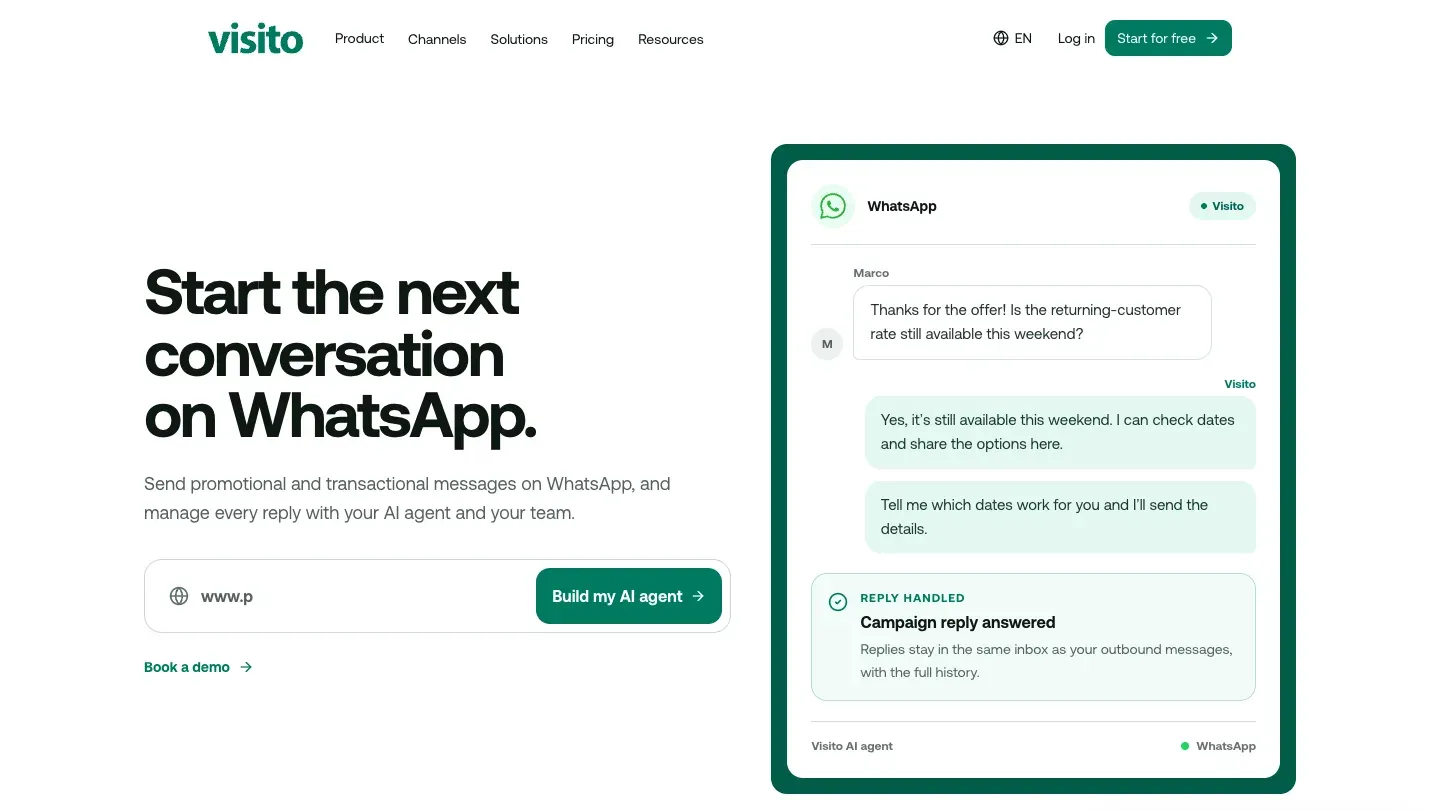
Visito is an AI agent for WhatsApp and other messaging platforms. For campaigns, you send Meta-approved templates through the Visito API: you can list, create and send templates from your own system, an automation tool or a script, and Visito only sends templates Meta has approved. A script can, for example, pick last year's guests from your booking system and send each one a template, as in this WhatsApp workflow built with the Visito API and Claude Code.
Where Visito differs is what happens after the send. Replies land in the same inbox as the rest of your WhatsApp conversations, with the full history, and the AI agent answers them from your website and documents. Where you've connected a booking or inventory system, it can check availability and share booking links, and it hands the chat to your team when a person should take over. That reply handling is what Visito's WhatsApp campaigns are built around.
Pricing
The Free plan covers website chat only. WhatsApp and the Visito API start on Starter, from $9 a month for 200 credits, with a 7-day free trial on Starter and Pro. Credits are used by the AI agent's replies and actions, and Meta's message fees are billed on top. Visito's pricing lists every plan.
Good to know
- There is no campaign builder. You pick the audience in your own system and send through the API, which suits teams with a developer or an automation tool.
- The API sends up to 100 marketing templates per WhatsApp number in a rolling 24 hours (utility templates have a separate limit of 2,000), so Visito suits targeted sends to a segment, not mass broadcasts to your whole list.
- The same agent answers on Instagram, so a customer who replies to an Instagram post or ad gets the same help.
Visito is not built for businesses whose main need is broadcasting to tens of thousands of contacts a day, or for marketers who want a campaign builder with no code.
2. Wati: best for WhatsApp-first teams that broadcast often
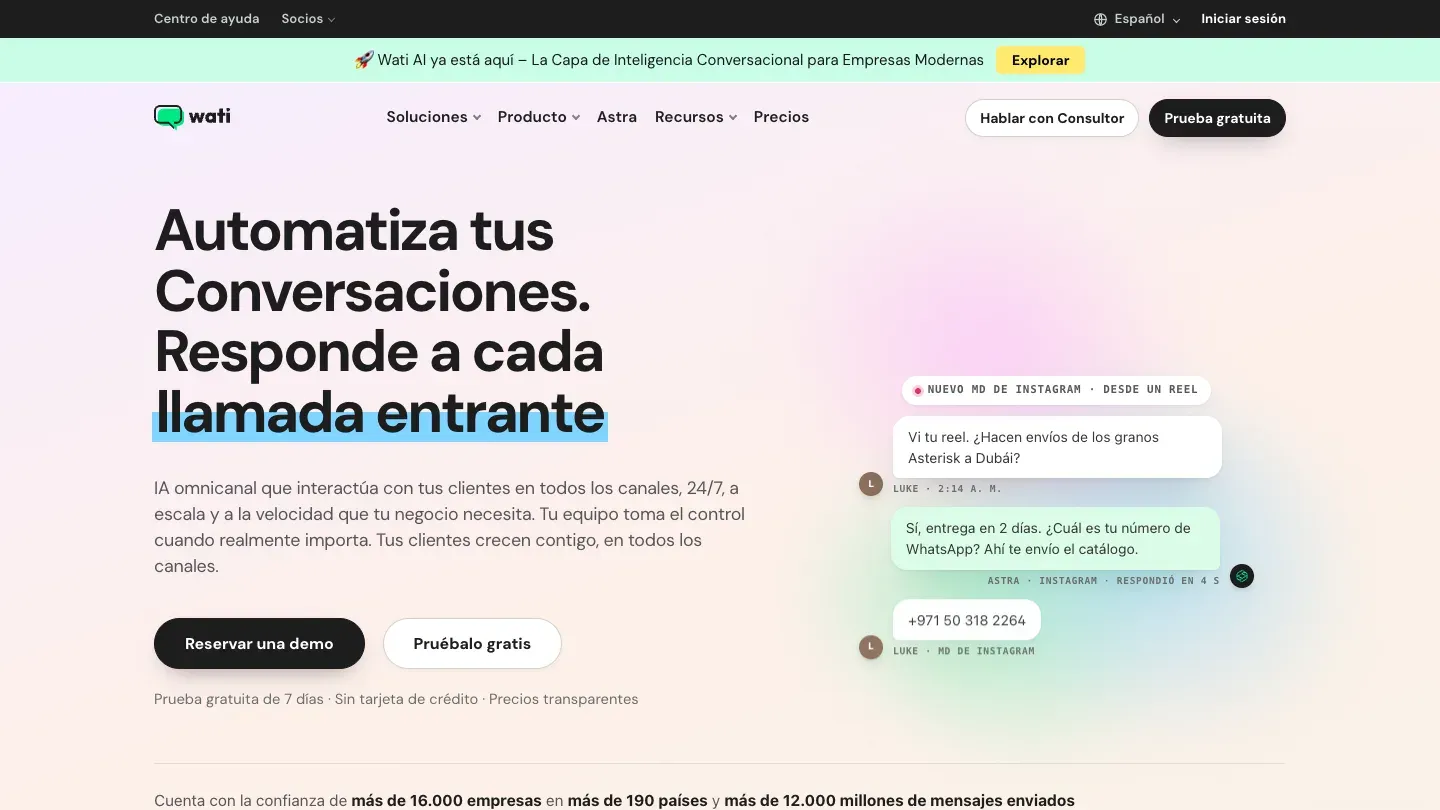
Wati is a WhatsApp Business API platform with broadcasts, a shared team inbox, chatbots and AI agents. Its Growth plan includes 15,000 broadcasts a month, and Pro and Business remove that cap. If you sell on Shopify, it also has abandoned-cart and order templates.
Pricing
Growth costs $69 a month on monthly billing, or $59 billed yearly, with 3 users and 500 monthly active contacts. Pro is $149, or $119 billed yearly, with 5 users. Message fees are added on top, at Wati's own rate card. There's a 7-day free trial.
Good to know
- Extra WhatsApp numbers are a paid add-on.
- The Shopify campaign features require Wati's Shopify app, at $4.99 a month.
See how Visito and Wati compare feature by feature.
Choose Wati over Visito if you send large broadcasts every week and want a campaign builder your marketing team can use without any code.
3. respond.io: best for teams running campaigns across many channels
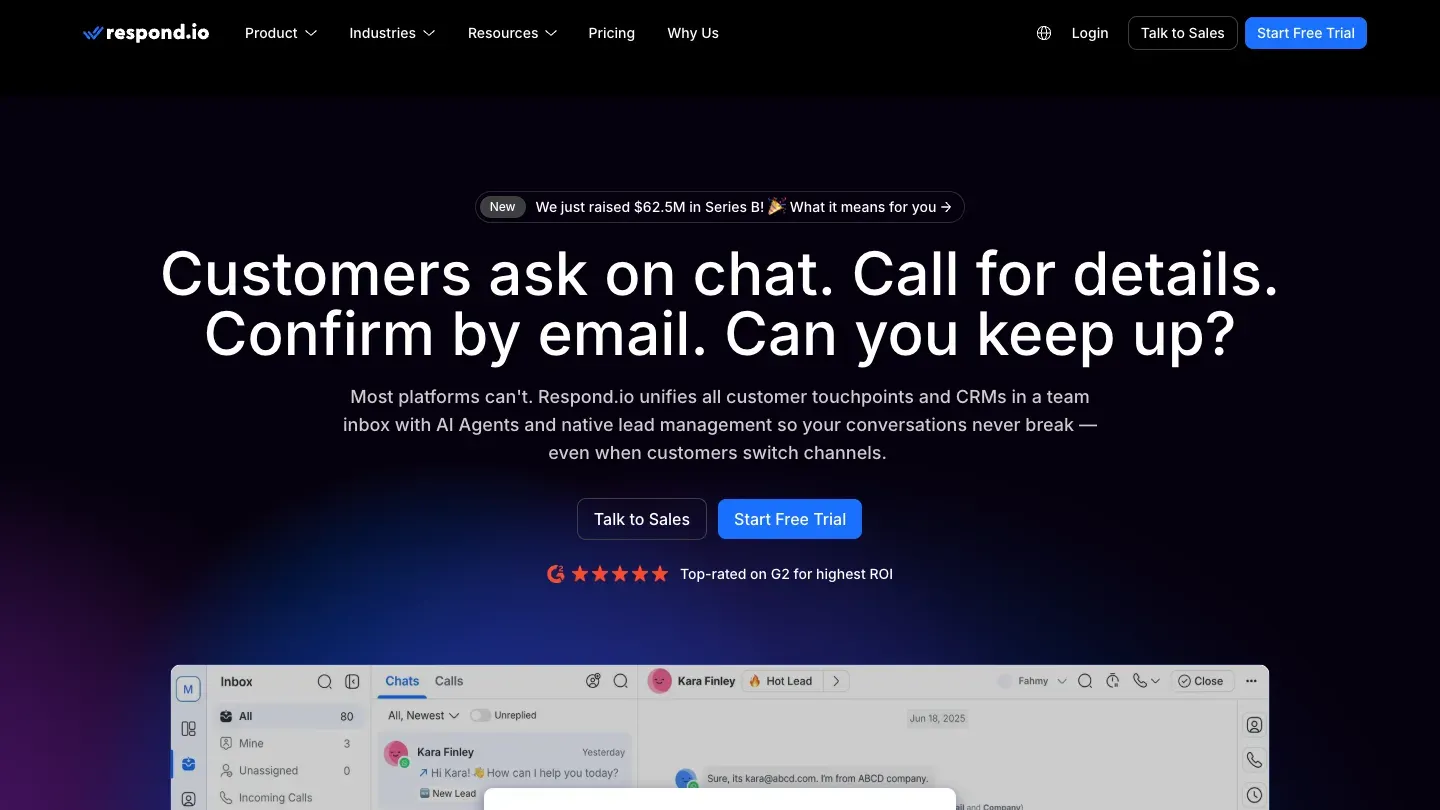
respond.io is a customer conversation platform that puts WhatsApp, Instagram, Messenger, TikTok, email and other channels in one inbox. Broadcasts and broadcast analytics come with the Growth plan, alongside workflows and AI agents, so a team can send a campaign and route every reply to the right person.
Pricing
Growth costs $199 a month on monthly billing, or $159 billed yearly, with 1,000 monthly active contacts to start and 10 users. Starter, at $99 or $79 billed yearly, doesn't include broadcasts. WhatsApp fees are not included in any plan. There's a free 7-day trial with no credit card.
Good to know
- Pricing grows with monthly active contacts, so a large campaign list raises the plan cost.
- Workflows also start on Growth.
Here's how Visito and respond.io compare across channels, AI and pricing.
Choose respond.io over Visito if several teams share many channels and you need detailed routing, broadcast analytics and a campaign builder in the same tool.
4. Brevo: best for marketers who already run email and SMS campaigns
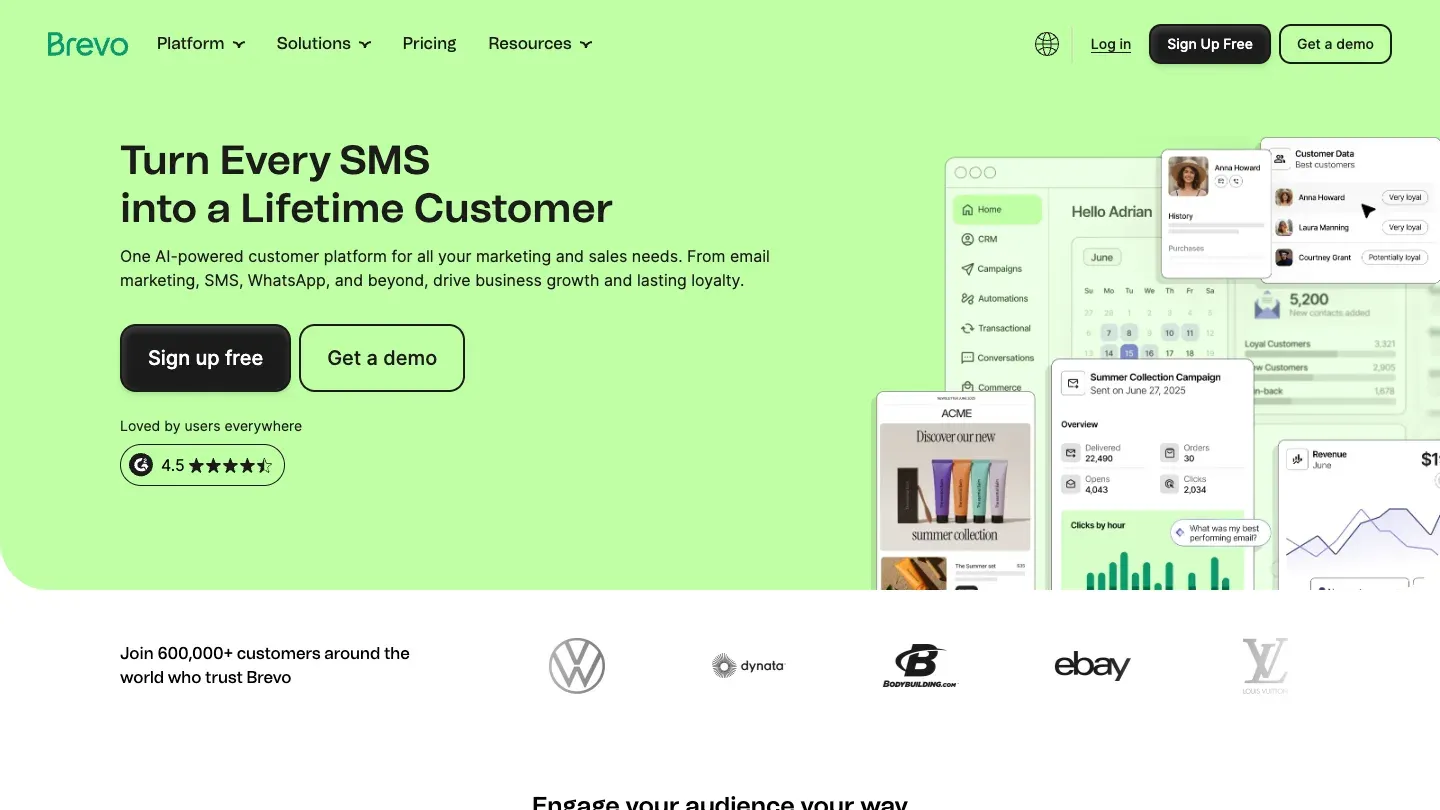
Brevo is an email and marketing automation platform that also sends SMS and WhatsApp campaigns. WhatsApp fits into the same contact lists, segments and automated workflows you use for email, and replies come into Brevo's Conversations inbox.
Pricing
WhatsApp campaigns are available on the Professional and Enterprise plans. Professional starts at $499 a month, or $449 a month billed yearly. Email-only plans start lower, with a free plan and Starter from $9 a month.
Good to know
- The plans below Professional don't include WhatsApp campaigns.
- Professional includes 10 seats and contact scoring for segments.
Choose Brevo over Visito if email is your main channel and you want WhatsApp in the same automations, lists and reports as your newsletters.
5. Leadsales: best for Latin American sales teams working leads in a pipeline
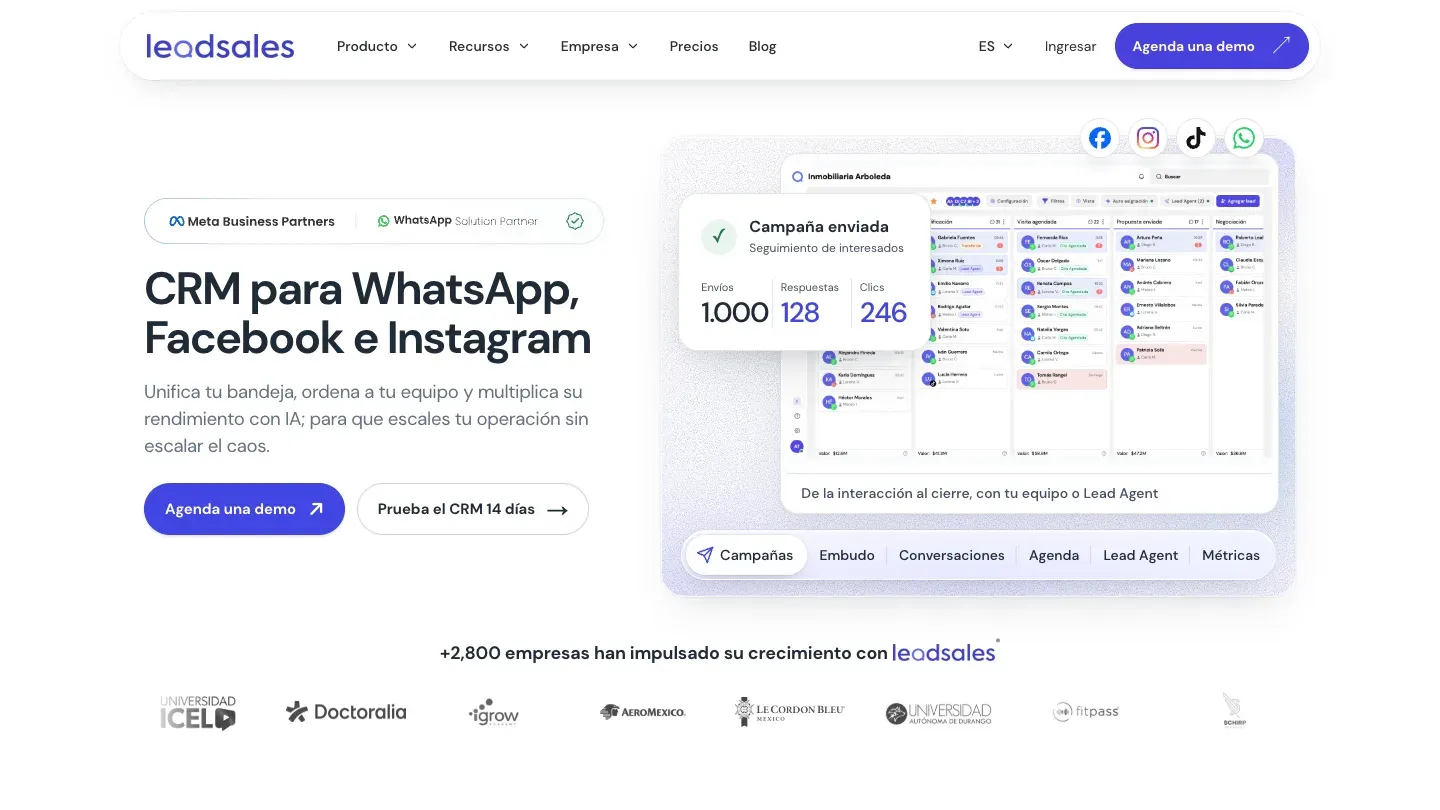
Leadsales is a WhatsApp CRM that combines a sales pipeline, a shared inbox for WhatsApp, Messenger and Instagram, and mass WhatsApp campaigns through the official API. It's built for sales teams that move leads from first message to closed deal, and there are other WhatsApp CRMs like Leadsales if it doesn't fit.
Pricing
Campaigns start on the Profesional plan, at MX$3,239.88 a month on monthly billing, or MX$2,591.90 a month billed yearly, with 4 users. The Básico plan has no WhatsApp API or campaigns. Profesional includes US$10 of message credit each month, which carries over if you don't use it. The Básico plan has a 14-day trial.
Good to know
- Prices are published in Mexican pesos.
- Its Lead Agent AI is free for the first month, then priced by volume.
Choose Leadsales over Visito if your team sells through a pipeline in Mexico or elsewhere in Latin America and wants campaigns, CRM stages and pricing in pesos in one place.
6. Callbell: best for small teams that pay per agent and add campaigns when needed
Callbell is a shared inbox for WhatsApp, Instagram, Messenger, Telegram, TikTok and website chat. Campaigns are a separate broadcast module, so you only pay for them if you send them.
Pricing
Multiagent Chat costs $15 per user a month, and WhatsApp starts at $22 a month. The broadcast module costs $0.02 per contact reached, and each marketing template is also billed at Meta's rate for the recipient's country. There's a 7-day trial.
Good to know
- API access and integrations come with Multiagent Chat Plus, at $20 per user a month.
- An advanced bot builder is a $66 a month module.
Choose Callbell over Visito if you want a simple per-agent inbox with a no-code broadcast module and your team will answer the replies itself.
7. Kommo: best for sales teams that want broadcasts inside a CRM
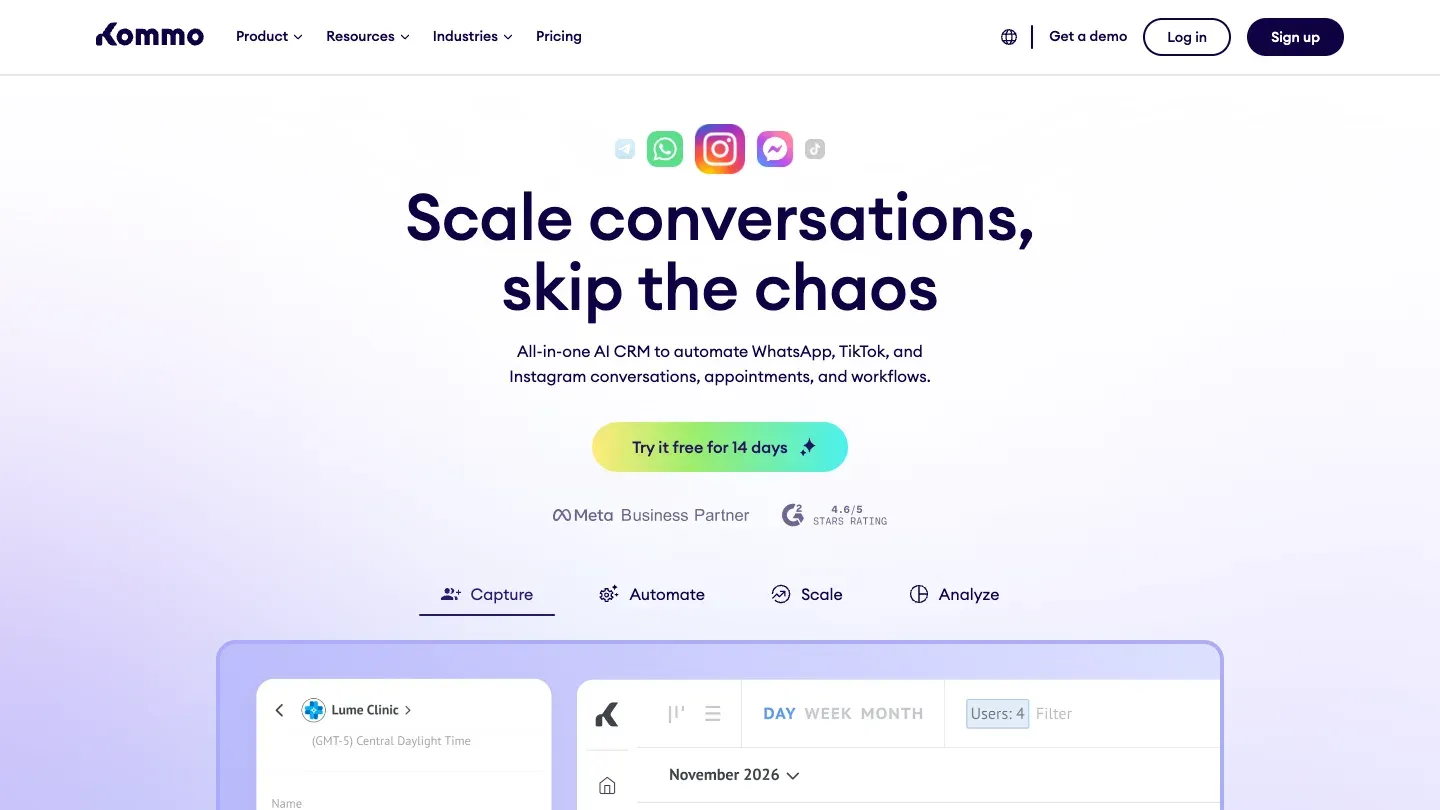
Kommo is a CRM built around messaging, and our roundup of alternatives to Kommo covers similar CRMs. WhatsApp, Instagram and other chats become leads in a sales pipeline, and the Advanced plan adds broadcasting, no-code bots and pipeline automation. Pro adds dynamic segments and campaign ROI tracking.
Pricing
In the US, Advanced costs $35 per user a month and Pro $45 per user a month, billed every 6 months at the shortest. Kommo says its prices vary by market. There's a free 14-day trial.
Good to know
- Kommo doesn't offer monthly billing.
- Every user on the account is on the same plan.
Choose Kommo over Visito if your campaigns feed a sales team that works deals through pipeline stages, and you want the CRM and the broadcasts in one tool.
8. Treble: best for companies running WhatsApp campaigns from HubSpot or Salesforce
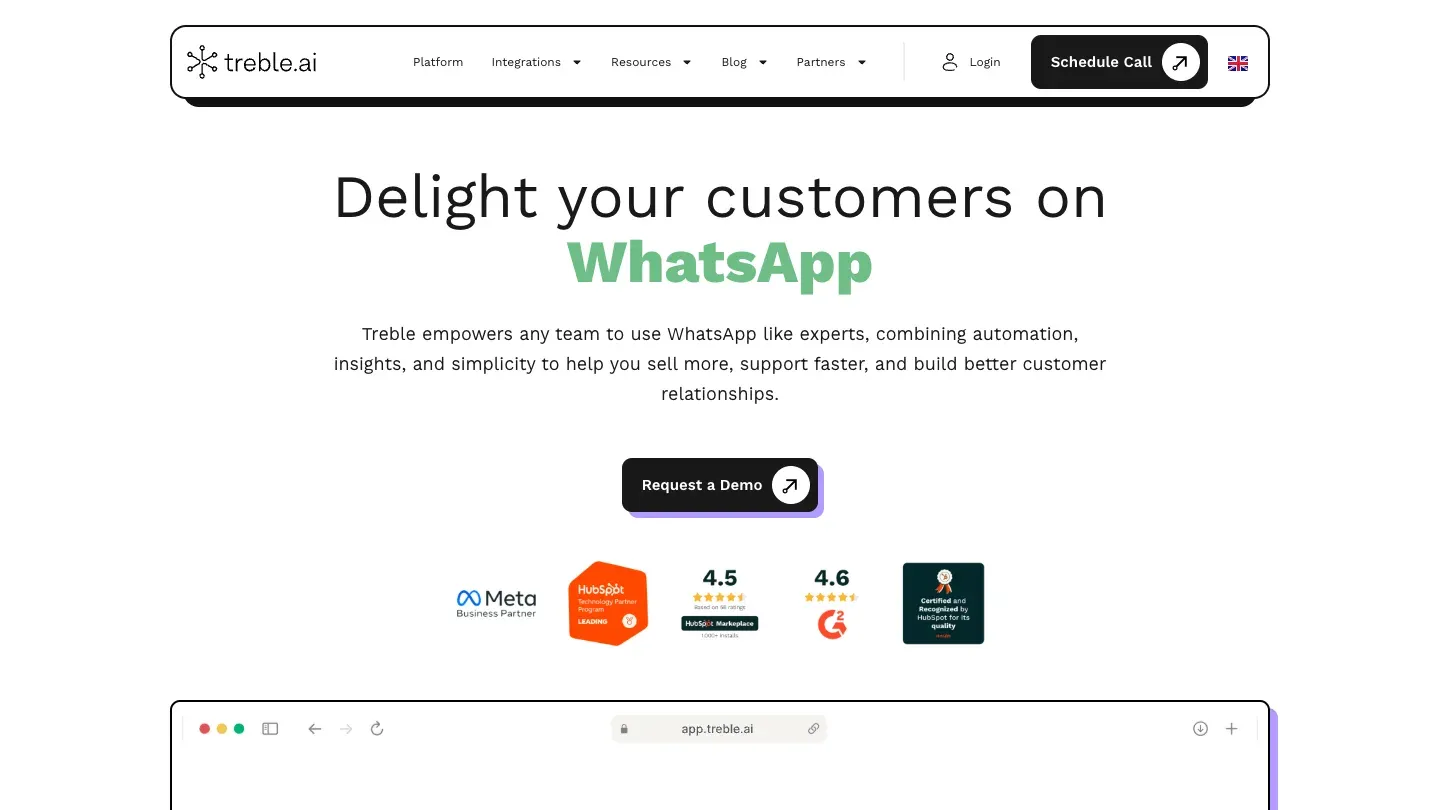
Treble is a WhatsApp marketing platform. You define an audience with filters, build a personalized broadcast and track results, and it also offers chat flows, live agents, catalogs and Click-to-WhatsApp ads. Its native HubSpot and Salesforce integrations feed what customers say in chat back into the CRM.
Pricing
Treble doesn't publish prices, and plans are quoted after a demo.
Good to know
- An API connects it to internal systems and Google Sheets.
- Its AI answers frequent questions from a knowledge base and summarizes conversations.
Choose Treble over Visito if your customer data lives in HubSpot or Salesforce and you want campaigns built from CRM segments with a provider that will help set them up.
How do you choose a WhatsApp marketing tool?
- You want campaign replies answered and turned into bookings or sales: Visito, if you can send through an API or an automation tool.
- You broadcast to large lists every week and want a campaign builder: Wati, or respond.io if several teams and channels are involved.
- Email is your main channel: Brevo, if the Professional plan fits your budget.
- You sell through a pipeline: Leadsales in Latin America, or Kommo if you want a full CRM. Both also appear in our roundup of WhatsApp CRMs for small businesses.
- You want to pay per agent and only for the campaigns you send: Callbell's per-agent plan with its broadcast module.
- Your data lives in HubSpot or Salesforce: Treble.
Whatever you pick, compare the full monthly cost: the plan, the provider's message fee or markup, and Meta's rate for the countries you send to.
What else do people ask about WhatsApp marketing?
Is WhatsApp marketing legal?
Yes, when people have opted in. Meta requires opt-in that names your business and complies with local law, and you must honor opt-outs. Data protection laws such as the GDPR in Spain still apply to how you collect and store numbers.
Can I send bulk messages from the WhatsApp Business app?
Only to small groups through broadcast lists. For campaigns to hundreds or thousands of opted-in customers, with templates, delivery reports and limits that grow with your quality, you need the WhatsApp Business Platform through a provider.
Why wasn't my WhatsApp marketing message delivered?
The usual reasons are a US phone number, the person reaching their marketing limit (error 131049), your daily messaging limit, a number that isn't on WhatsApp, or a template that was paused or rejected. Check the error code your tool reports before resending.
Can I send WhatsApp marketing messages to US numbers?
Not right now. WhatsApp doesn't deliver marketing templates to US phone numbers. You can still send utility and authentication templates, and you can reply to customers who message you first.
How do I send mass WhatsApp messages without getting my number blocked?
Message only people who opted in, segment your list, keep the frequency low, make each message useful and easy to answer, include a way to stop, and wait 24 hours before retrying people who hit their limit.
Do I need a developer to run WhatsApp campaigns?
Not with tools that have a campaign builder, such as Wati, respond.io, Brevo, Leadsales, Callbell and Kommo. Sending through an API, as with Visito, needs a developer or an automation tool, which gives you more control over who gets each message and when.
How can you start WhatsApp marketing with Visito?
Connect your WhatsApp number, let the agent learn from your website, and send your first template to a small segment through the API. Every reply gets an answer, day or night, and the same agent can cover Messenger too. Start for free and try a paid plan free for 7 days when you're ready to add WhatsApp.